YOUR IMAGE. YOUR NEXT MAKE.
Scroll Saw Pattern Maker
Turn your photo or silhouette into a printable scroll saw cutting pattern.
Your image stays on this device. No uploads, credits or download limits.
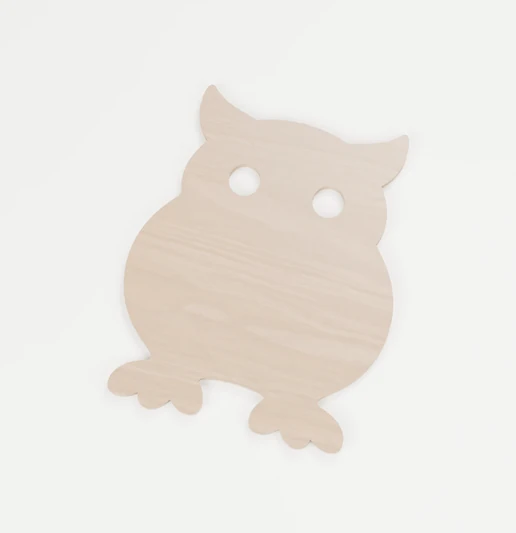
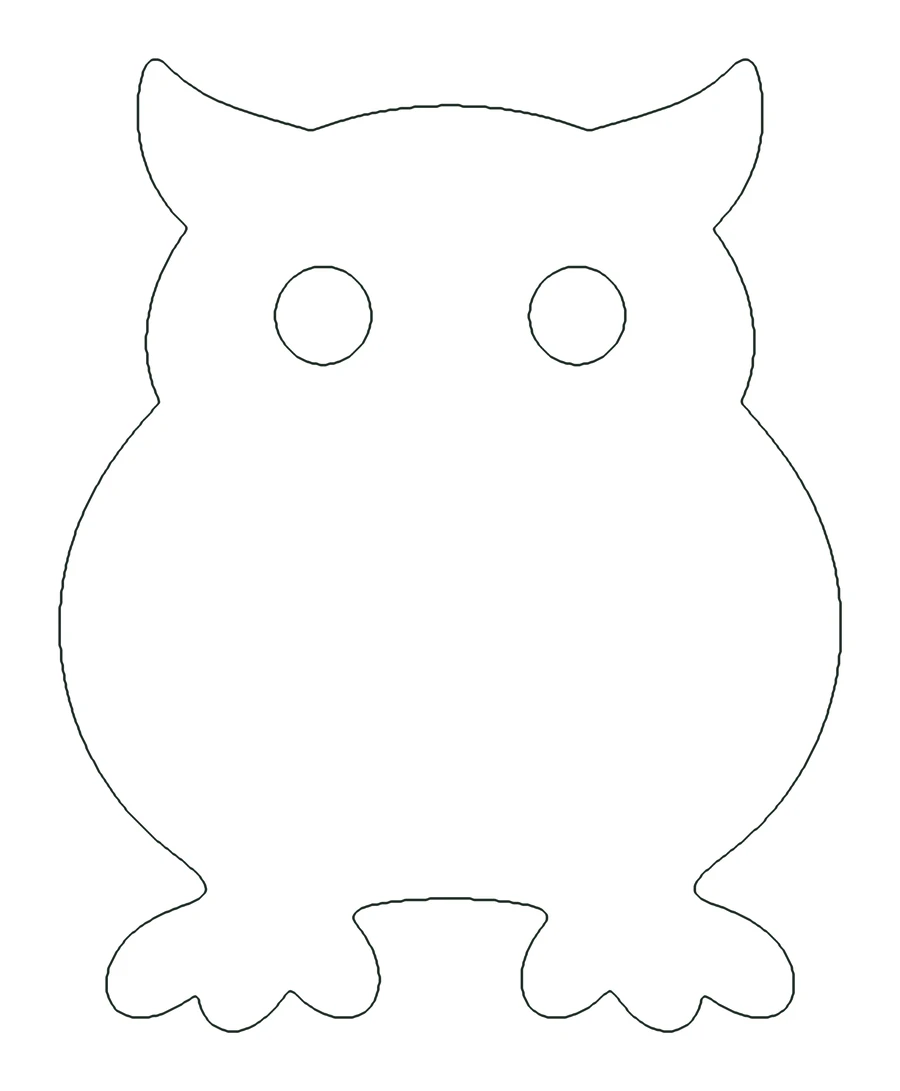 Your photoYour pattern
Turn a photo into a pattern
One clear subject works best. You can remove the background in the next step.
Pick a photo with one clear subject. We’ll remove the background, trace the shape and make it ready to print.
Or drop an image hereFree · Your photo stays on this device
OR START FROM A FREE PATTERN
Bring out the detail
Crop & fine-tune
Adjusting the image starts a new pattern. Download your repaired version first if you want to keep it.
Keep it connected
Paint white to connect or restore wood. Paint black to enlarge a cutout. Turn on Show loose pieces to find disconnected areas.
Tips & keyboard editing
Zoom in to work on small areas. Scroll using the space around the image or its scrollbars. On a phone, swipe outside the image to move the page. With the canvas focused, arrow keys move the brush cursor; hold Shift for larger steps. Space paints at the cursor.
A connected shape can still have weak bridges. Check the finished size, wood grain, blade access and narrow areas before cutting. This tool does not certify strength.
Make it your size
Cut along the boundaries. Grey (or black) areas are waste; white is the wood you keep.
PDFs include a 50 mm scale check. Print at 100% / Actual size. Large patterns span overlapping pages.
About the files
PDF uses your chosen physical size. PNG keeps the processed pixel resolution; use PDF for measured printing. Laser SVG gives smooth red hairline cut lines around the wood only, at true size in millimetres, ready for LightBurn, xTool Creative Space or Glowforge. SVG outlines follow the exact pixels for editing or CNC. Review paths in your cutter software before machine use.
The cutting guide uses fine outlines and light-grey waste areas. Solid black & white uses the same shapes. Orange highlights and the brush cursor never appear in downloads.