GRAINBENCH ORIGINALS
Free laser cut files
214 originals as SVG & DXF. Always free.
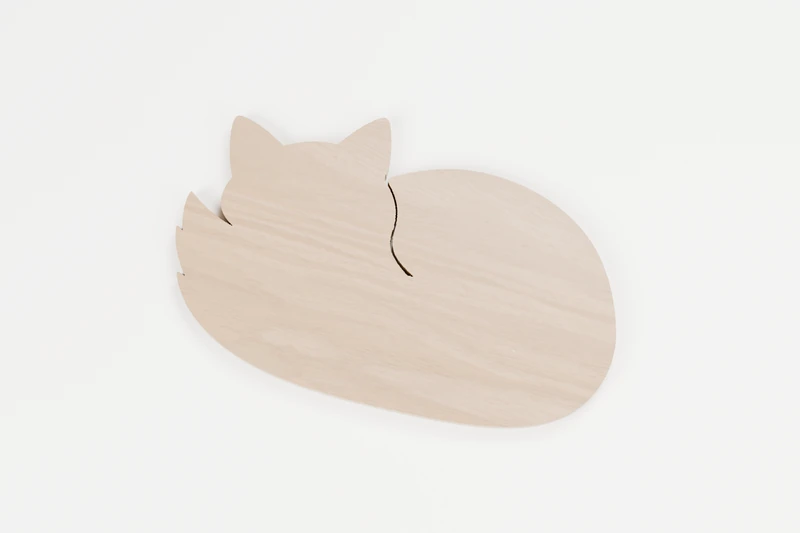
ANIMALS · OUTLINE CUTS
Curled woodland fox
A woodland daydream, curled into one little fox.
↔︎ 150 × 94.9 mm✓ No inside cuts
View pattern & downloads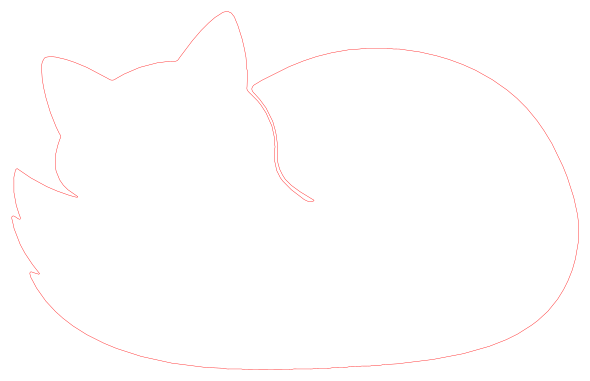
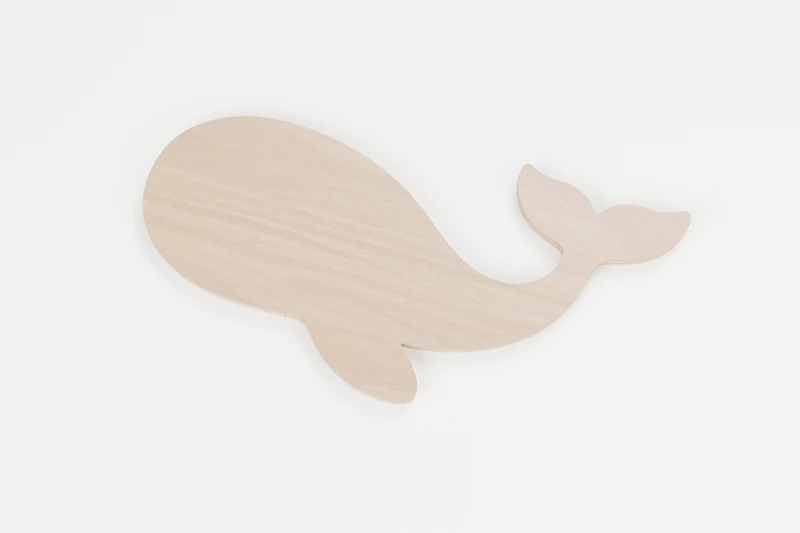
OCEAN · OUTLINE CUTS
Little ocean whale
A pocket-sized ocean adventure.
↔︎ 150 × 74.8 mm✓ No inside cuts
View pattern & downloads
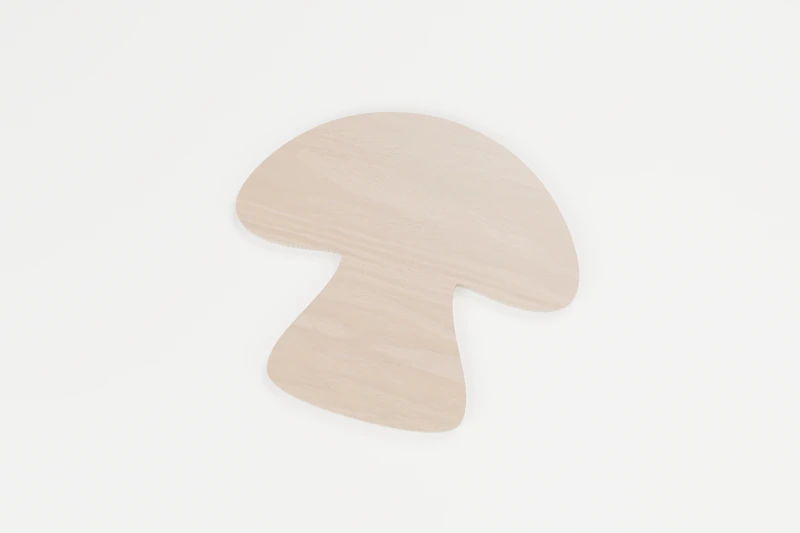
NATURE · OUTLINE CUTS
Woodland mushroom
A tiny treasure from an imaginary forest floor.
↔︎ 150 × 134.8 mm✓ No inside cuts
View pattern & downloads
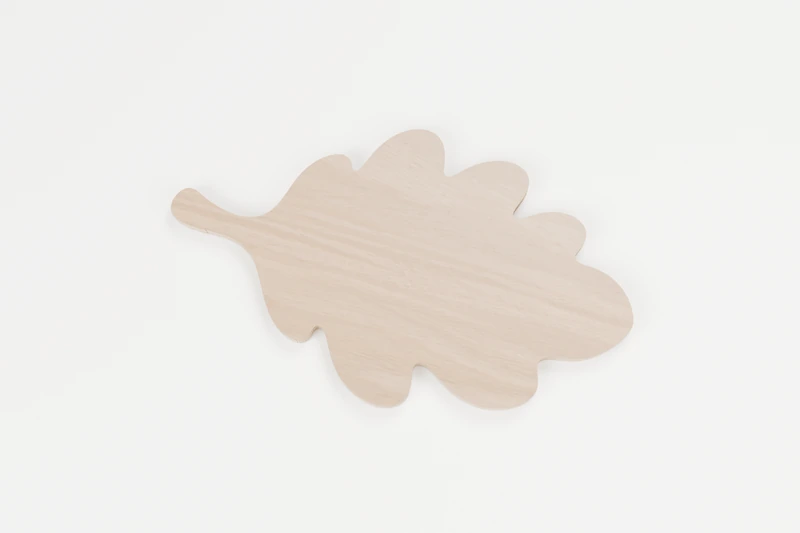
NATURE · OUTLINE CUTS
Garden leaf
A little piece of the garden, made to keep.
↔︎ 150 × 89.4 mm✓ No inside cuts
View pattern & downloads
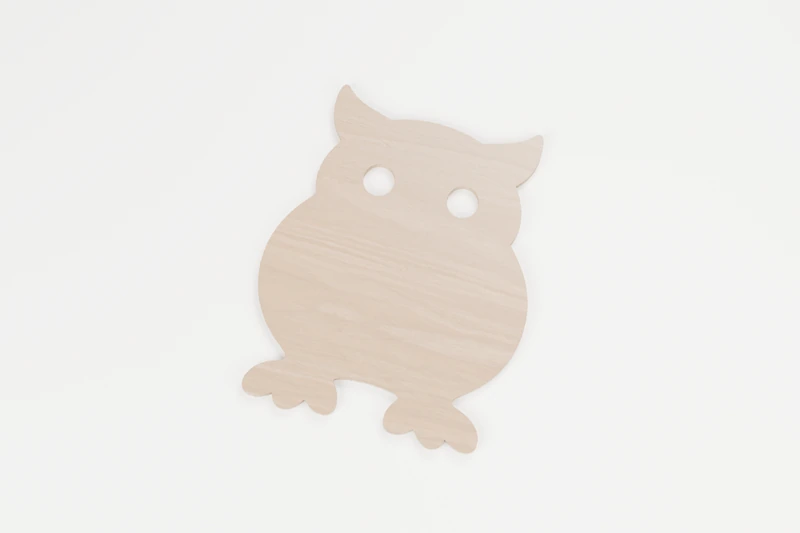
ANIMALS · INTERIOR CUTS
Little woodland owl
Two bright eyes and a whole lot of woodland personality.
↔︎ 150 × 186.6 mm◉ 2 inside cuts
View pattern & downloads
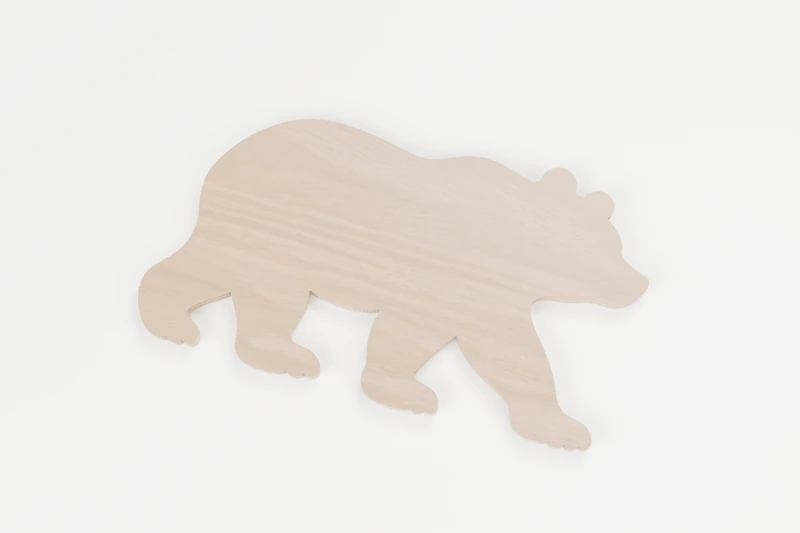
ANIMALS · OUTLINE CUTS
Mountain bear
A small bear with a big sense of adventure.
↔︎ 150 × 85.6 mm✓ No inside cuts
View pattern & downloads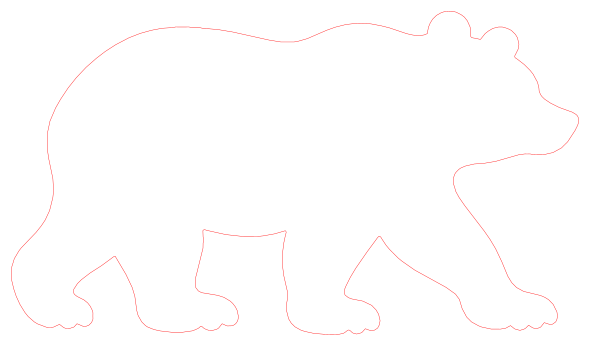
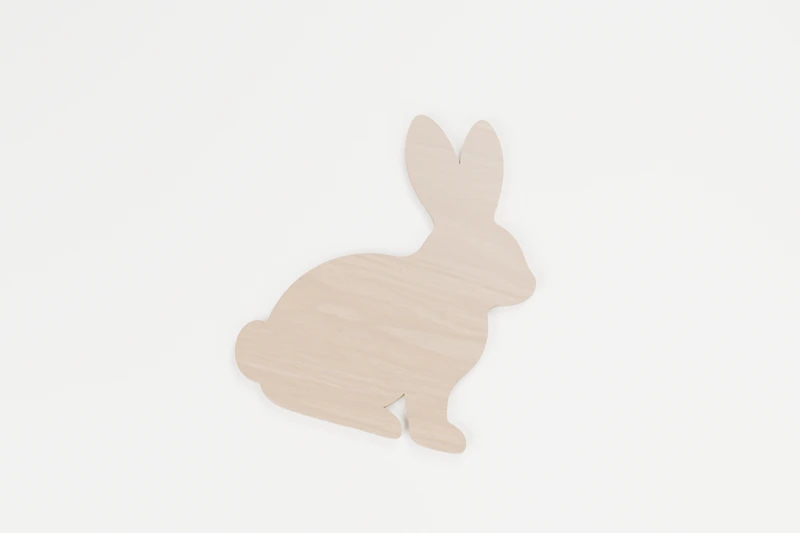
ANIMALS · OUTLINE CUTS
Meadow rabbit
A quiet little visitor from the meadow.
↔︎ 150 × 185.6 mm✓ No inside cuts
View pattern & downloads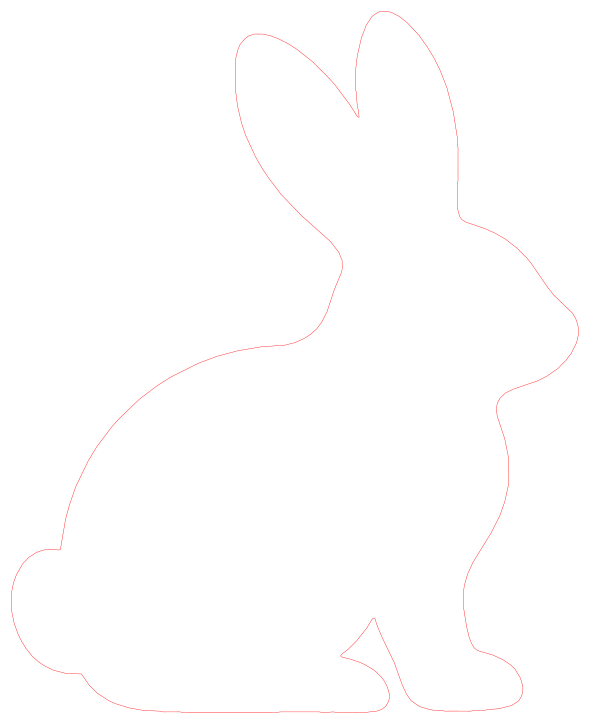
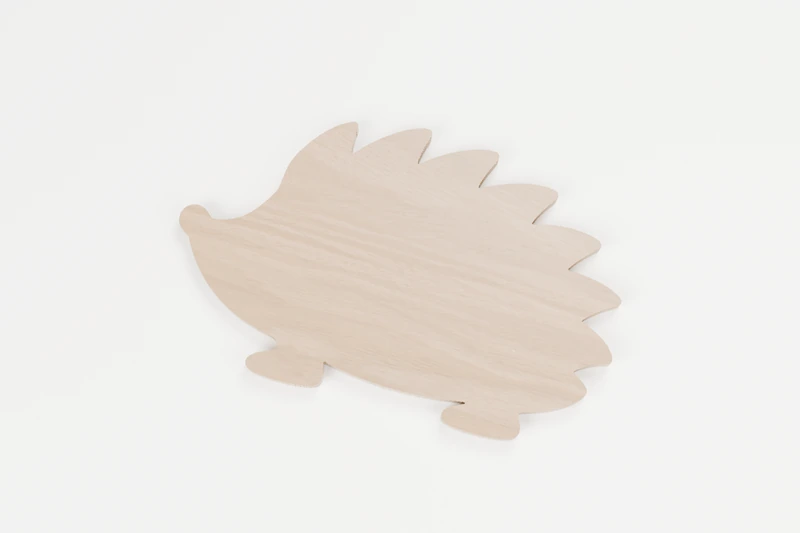
ANIMALS · OUTLINE CUTS
Hedgerow hedgehog
A pocketful of woodland personality.
↔︎ 150 × 94.9 mm✓ No inside cuts
View pattern & downloads
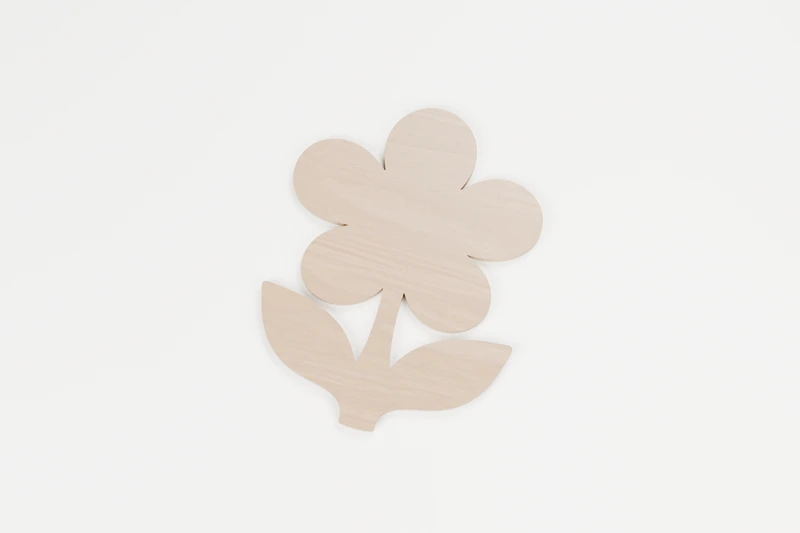
NATURE · OUTLINE CUTS
Meadow flower
A little bloom that never needs watering.
↔︎ 146.1 × 190 mm✓ No inside cuts
View pattern & downloads
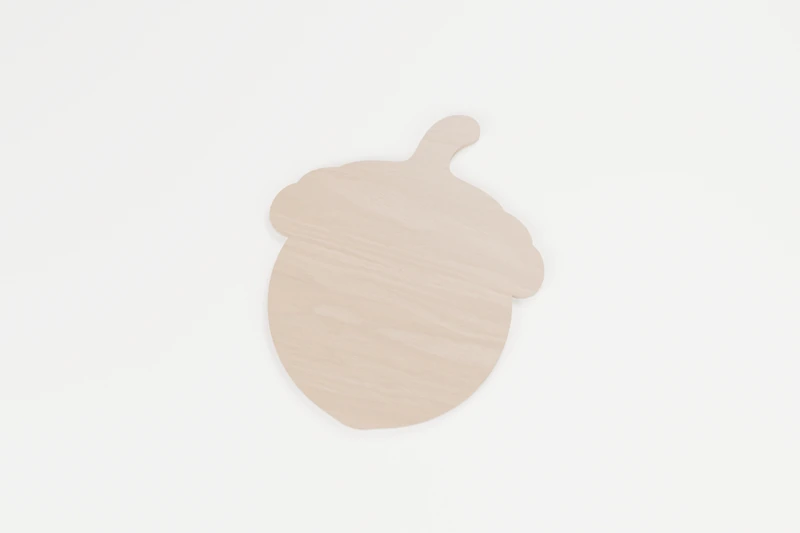
NATURE · OUTLINE CUTS
Little woodland acorn
Big woodland plans start small.
↔︎ 150 × 178.2 mm✓ No inside cuts
View pattern & downloads
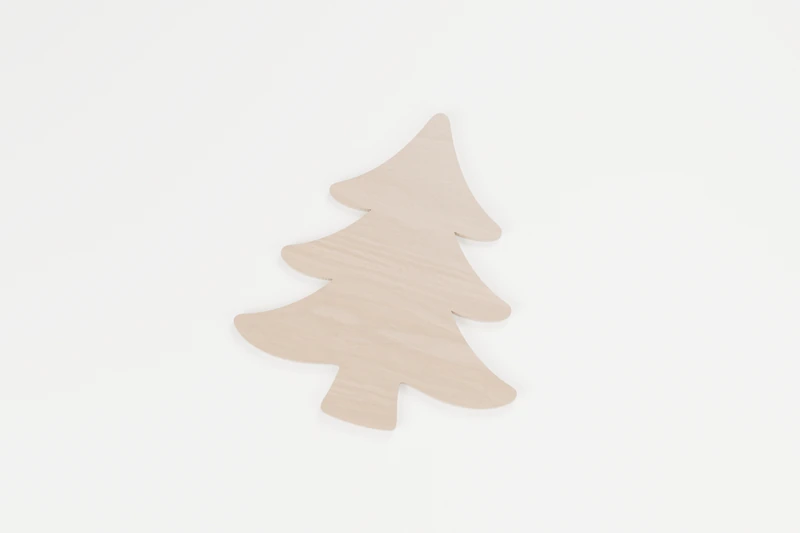
NATURE · OUTLINE CUTS
Forest pine tree
A tiny patch of evergreen calm.
↔︎ 150 × 170.5 mm✓ No inside cuts
View pattern & downloads
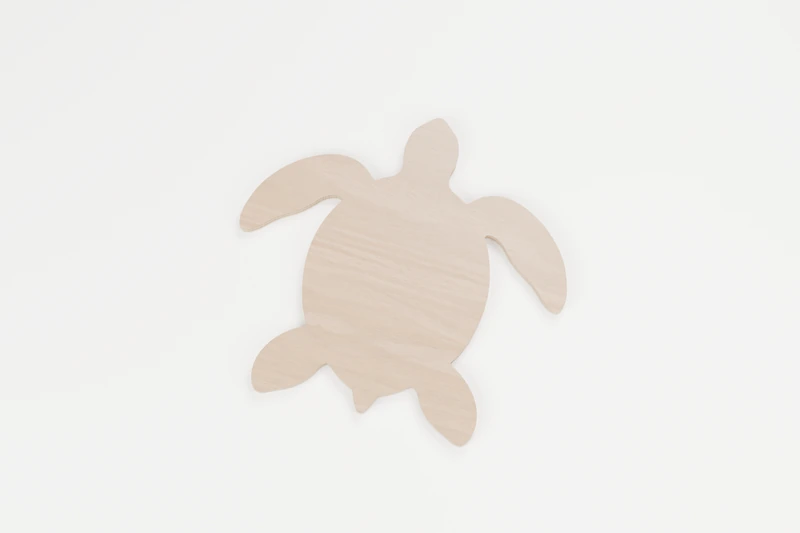
OCEAN · OUTLINE CUTS
Little sea turtle
Taking the scenic route through the sea.
↔︎ 150 × 141.1 mm✓ No inside cuts
View pattern & downloads
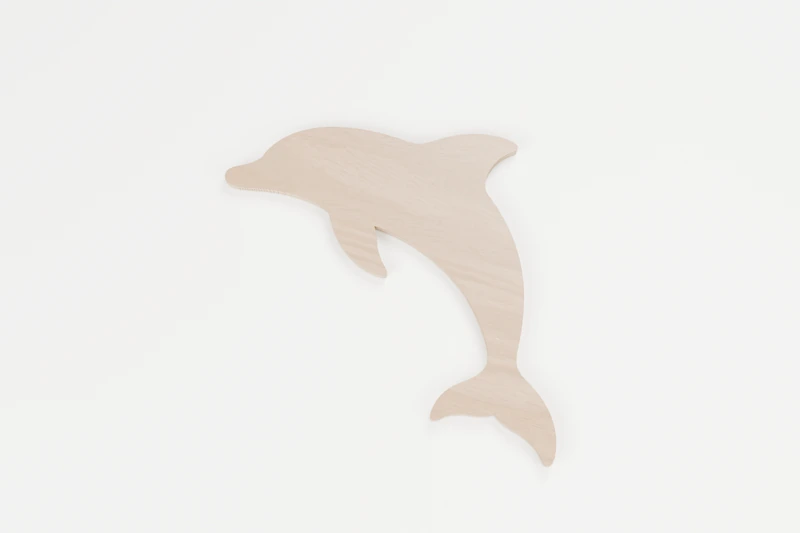
OCEAN · OUTLINE CUTS
Leaping dolphin
A little leap of seaside joy.
↔︎ 150 × 118.8 mm✓ No inside cuts
View pattern & downloads
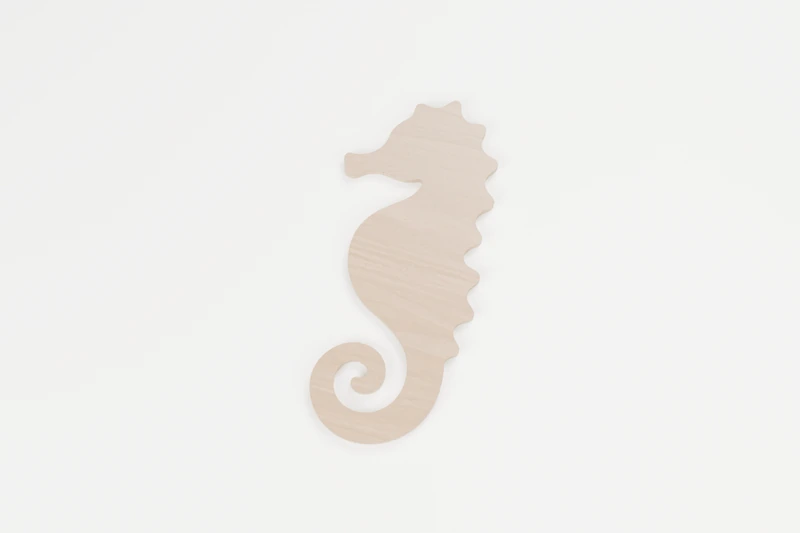
OCEAN · OUTLINE CUTS
Gentle seahorse
A small curl of ocean magic.
↔︎ 88.2 × 190.1 mm✓ No inside cuts
View pattern & downloads
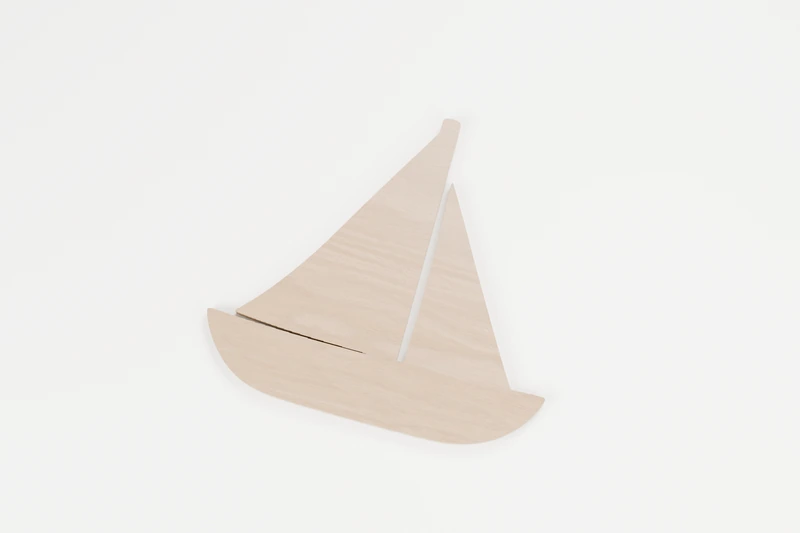
OCEAN · OUTLINE CUTS
Little sailboat
Ready for an afternoon of daydreams.
↔︎ 150 × 139.6 mm✓ No inside cuts
View pattern & downloads

SEASONAL · OUTLINE CUTS
Harvest pumpkin
A little harvest cheer, minus the carving.
↔︎ 150 × 131.1 mm✓ No inside cuts
View pattern & downloads
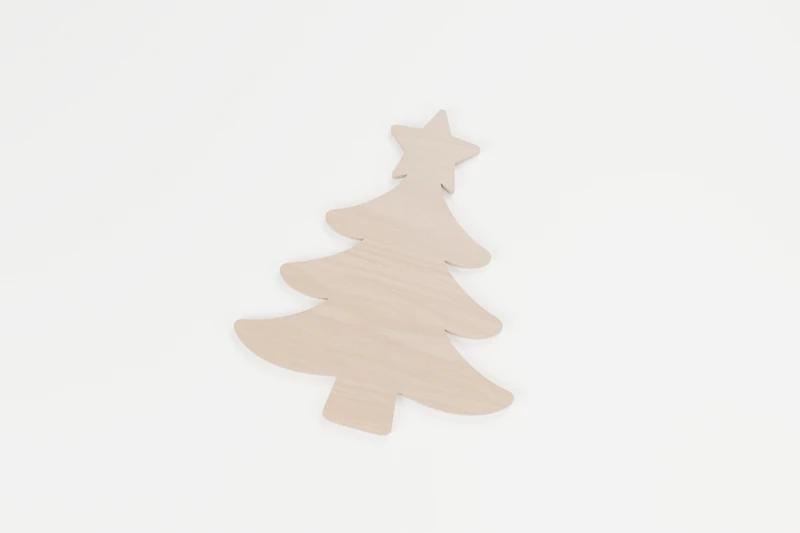
SEASONAL · OUTLINE CUTS
Festive fir tree
A star-topped tree with handmade cheer.
↔︎ 150 × 176.6 mm✓ No inside cuts
View pattern & downloads
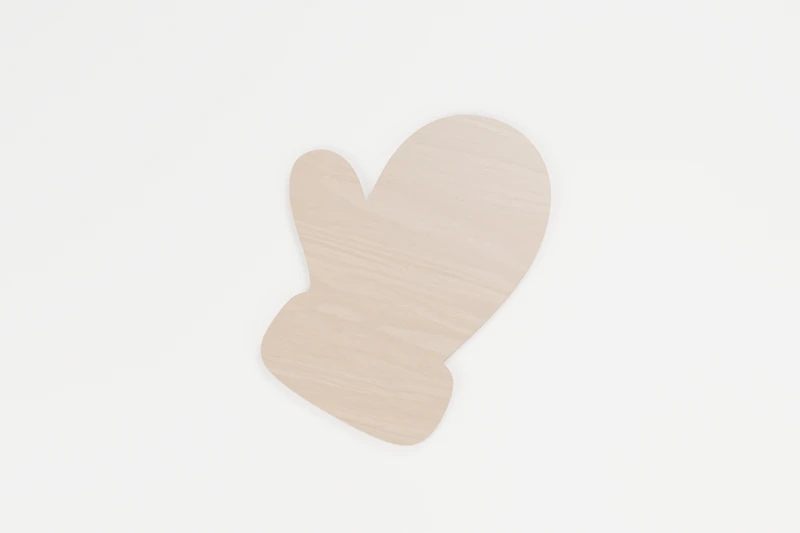
SEASONAL · OUTLINE CUTS
Winter mitten
A small helping of winter warmth.
↔︎ 145.2 × 190 mm✓ No inside cuts
View pattern & downloads
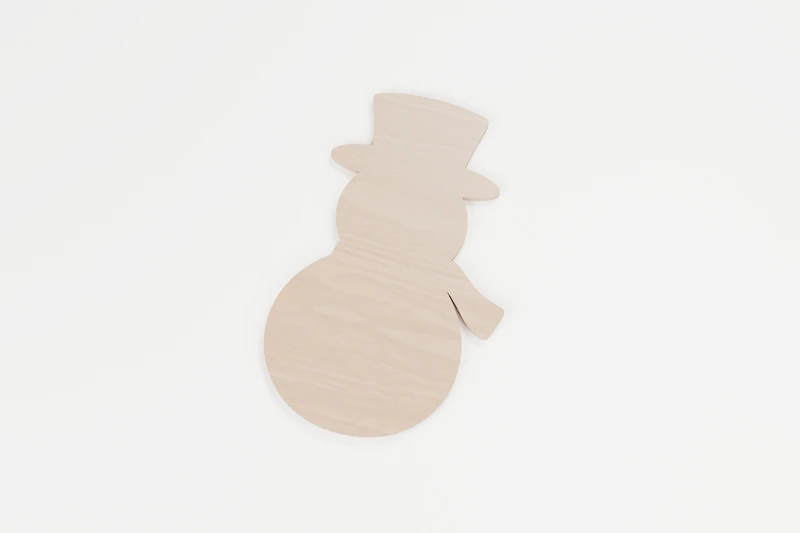
SEASONAL · OUTLINE CUTS
Snow-day snowman
A snow day that can stay a little longer.
↔︎ 121 × 190 mm✓ No inside cuts
View pattern & downloads
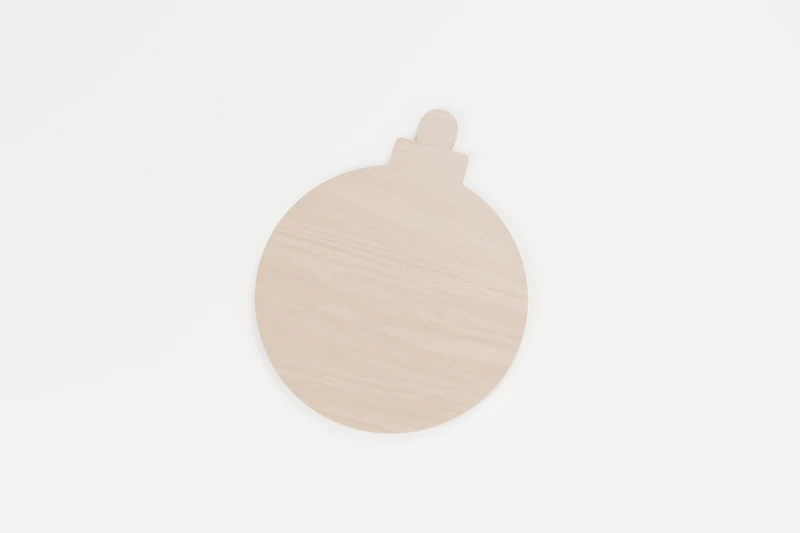
SEASONAL · OUTLINE CUTS
Holiday bauble
One simple shape, plenty of festive possibilities.
↔︎ 150 × 185.7 mm✓ No inside cuts
View pattern & downloads

HOME · OUTLINE CUTS
Little keepsake heart
A little wood, a little love.
↔︎ 150 × 131.1 mm✓ No inside cuts
View pattern & downloads
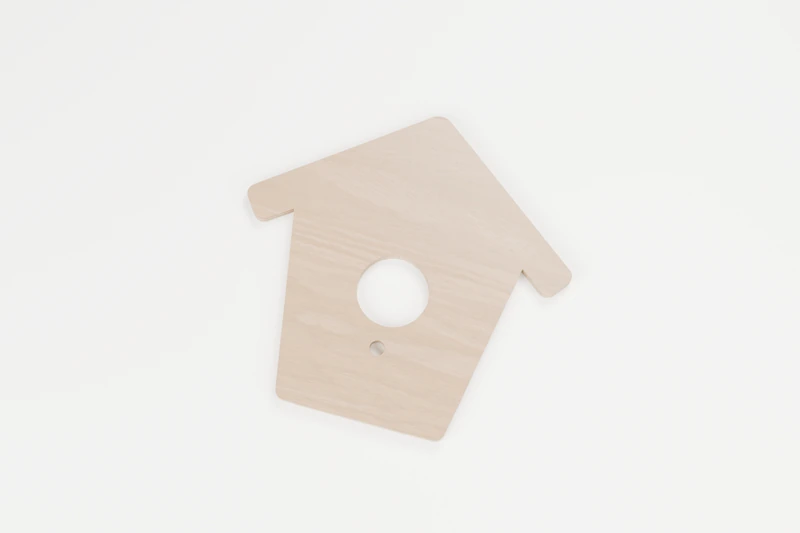
HOME · INTERIOR CUTS
Garden birdhouse silhouette
A little home for a garden daydream.
↔︎ 150 × 142.8 mm◉ 2 inside cuts
View pattern & downloads
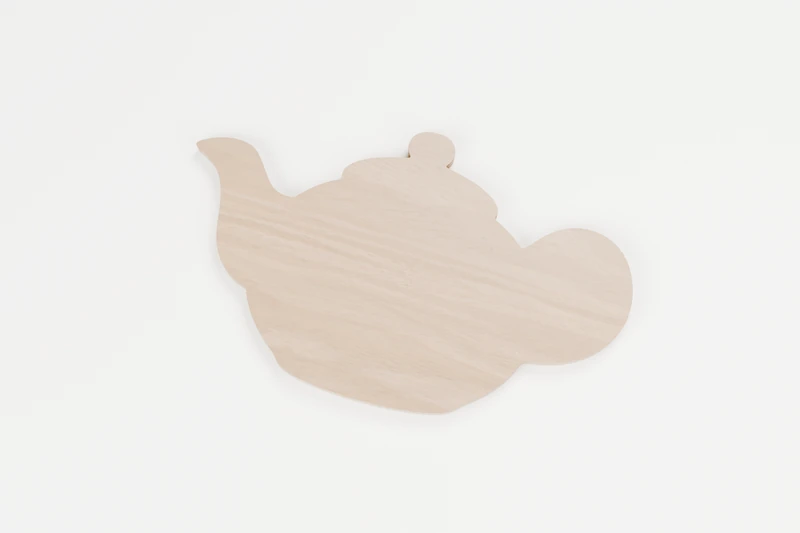
HOME · OUTLINE CUTS
Cozy teapot
Put the kettle on and make a little something.
↔︎ 150 × 91.2 mm✓ No inside cuts
View pattern & downloads
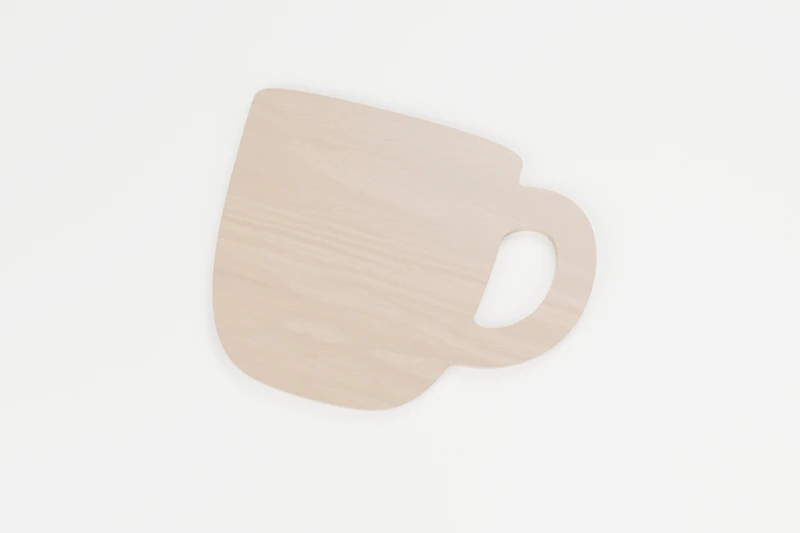
HOME · INTERIOR CUTS
Morning mug
For the person who always puts the coffee on.
↔︎ 150 × 119.9 mm◉ 1 inside cut
View pattern & downloads
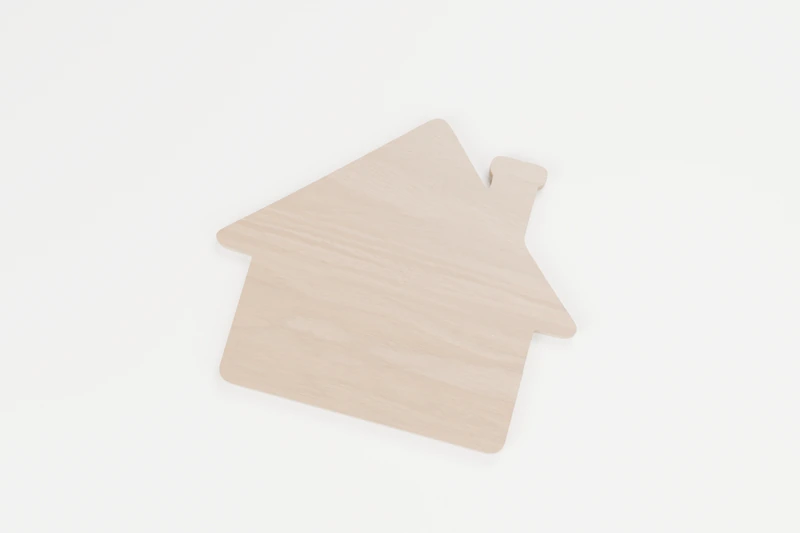
HOME · OUTLINE CUTS
Little cottage
A small place to call your own.
↔︎ 150 × 127.2 mm✓ No inside cuts
View pattern & downloads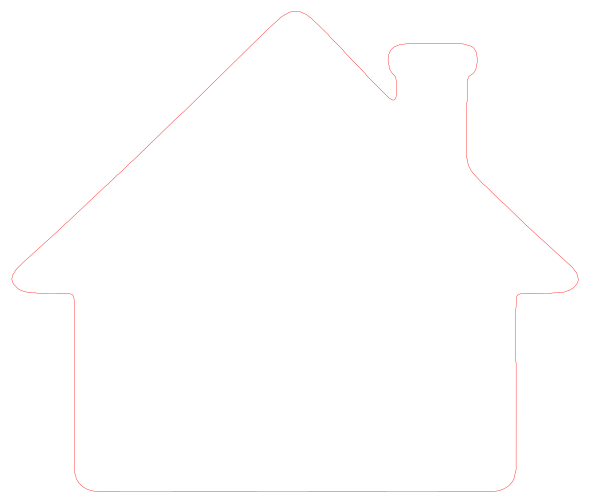
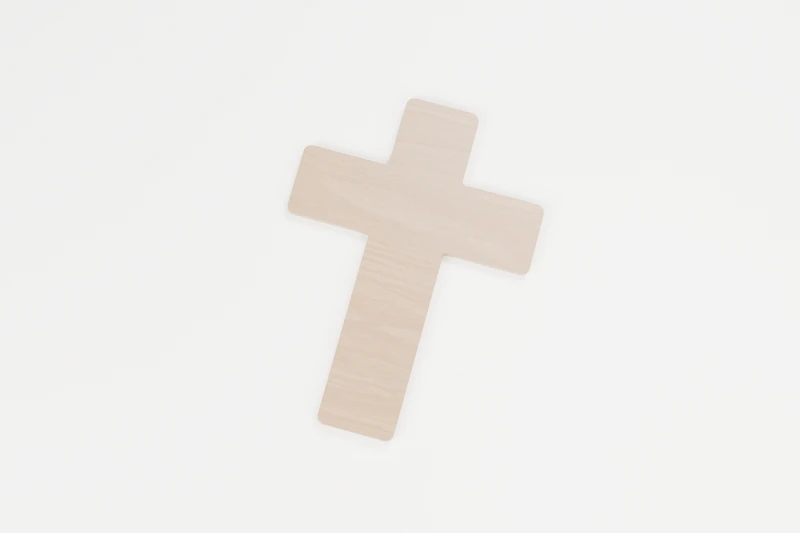
FAITH · OUTLINE CUTS
Grace cross
A quiet symbol, made with care.
↔︎ 138.4 × 190 mm✓ No inside cuts
View pattern & downloads
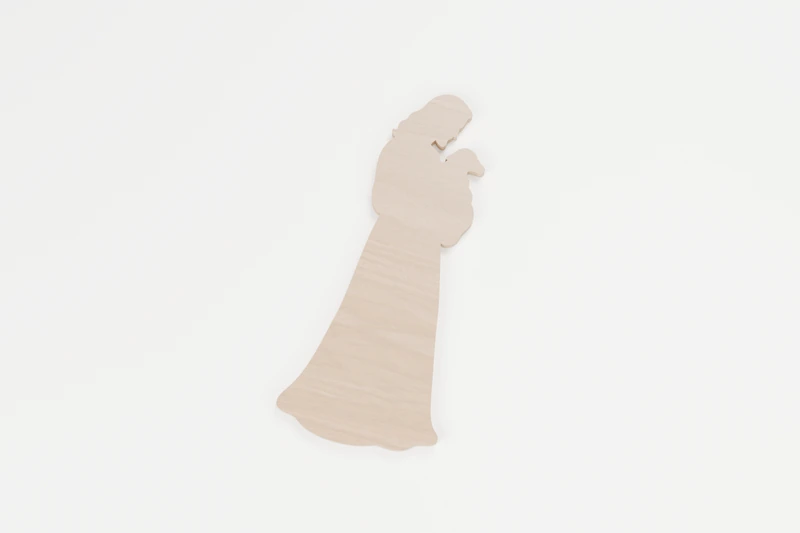
FAITH · OUTLINE CUTS
Jesus the Good Shepherd
A small reminder of care and belonging.
↔︎ 82.8 × 190.1 mm✓ No inside cuts
View pattern & downloads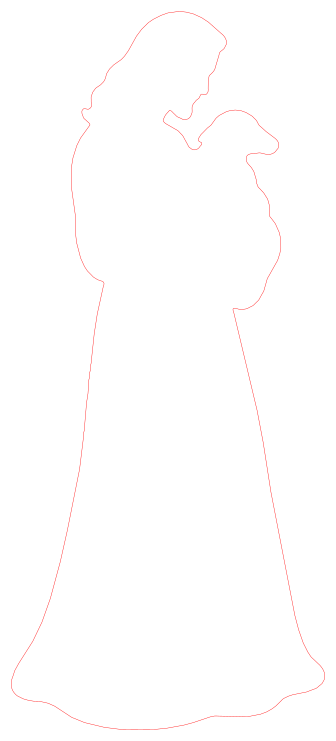
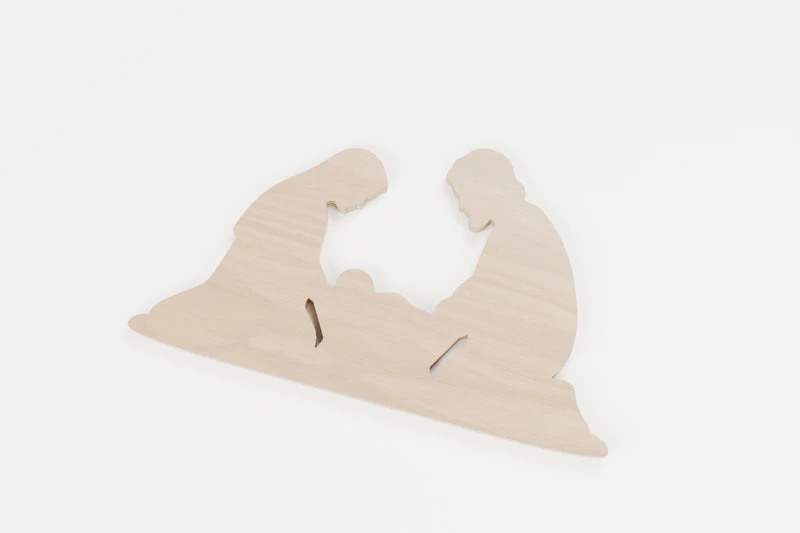
FAITH · INTERIOR CUTS
Holy Family nativity
A quiet Christmas moment, held in wood.
↔︎ 150 × 85.7 mm◉ 2 inside cuts
View pattern & downloads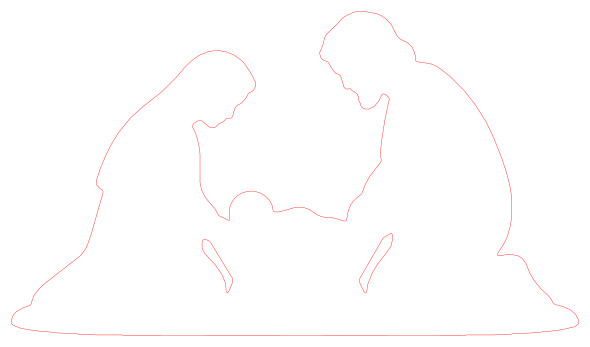
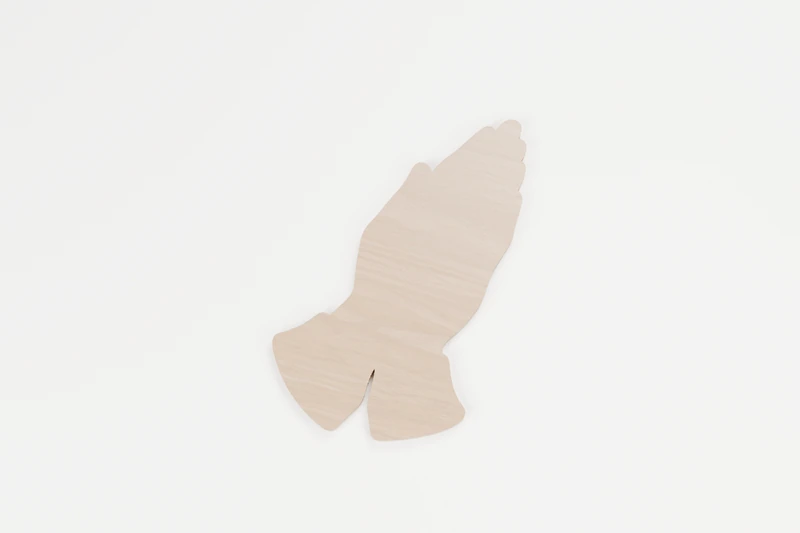
FAITH · OUTLINE CUTS
Hands in prayer
A gentle pause in a busy day.
↔︎ 109.3 × 190.1 mm✓ No inside cuts
View pattern & downloads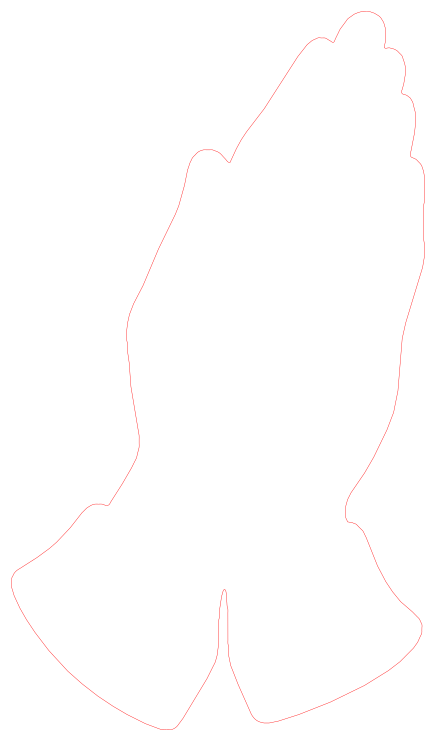
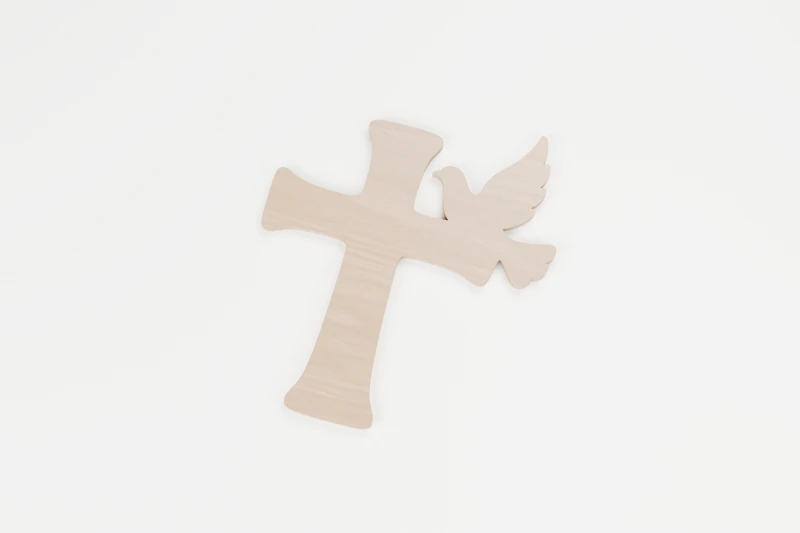
FAITH · OUTLINE CUTS
Peace dove and cross
A little symbol of faith and peace.
↔︎ 150 × 171.5 mm✓ No inside cuts
View pattern & downloads
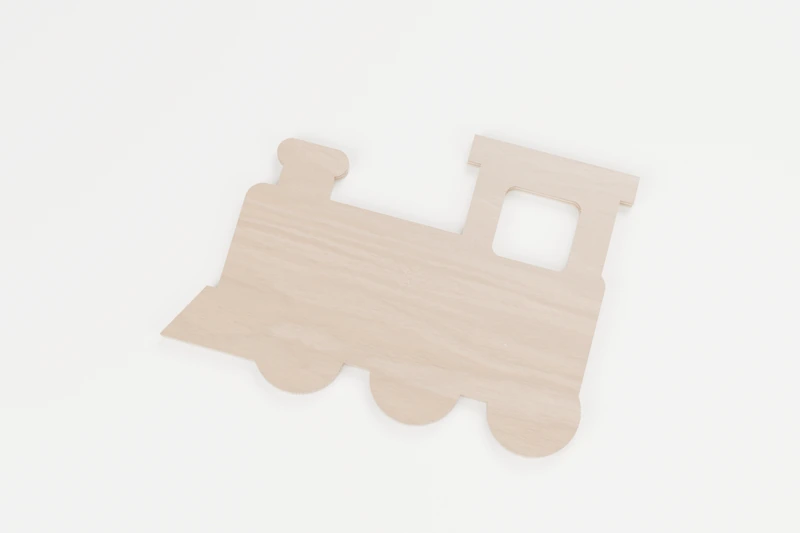
TRANSPORT · INTERIOR CUTS
Little station locomotive
All aboard for a small afternoon make.
↔︎ 150 × 107.8 mm◉ 1 inside cut
View pattern & downloads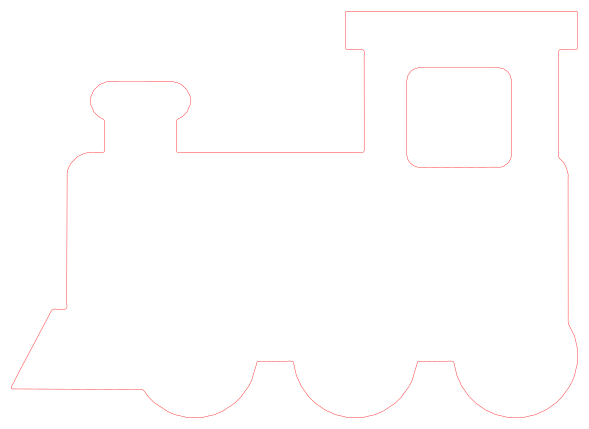
TRANSPORT · INTERIOR CUTS
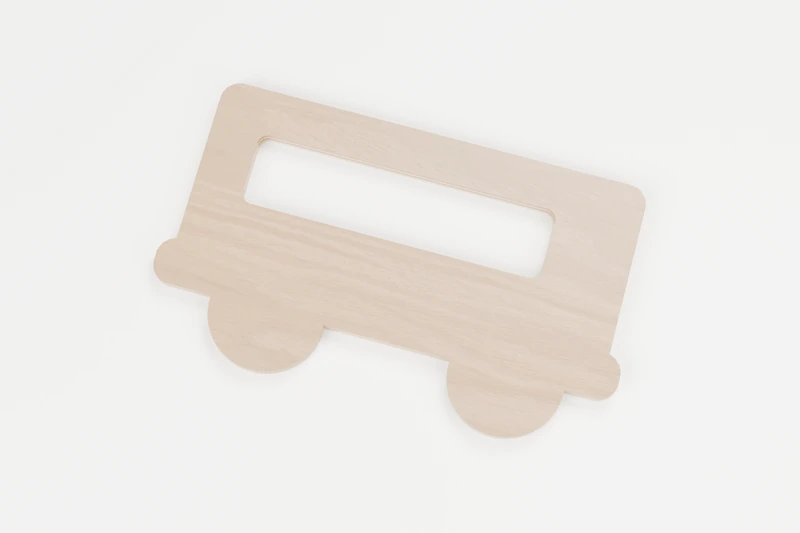
Weekend camper van
A little road-trip daydream.
↔︎ 150 × 88.4 mm◉ 1 inside cut
View pattern & downloads

TRANSPORT · OUTLINE CUTS
Sky traveller aeroplane
Ready for take-off.
↔︎ 150 × 153.4 mm✓ No inside cuts
View pattern & downloads
TRANSPORT · OUTLINE CUTS
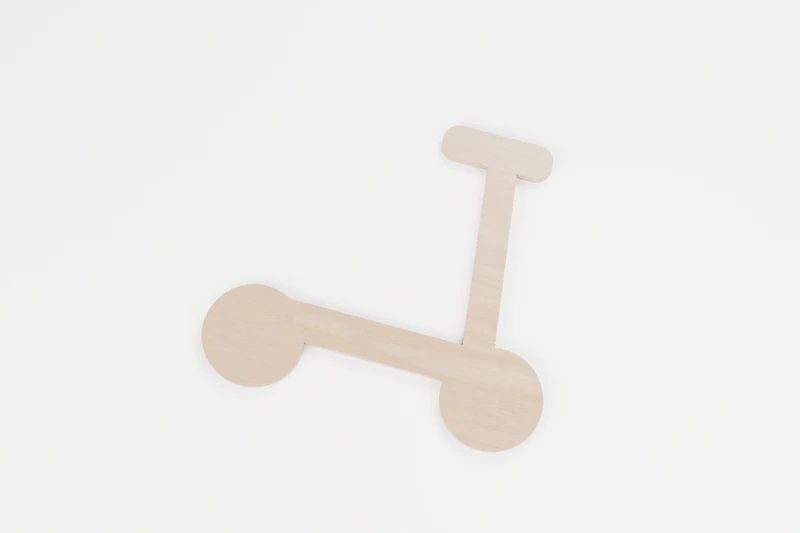
Little city scooter
A small spin around town.
↔︎ 150 × 136.3 mm✓ No inside cuts
View pattern & downloads
TRANSPORT · INTERIOR CUTS
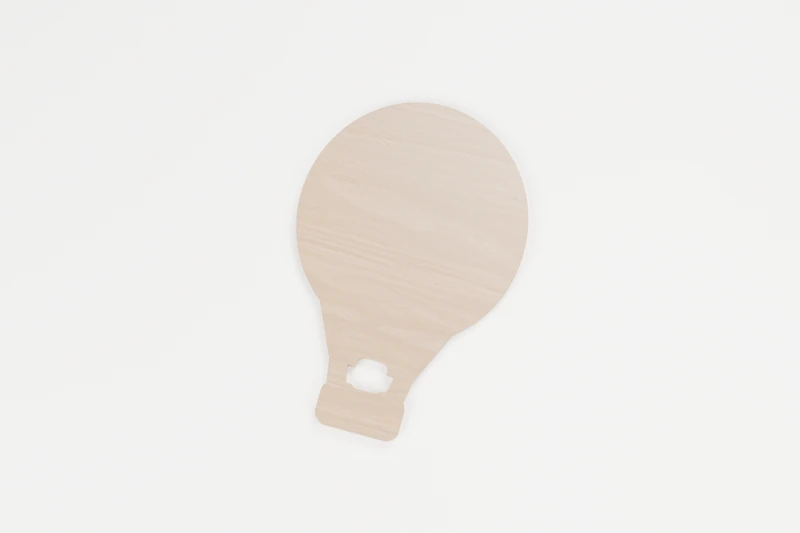
Drifting hot air balloon
An easygoing escape to the clouds.
↔︎ 127.7 × 190 mm◉ 1 inside cut
View pattern & downloads
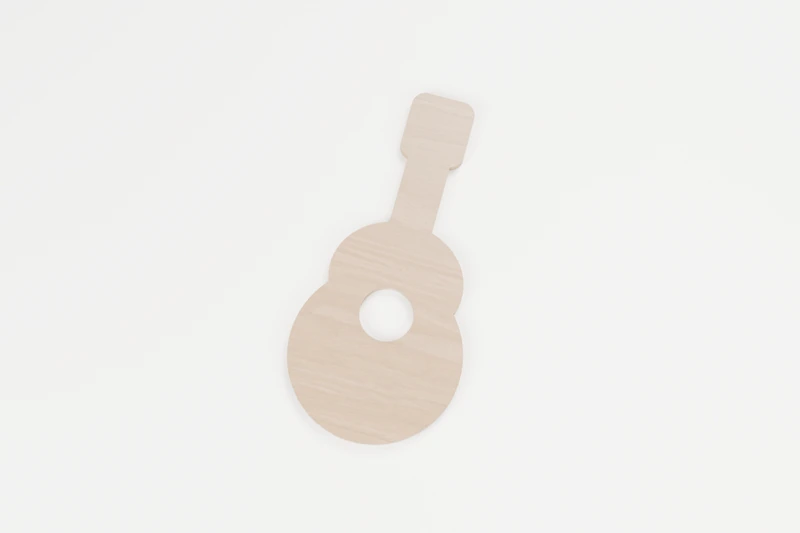
MUSIC · INTERIOR CUTS
Quiet acoustic guitar
A tribute to acoustic afternoons.
↔︎ 90.9 × 190 mm◉ 1 inside cut
View pattern & downloads
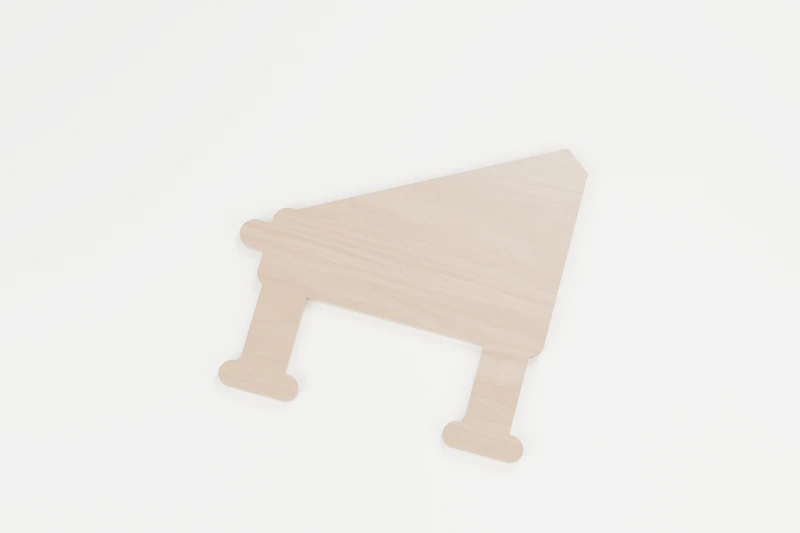
MUSIC · OUTLINE CUTS
Little grand piano
A little grand gesture.
↔︎ 150 × 147.1 mm✓ No inside cuts
View pattern & downloads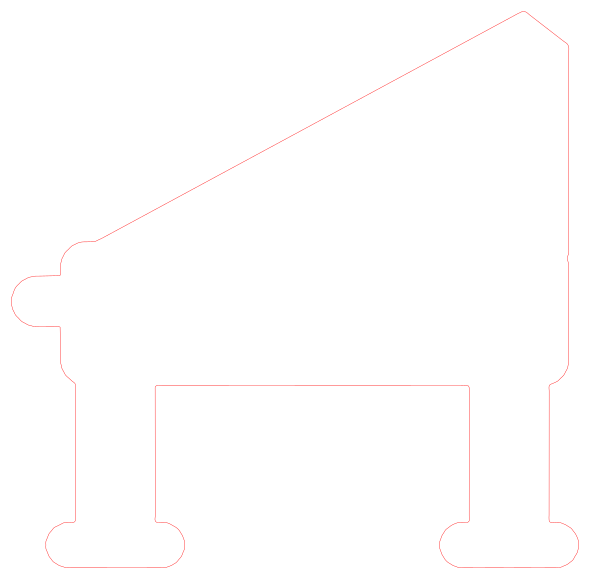

MUSIC · OUTLINE CUTS
A little quaver
One note, plenty of character.
↔︎ 147.4 × 190 mm✓ No inside cuts
View pattern & downloads
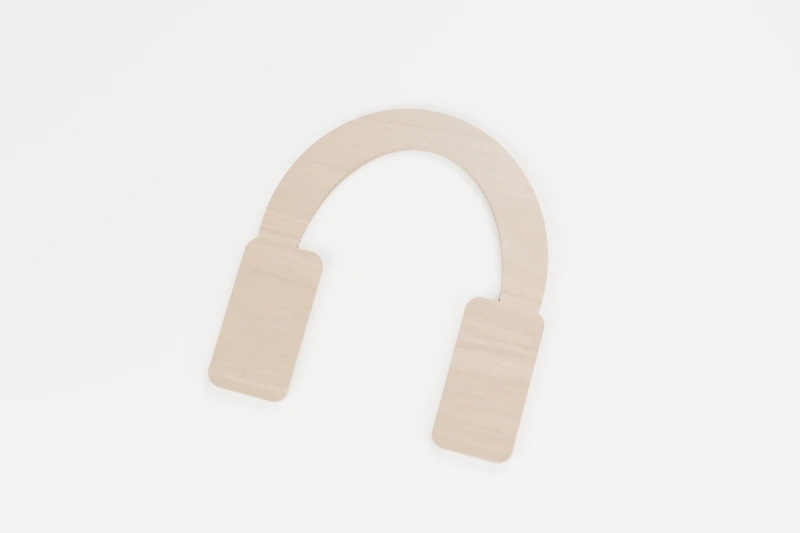
MUSIC · OUTLINE CUTS
Listening headphones
For your favourite listening corner.
↔︎ 150 × 159.7 mm✓ No inside cuts
View pattern & downloads
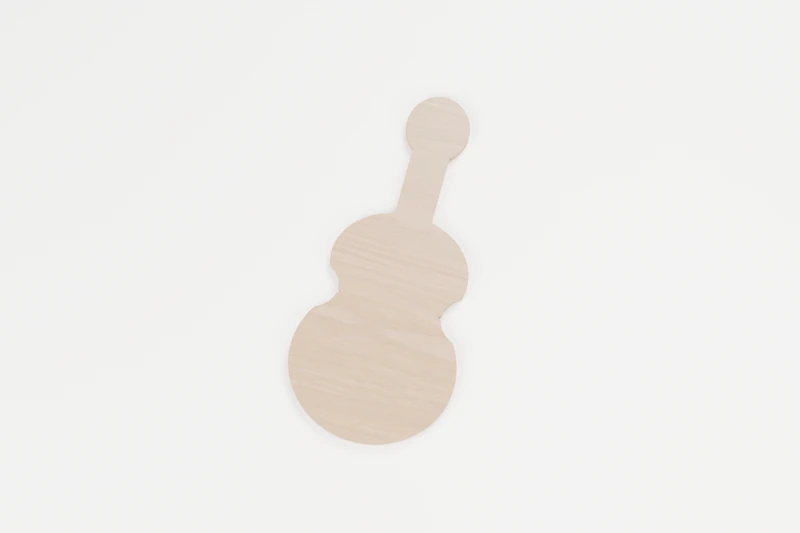
MUSIC · OUTLINE CUTS
Small string violin
A little warmth for a music room.
↔︎ 87.4 × 190 mm✓ No inside cuts
View pattern & downloads

CELESTIAL · OUTLINE CUTS
Quiet crescent moon
A quiet piece of the night sky.
↔︎ 124.5 × 190 mm✓ No inside cuts
View pattern & downloads
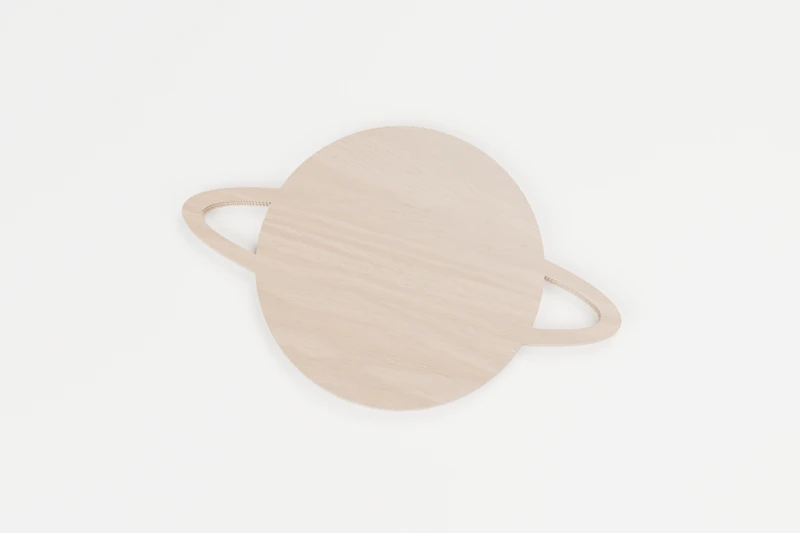
CELESTIAL · INTERIOR CUTS
Little ringed world
A little planet with room for its rings.
↔︎ 150 × 95.5 mm◉ 2 inside cuts
View pattern & downloads
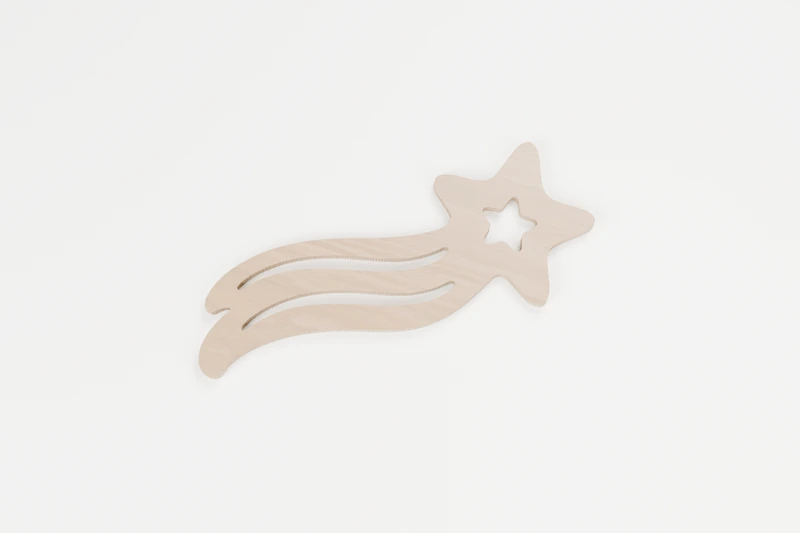
CELESTIAL · INTERIOR CUTS
Wish on a shooting star
A wish with a softer sweep.
↔︎ 150 × 133.6 mm◉ 3 inside cuts
View pattern & downloads
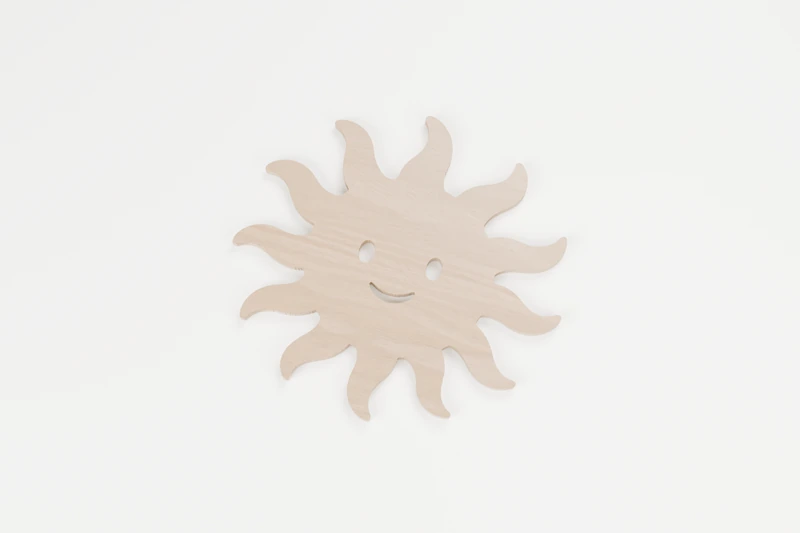
CELESTIAL · INTERIOR CUTS
Morning ray sun
A little warmth in every curve.
↔︎ 150 × 140.7 mm◉ 3 inside cuts
View pattern & downloads
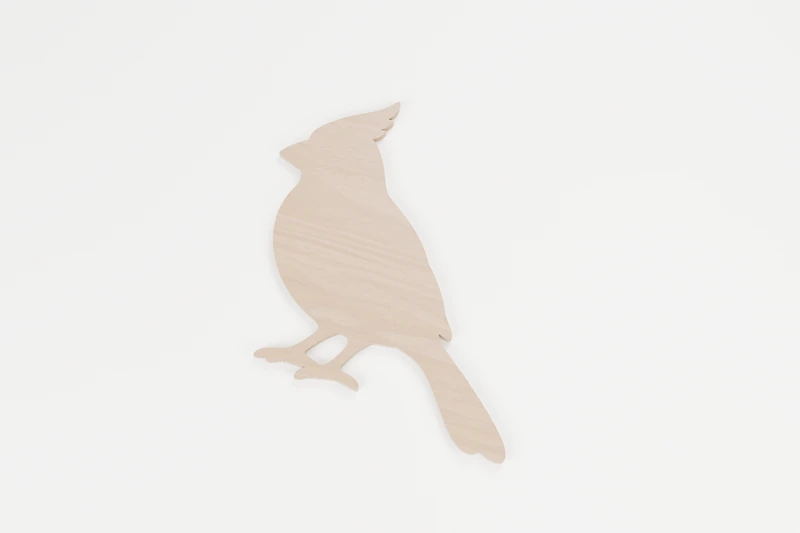
BIRDS · INTERIOR CUTS
Garden cardinal
A little visitor with a familiar crest.
↔︎ 150 × 165.5 mm◉ 1 inside cut
View pattern & downloads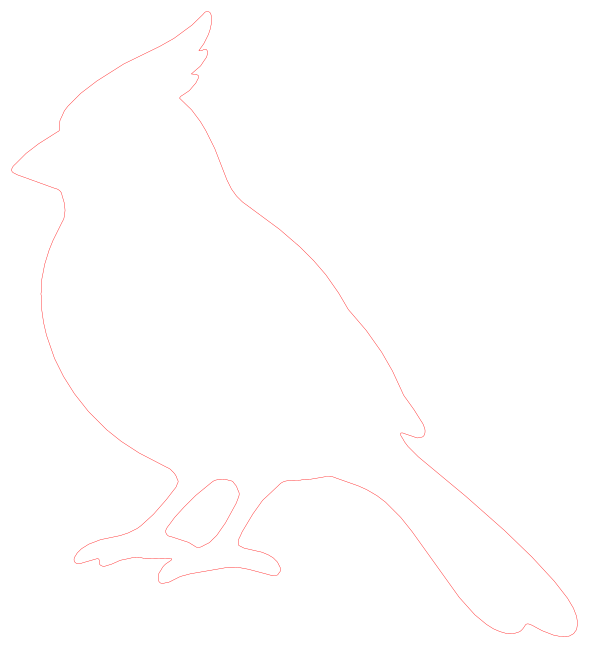
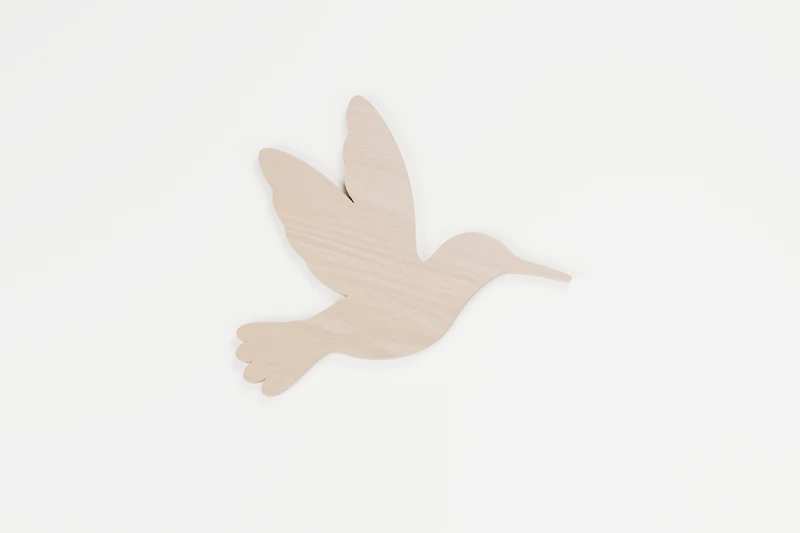
BIRDS · OUTLINE CUTS
Hovering hummingbird
A small moment, caught in mid-flight.
↔︎ 150 × 142.6 mm✓ No inside cuts
View pattern & downloads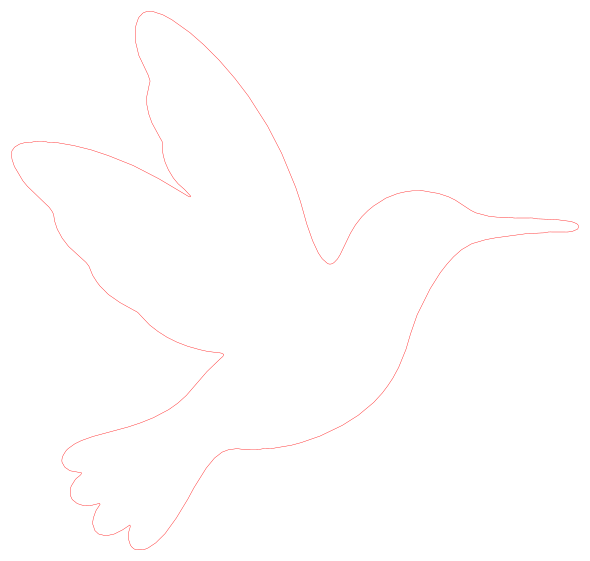
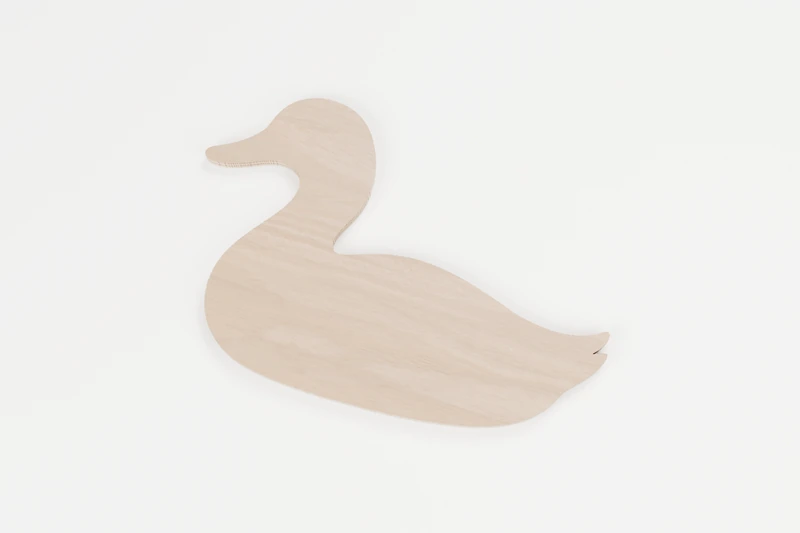
BIRDS · OUTLINE CUTS
Quiet pond duck
A little calm from the water’s edge.
↔︎ 150 × 99.9 mm✓ No inside cuts
View pattern & downloads
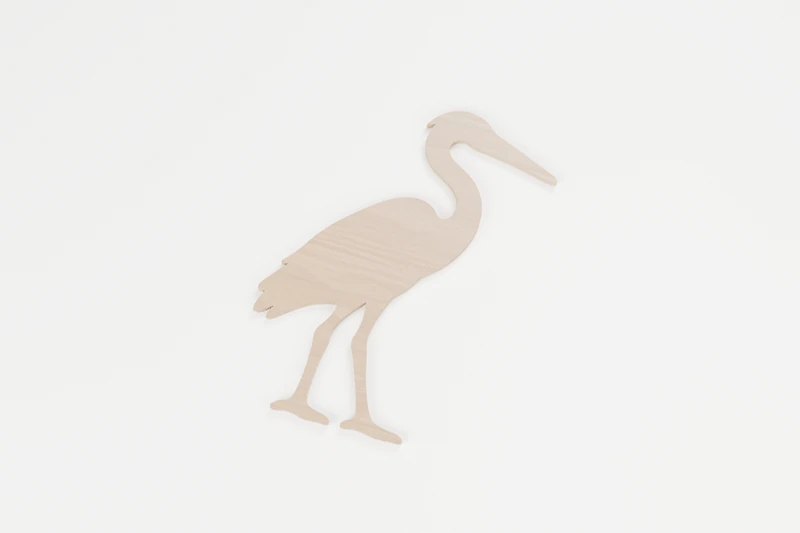
BIRDS · OUTLINE CUTS
Still water heron
A patient pause beside an imaginary pond.
↔︎ 143.9 × 190 mm✓ No inside cuts
View pattern & downloads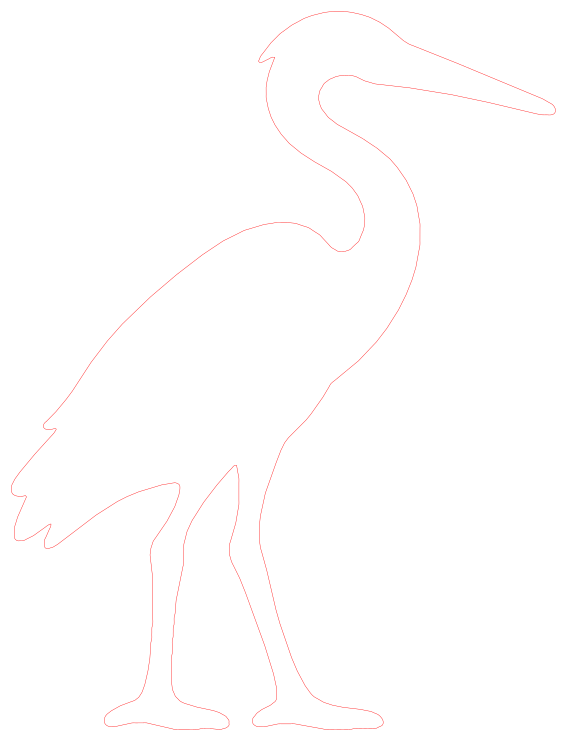
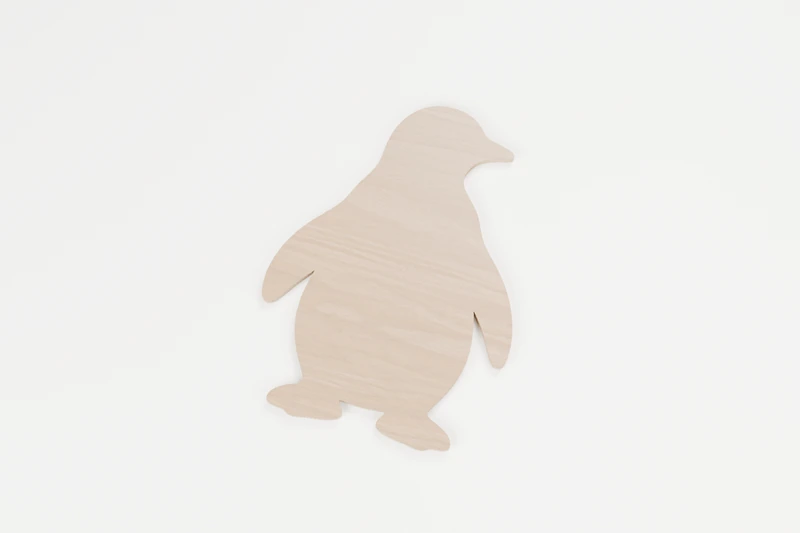
BIRDS · OUTLINE CUTS
Waddling penguin
A small waddle and plenty of character.
↔︎ 139.8 × 189.9 mm✓ No inside cuts
View pattern & downloads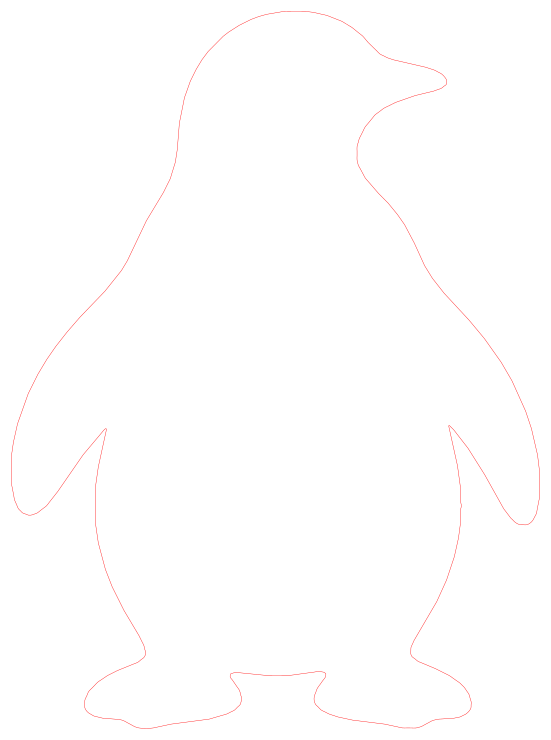
HALLOWEEN · INTERIOR CUTS
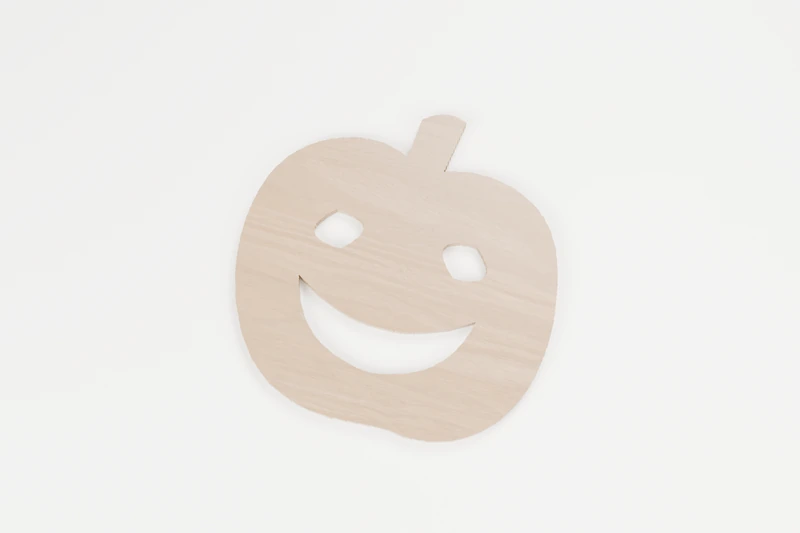
Lantern grin pumpkin
A broad grin for the October windowsill.
↔︎ 150 × 152.1 mm◉ 3 inside cuts
View pattern & downloads
HALLOWEEN · INTERIOR CUTS
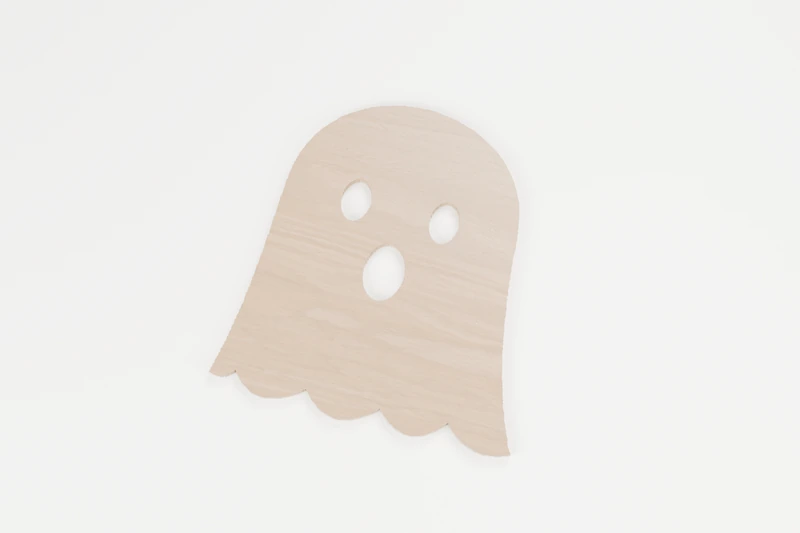
Friendly sheet ghost
A little ghost with a gently waving hem.
↔︎ 150 × 160.7 mm◉ 3 inside cuts
View pattern & downloads
HALLOWEEN · INTERIOR CUTS
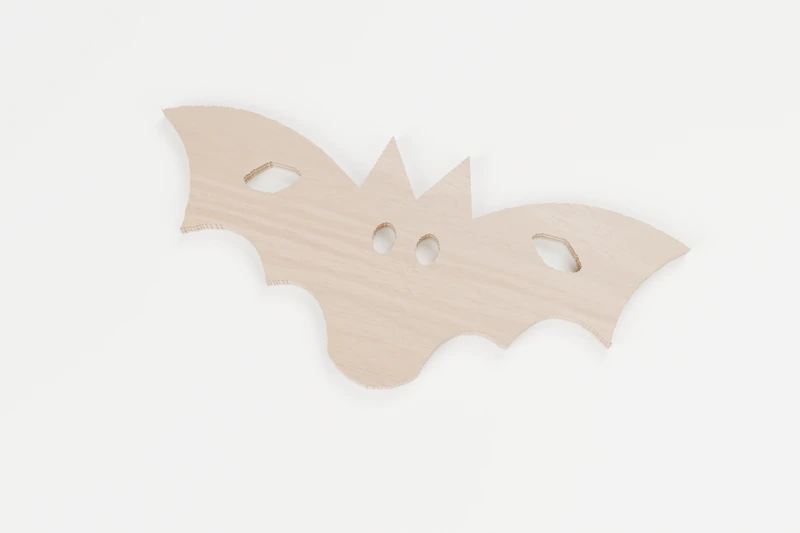
Velvet wing bat
Wide scalloped wings and a watchful little face.
↔︎ 150 × 68.8 mm◉ 4 inside cuts
View pattern & downloads
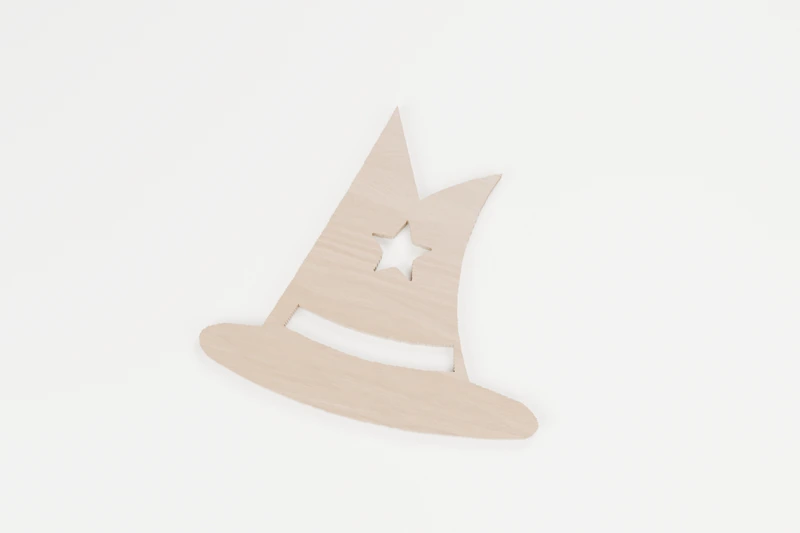
HALLOWEEN · INTERIOR CUTS
Crooked magic hat
A bent point and broad brim, ready for a little magic.
↔︎ 150 × 138.8 mm◉ 2 inside cuts
View pattern & downloads
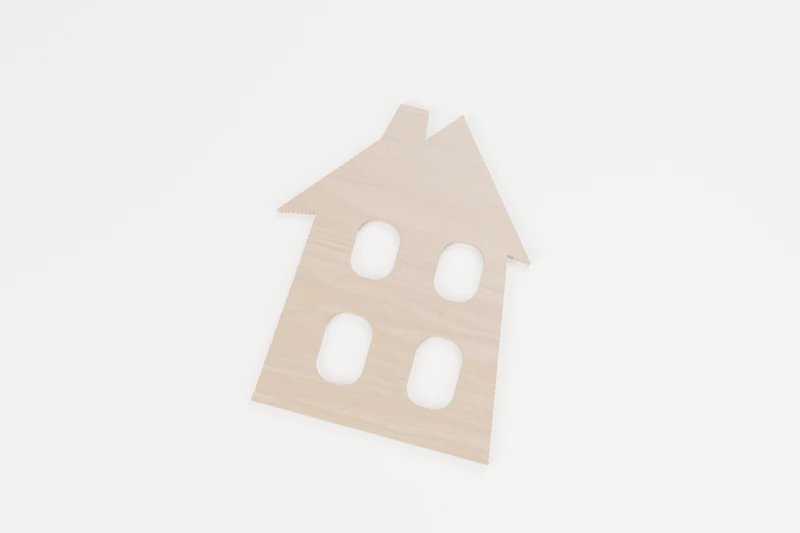
HALLOWEEN · INTERIOR CUTS
Haunted window tower
An off-kilter tower with four generous window cuts.
↔︎ 150 × 187.5 mm◉ 4 inside cuts
View pattern & downloads
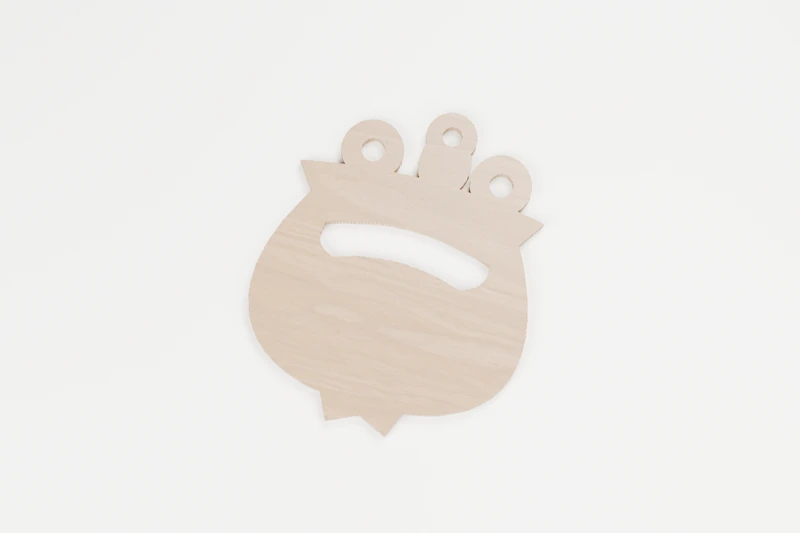
HALLOWEEN · INTERIOR CUTS
Bubbling cauldron
A round cauldron with bubbles kept inside the wood.
↔︎ 150 × 181.2 mm◉ 4 inside cuts
View pattern & downloads
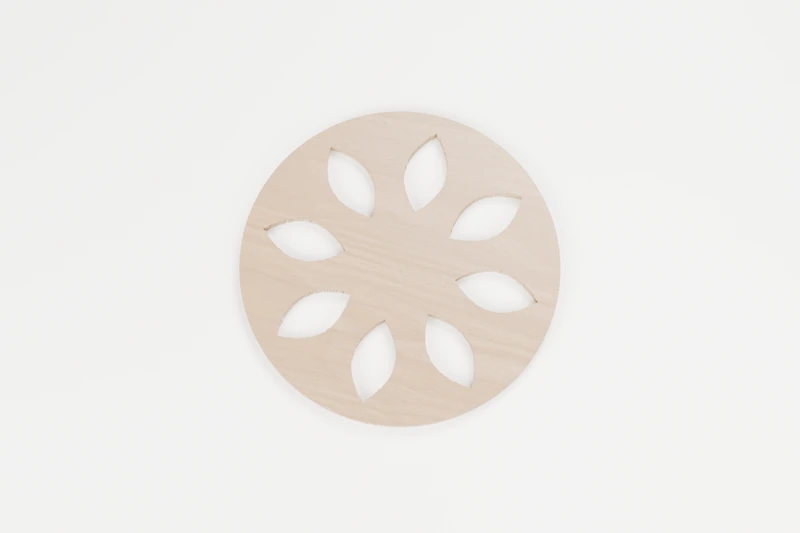
HALLOWEEN · INTERIOR CUTS
Spoke web medallion
Eight open panels around a sturdy little web centre.
↔︎ 150 × 150 mm◉ 8 inside cuts
View pattern & downloads
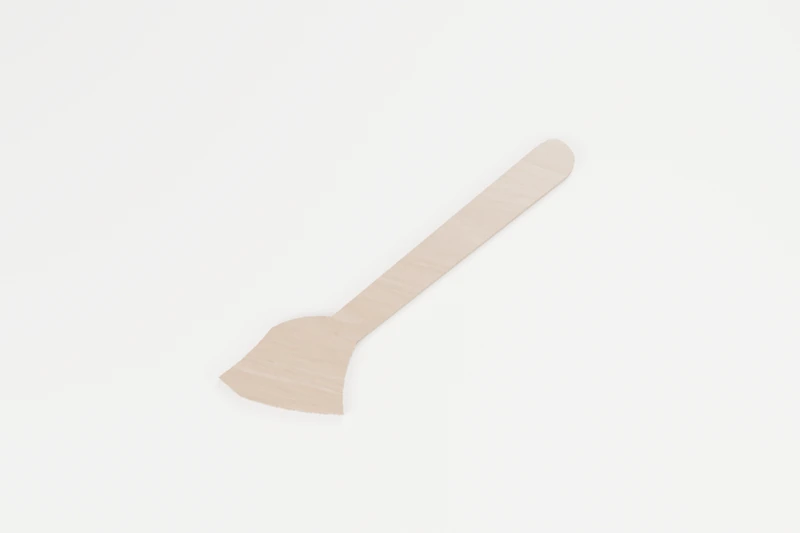
HALLOWEEN · OUTLINE CUTS
Midnight broom
A sweeping broom silhouette with a generous handle.
↔︎ 150 × 177.1 mm✓ No inside cuts
View pattern & downloads
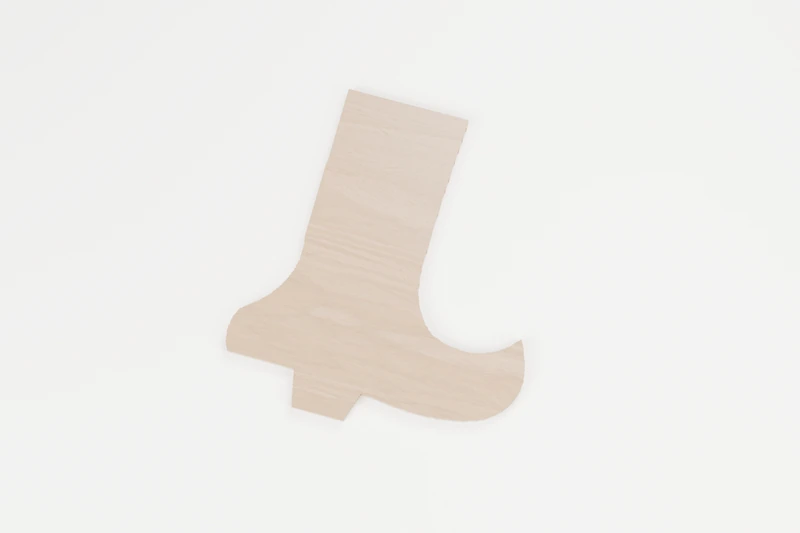
HALLOWEEN · OUTLINE CUTS
Curled witch boot
A tall boot with a playful curled toe.
↔︎ 150 × 166.6 mm✓ No inside cuts
View pattern & downloads

HALLOWEEN · INTERIOR CUTS
Cheeky skull
A rounded skull with three easy-to-read openings.
↔︎ 150 × 180.1 mm◉ 4 inside cuts
View pattern & downloads
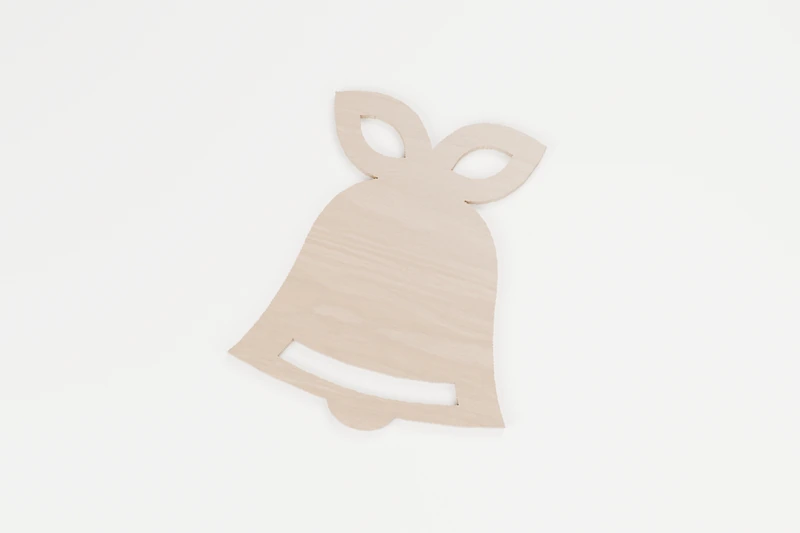
CHRISTMAS · INTERIOR CUTS
Ribbon jingle bell
A full bell beneath a broad ribbon bow.
↔︎ 150 × 178.1 mm◉ 3 inside cuts
View pattern & downloads
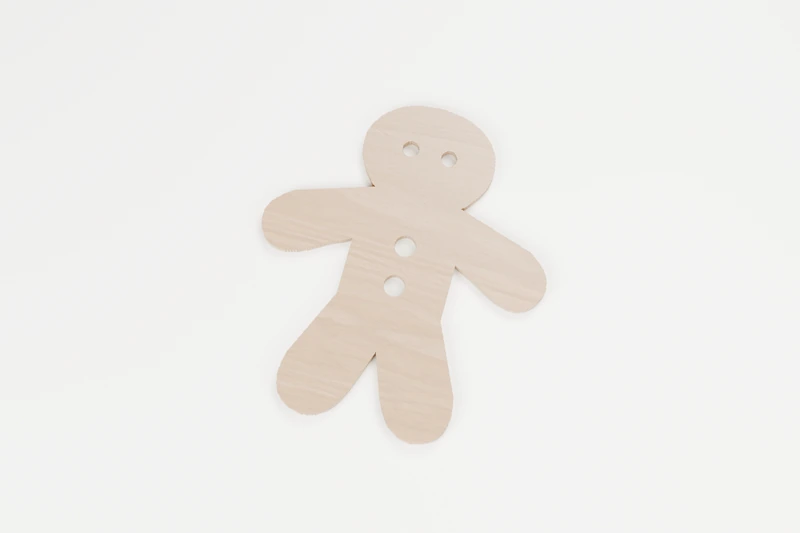
CHRISTMAS · INTERIOR CUTS
Gingerbread pal
A gingerbread friend with bright eyes and broad limbs.
↔︎ 150 × 172 mm◉ 4 inside cuts
View pattern & downloads
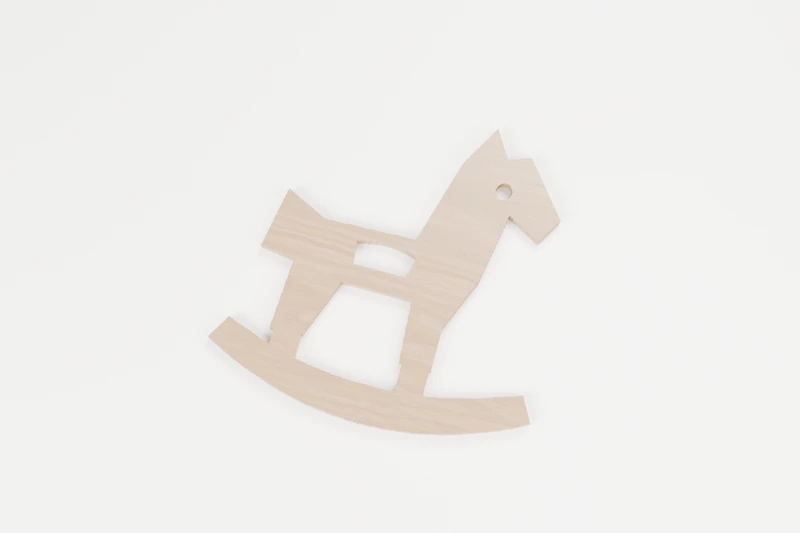
CHRISTMAS · INTERIOR CUTS
Rocking horse keepsake
A little rocking horse with one open saddle shape.
↔︎ 150 × 148.9 mm◉ 3 inside cuts
View pattern & downloads
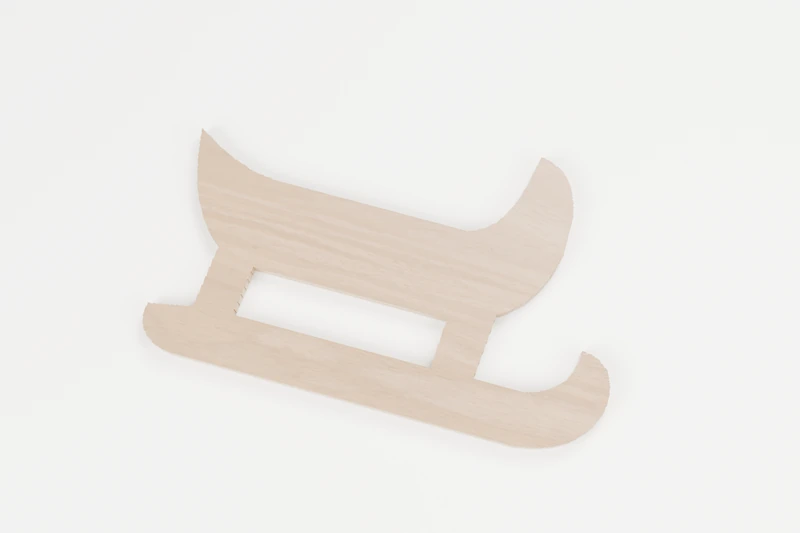
CHRISTMAS · INTERIOR CUTS
Gift runner sleigh
A broad old-fashioned sleigh with an open runner.
↔︎ 150 × 93.5 mm◉ 1 inside cut
View pattern & downloads
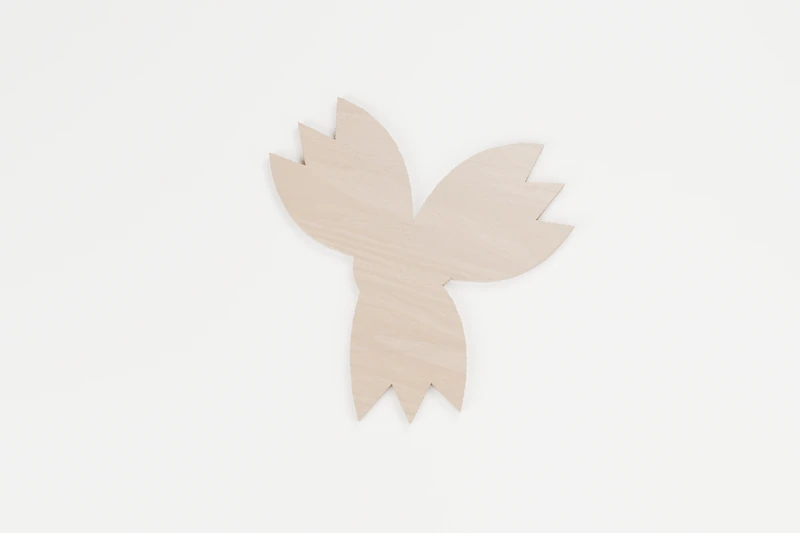
CHRISTMAS · OUTLINE CUTS
Three-leaf holly sprig
Three crisp holly leaves and a cluster of berries.
↔︎ 150 × 151.5 mm✓ No inside cuts
View pattern & downloads
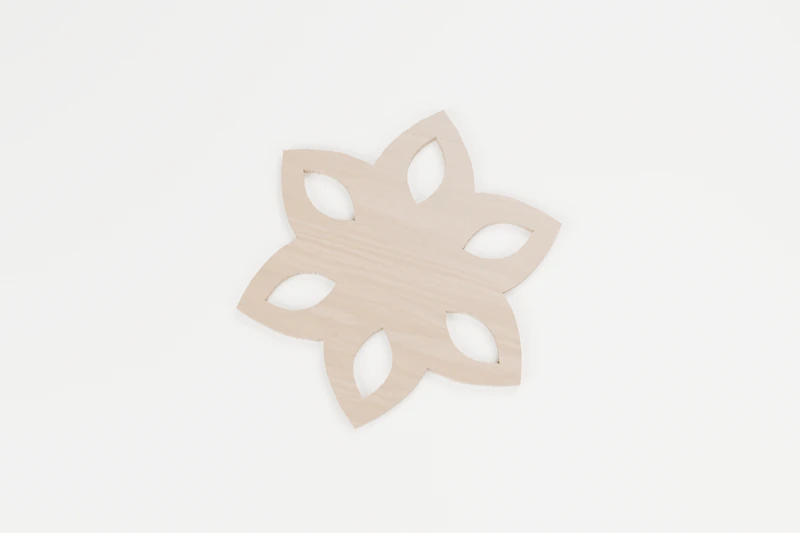
CHRISTMAS · INTERIOR CUTS
Poinsettia wheel
A bold flower with six enclosed petal windows.
↔︎ 150 × 173.6 mm◉ 6 inside cuts
View pattern & downloads
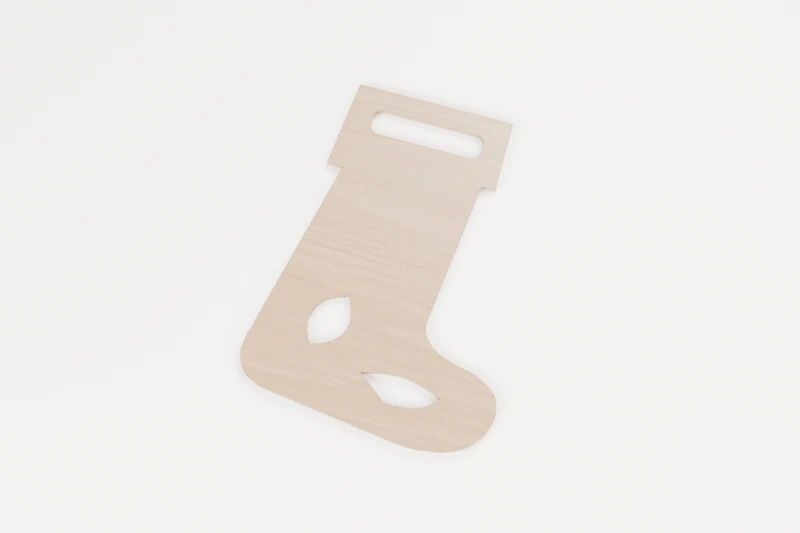
CHRISTMAS · INTERIOR CUTS
Hearthside stocking
A full stocking with a cuff and heel detail.
↔︎ 142.6 × 190 mm◉ 3 inside cuts
View pattern & downloads
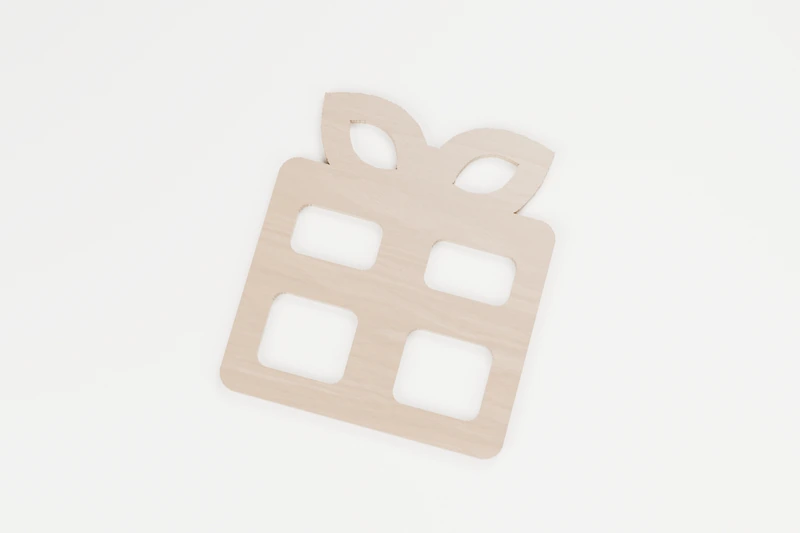
CHRISTMAS · INTERIOR CUTS
Bow-topped present
A ribbon-tied parcel with a broad connected bow.
↔︎ 150 × 171.3 mm◉ 6 inside cuts
View pattern & downloads
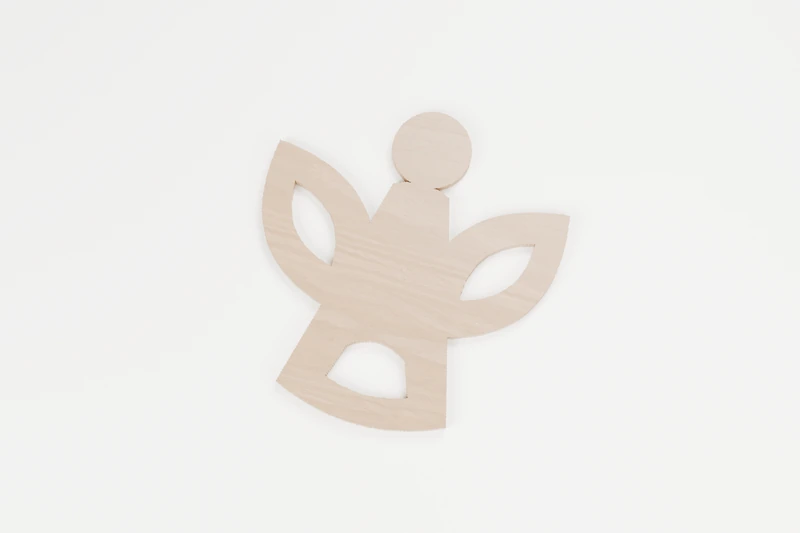
CHRISTMAS · INTERIOR CUTS
Quiet choir angel
A calm angel with open wings and a flowing gown.
↔︎ 150 × 159.7 mm◉ 3 inside cuts
View pattern & downloads
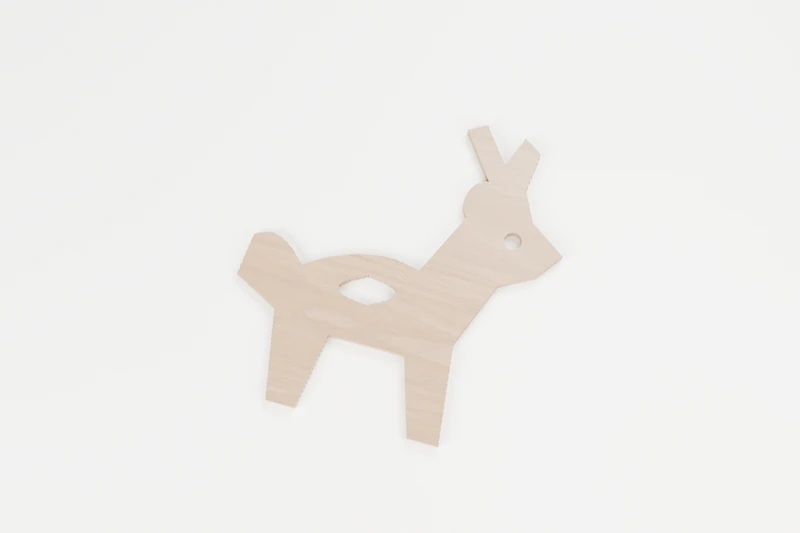
CHRISTMAS · INTERIOR CUTS
Winter reindeer profile
A reindeer profile with generous antler roots.
↔︎ 150 × 159.4 mm◉ 2 inside cuts
View pattern & downloads
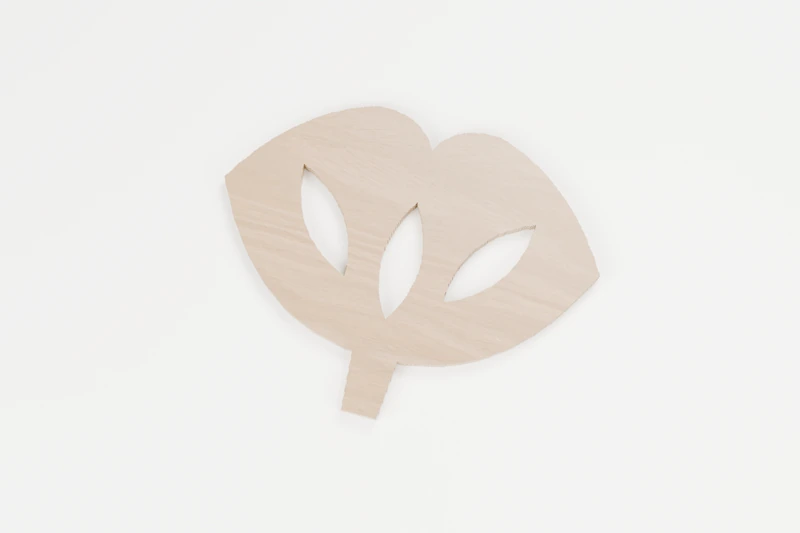
NATURE · INTERIOR CUTS
Ginkgo fan
A broad fan with three flowing interior veins.
↔︎ 150 × 118.5 mm◉ 3 inside cuts
View pattern & downloads
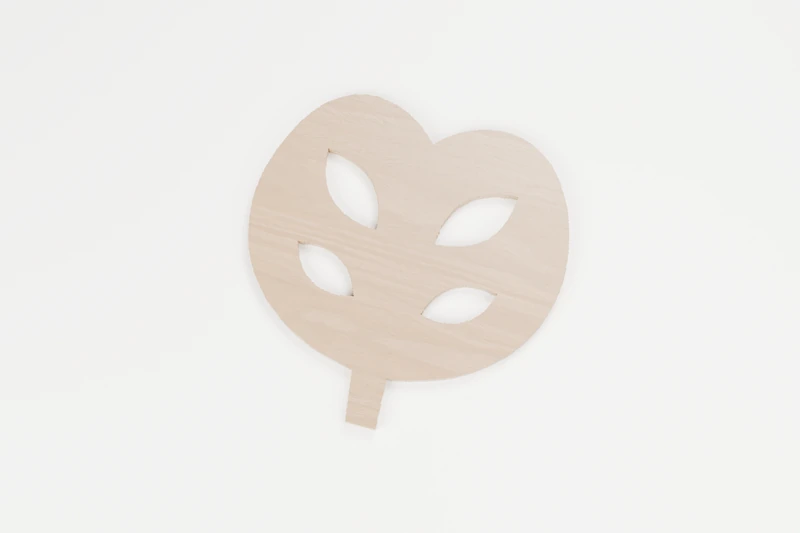
NATURE · INTERIOR CUTS
Monstera split leaf
A generous tropical leaf with four open windows.
↔︎ 150 × 152.8 mm◉ 4 inside cuts
View pattern & downloads
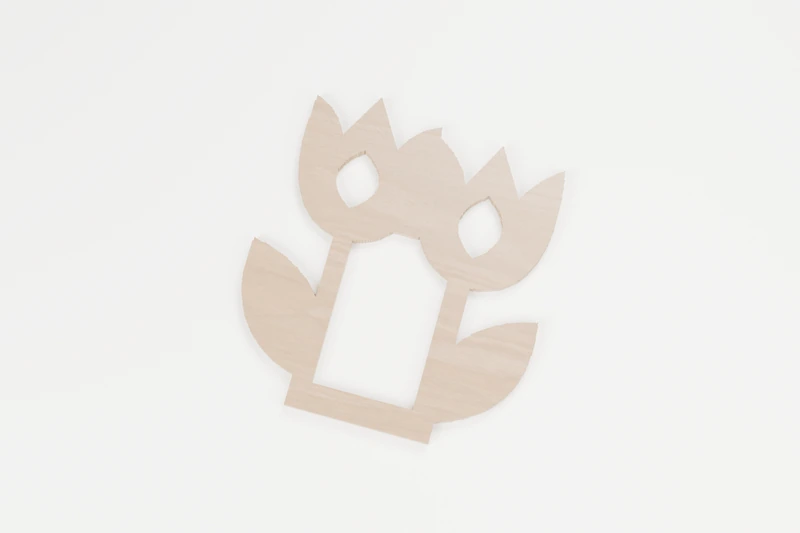
NATURE · INTERIOR CUTS
Paired tulips
Two tulip heads on broad stems and one shared base.
↔︎ 150 × 165 mm◉ 3 inside cuts
View pattern & downloads
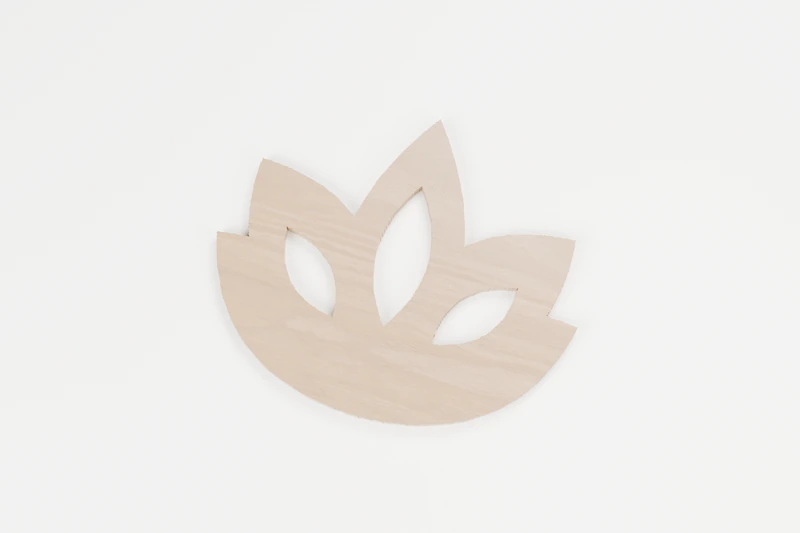
NATURE · INTERIOR CUTS
Open lotus bloom
A balanced lotus with three calm petal openings.
↔︎ 150 × 126.8 mm◉ 3 inside cuts
View pattern & downloads
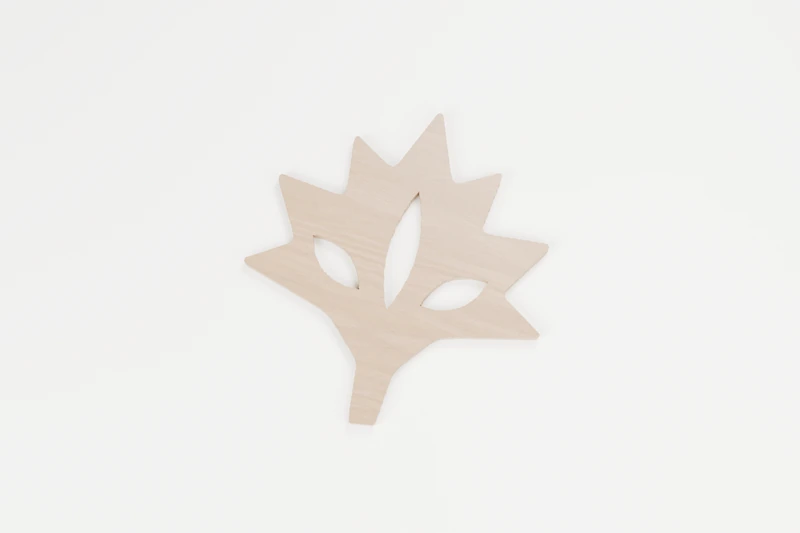
NATURE · INTERIOR CUTS
Soft maple leaf
A maple leaf with a broad centre and three vein cuts.
↔︎ 150 × 162.5 mm◉ 3 inside cuts
View pattern & downloads
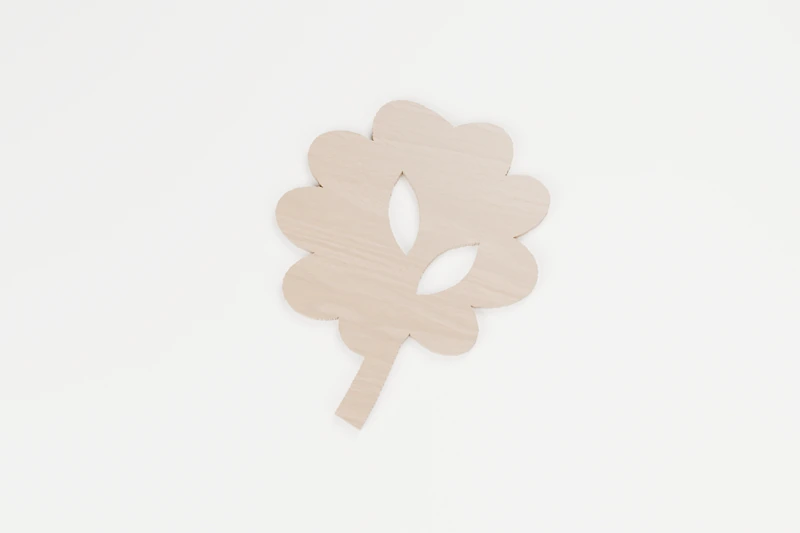
NATURE · INTERIOR CUTS
Oak branch study
A lobed oak leaf and a curved little branch.
↔︎ 150 × 185.9 mm◉ 2 inside cuts
View pattern & downloads
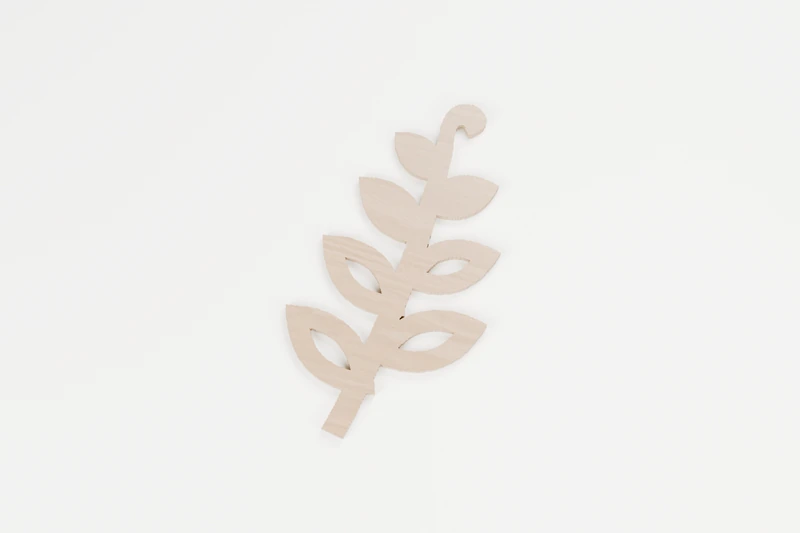
NATURE · INTERIOR CUTS
Curling fern frond
A sweeping fern with open veins in its largest leaves.
↔︎ 103.7 × 189.9 mm◉ 4 inside cuts
View pattern & downloads
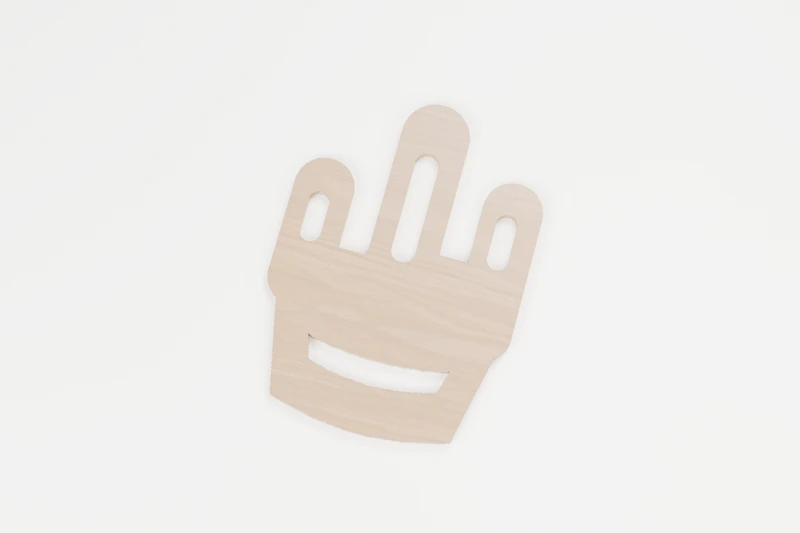
NATURE · INTERIOR CUTS
Desert cactus bowl
A rounded cactus arrangement in a generous little bowl.
↔︎ 138.4 × 189.9 mm◉ 4 inside cuts
View pattern & downloads
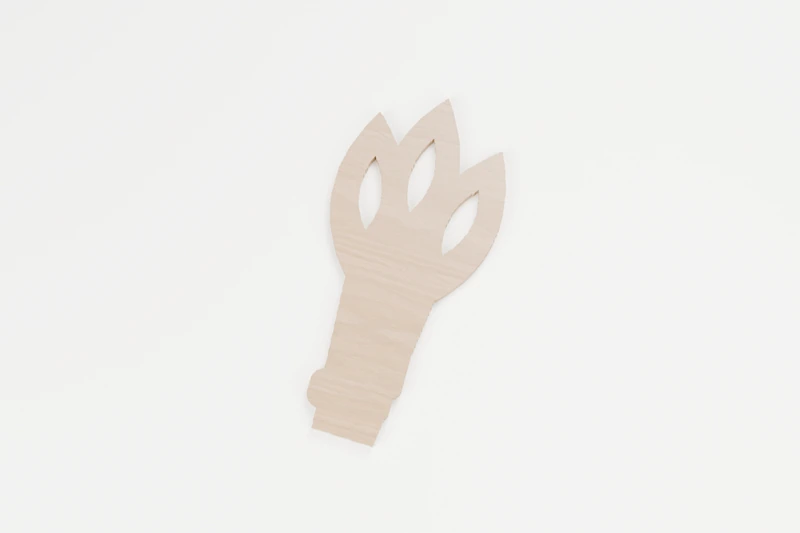
NATURE · INTERIOR CUTS
Harvest wheat sheaf
Three sturdy grain heads tied into one harvest shape.
↔︎ 90.4 × 189.8 mm◉ 3 inside cuts
View pattern & downloads

NATURE · INTERIOR CUTS
Wildflower arch
Two flowers growing inside a simple arched frame.
↔︎ 150 × 161.8 mm◉ 4 inside cuts
View pattern & downloads
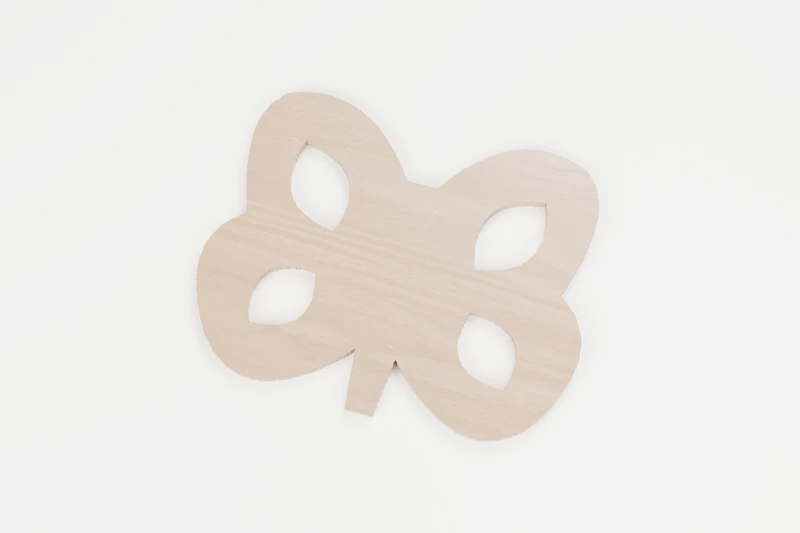
ANIMALS · INTERIOR CUTS
Garden butterfly
Broad wings with four calm, leaf-shaped windows.
↔︎ 150 × 117.4 mm◉ 4 inside cuts
View pattern & downloads
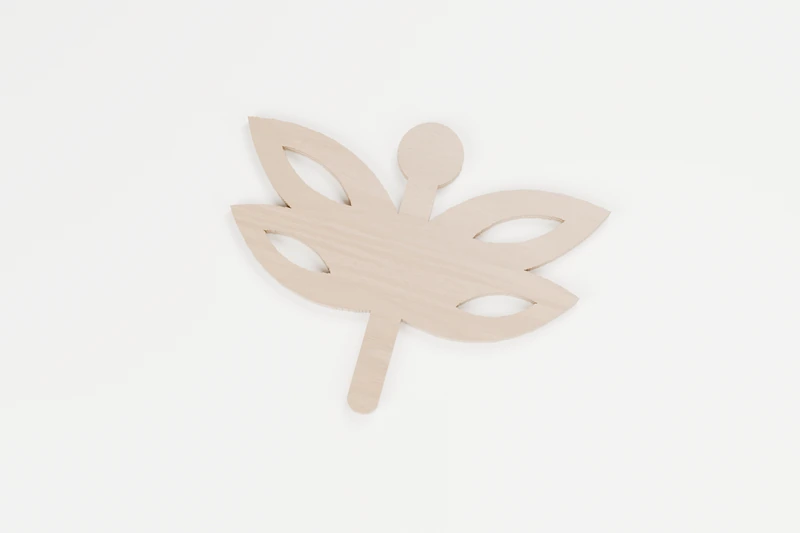
ANIMALS · INTERIOR CUTS
Pond dragonfly
Four broad wings around a strong centre body.
↔︎ 150 × 120.1 mm◉ 4 inside cuts
View pattern & downloads
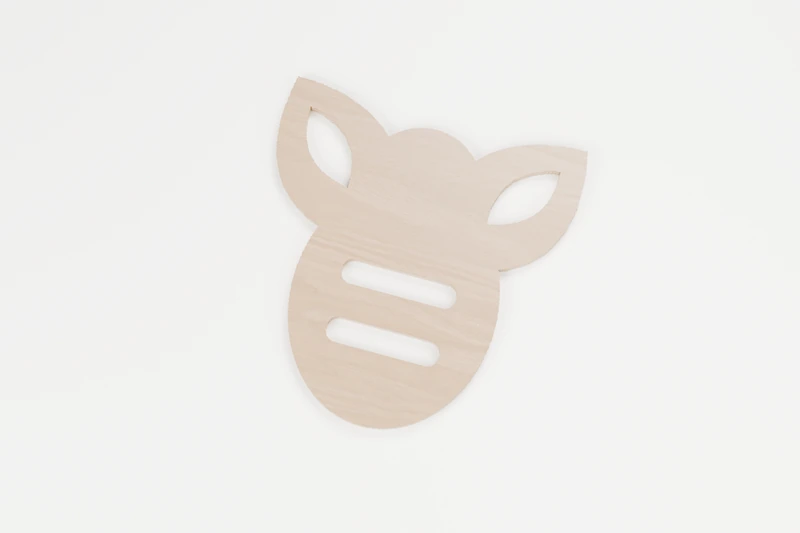
ANIMALS · INTERIOR CUTS
Clover honeybee
A plump bee with two open wings and a striped body.
↔︎ 150 × 156.8 mm◉ 4 inside cuts
View pattern & downloads
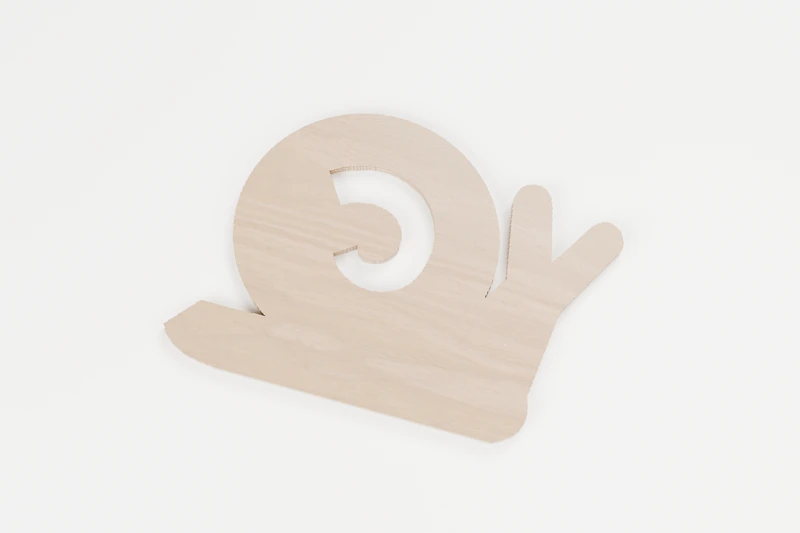
ANIMALS · INTERIOR CUTS
Slow garden snail
A rounded shell and broad feelers for a garden visitor.
↔︎ 150 × 104.9 mm◉ 1 inside cut
View pattern & downloads
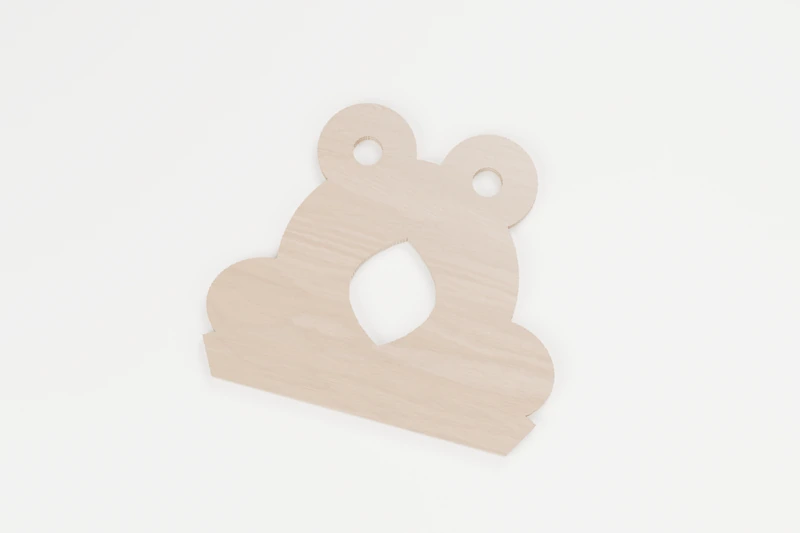
ANIMALS · INTERIOR CUTS
Lily pond frog
A wide little frog with a leaf-shaped belly opening.
↔︎ 150 × 132.3 mm◉ 3 inside cuts
View pattern & downloads
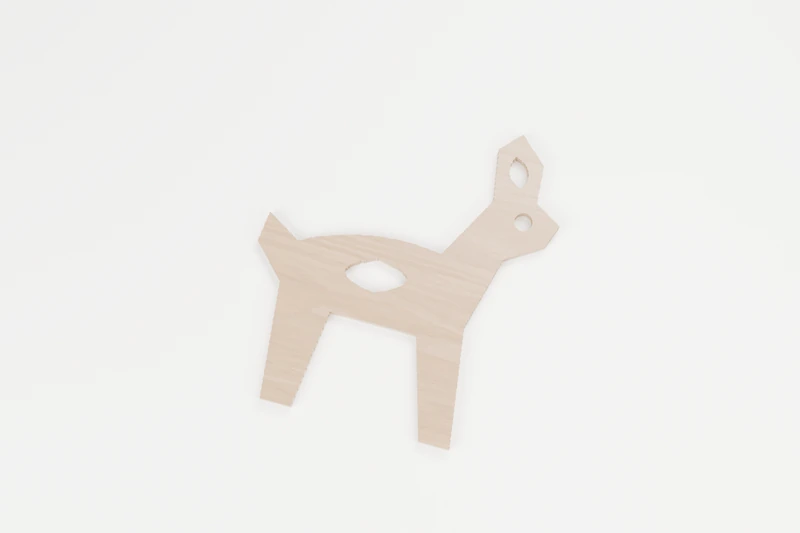
ANIMALS · INTERIOR CUTS
Forest doe
A quiet deer with broad ears and a clear body opening.
↔︎ 150 × 171 mm◉ 3 inside cuts
View pattern & downloads
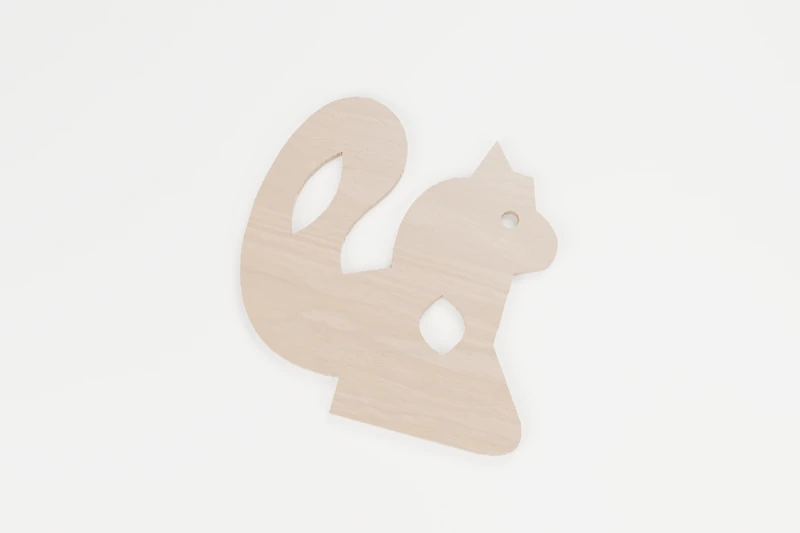
ANIMALS · INTERIOR CUTS
Bushy-tail squirrel
A tall curled tail and a little nut-shaped opening.
↔︎ 150 × 151.2 mm◉ 3 inside cuts
View pattern & downloads
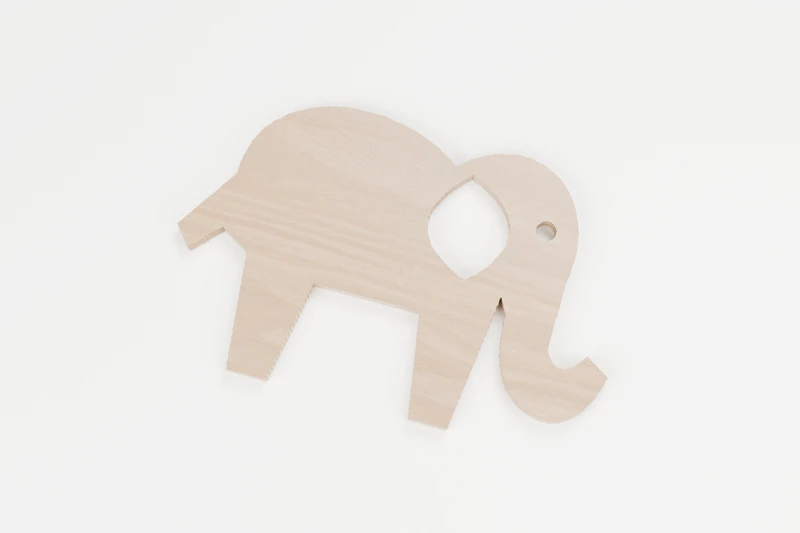
ANIMALS · INTERIOR CUTS
Gentle elephant
A round-eared elephant with a broad curled trunk.
↔︎ 150 × 96.7 mm◉ 2 inside cuts
View pattern & downloads
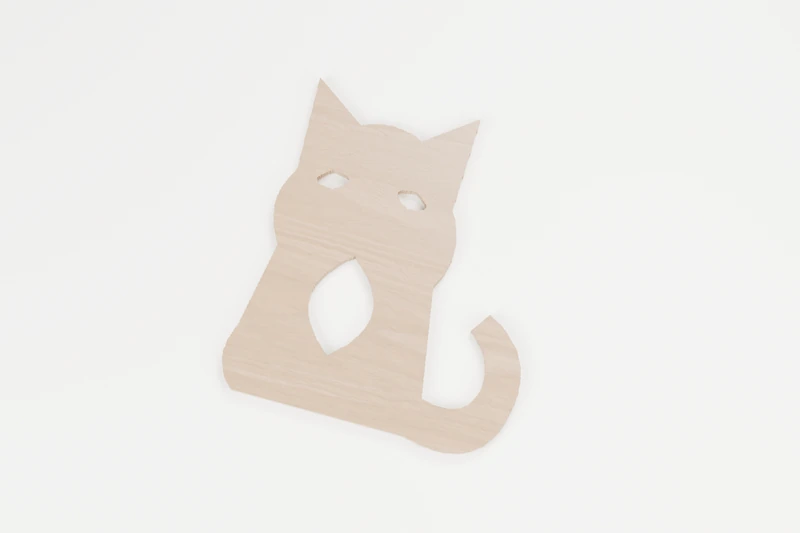
ANIMALS · INTERIOR CUTS
Window-seat cat
A sitting cat with a curling tail and broad chest detail.
↔︎ 150 × 173 mm◉ 3 inside cuts
View pattern & downloads
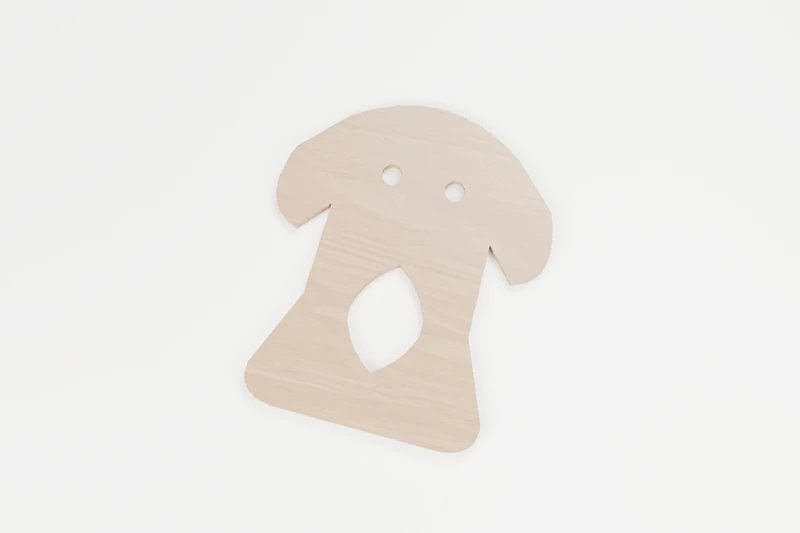
ANIMALS · INTERIOR CUTS
Good company dog
A seated dog with floppy ears and an open chest.
↔︎ 150 × 178.1 mm◉ 3 inside cuts
View pattern & downloads
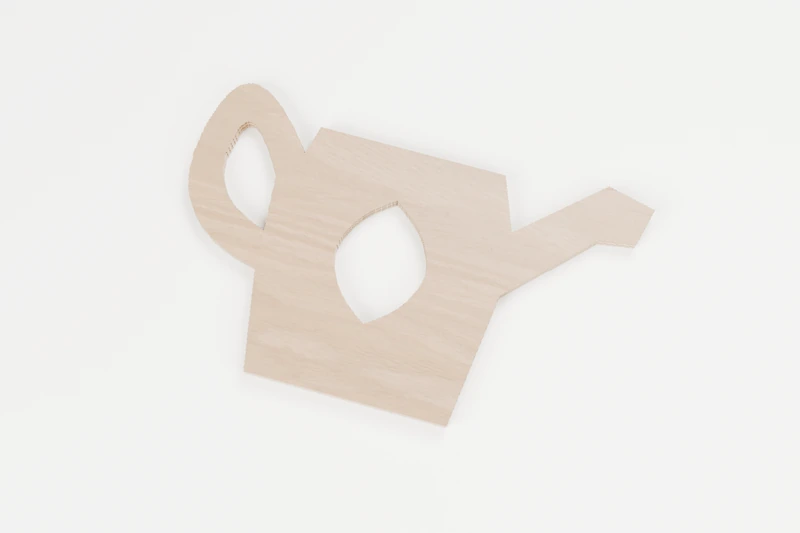
HOME · INTERIOR CUTS
Cottage watering can
A wide handle and little spout for a garden-themed gift.
↔︎ 150 × 92.6 mm◉ 2 inside cuts
View pattern & downloads
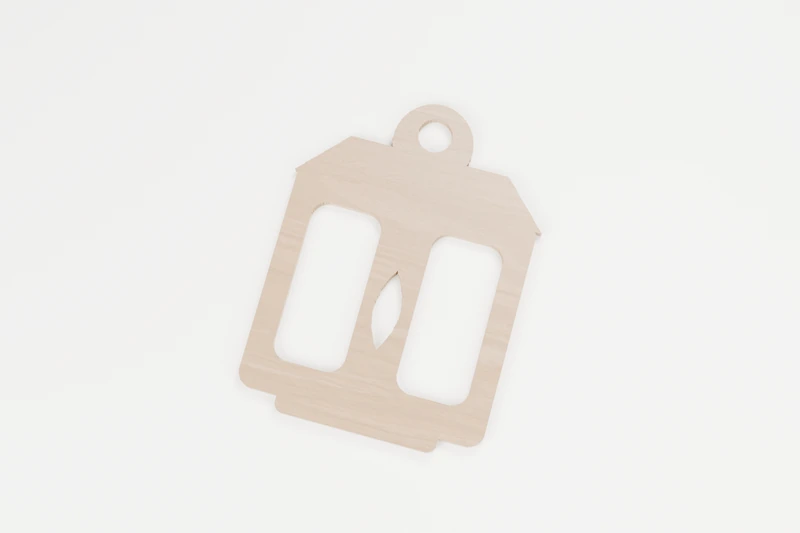
HOME · INTERIOR CUTS
Evening candle lantern
A broad lantern frame with two open window panels.
↔︎ 141.7 × 189.9 mm◉ 4 inside cuts
View pattern & downloads
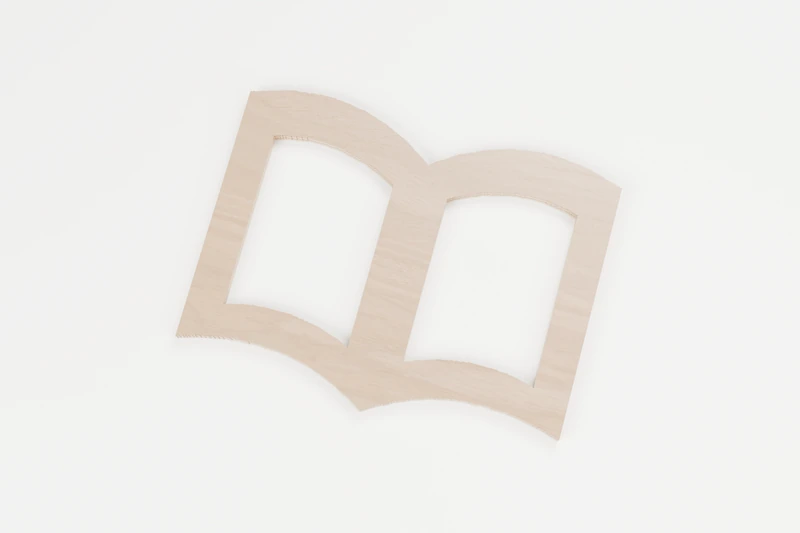
HOME · INTERIOR CUTS
Open story book
An open book with two flowing page windows.
↔︎ 150 × 115.5 mm◉ 2 inside cuts
View pattern & downloads

HOME · INTERIOR CUTS
Old door key
A broad old-fashioned key with an open bow.
↔︎ 150 × 180.6 mm◉ 1 inside cut
View pattern & downloads

OCEAN · INTERIOR CUTS
Harbour anchor
A sturdy anchor with a round eye and broad flukes.
↔︎ 150 × 165.4 mm◉ 1 inside cut
View pattern & downloads
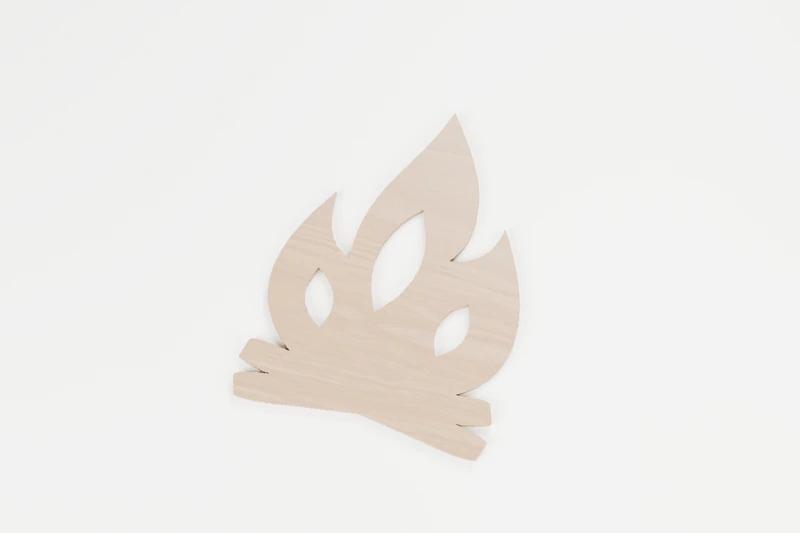
HOME · INTERIOR CUTS
Fireside flame
A warm flame with three bold interior openings.
↔︎ 145.9 × 190 mm◉ 3 inside cuts
View pattern & downloads
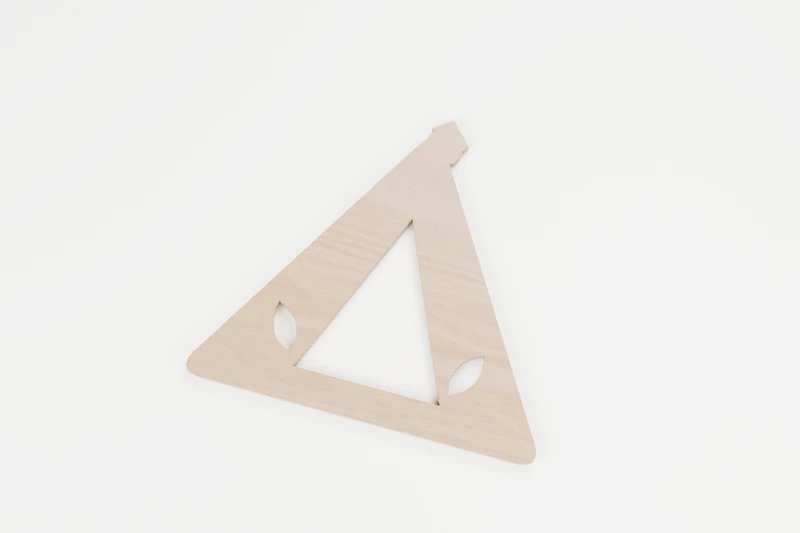
HOME · INTERIOR CUTS
Weekend tent
An open tent doorway beneath a softly peaked roof.
↔︎ 150 × 135.5 mm◉ 3 inside cuts
View pattern & downloads

HOME · INTERIOR CUTS
Garden wheelbarrow
A sturdy garden barrow with an open tray and wheel.
↔︎ 150 × 101 mm◉ 2 inside cuts
View pattern & downloads

HOME · INTERIOR CUTS
Rainy-day umbrella
A rounded canopy over a generous hooked handle.
↔︎ 150 × 132.7 mm◉ 2 inside cuts
View pattern & downloads
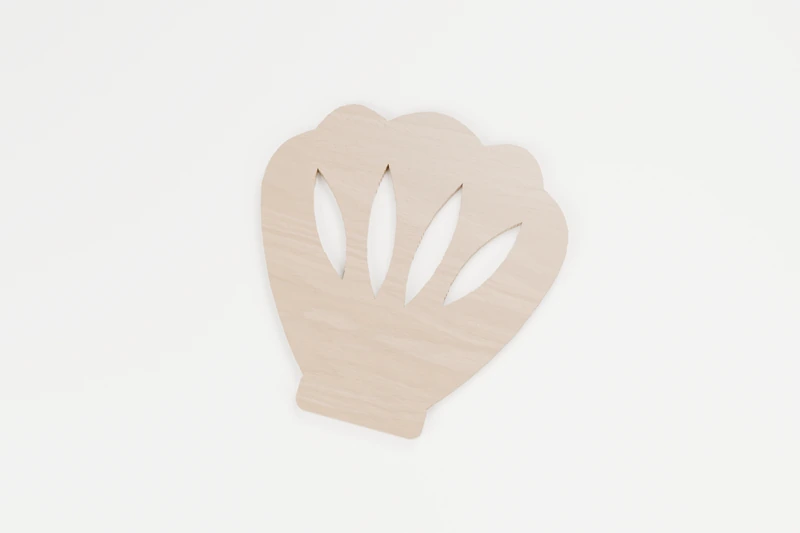
OCEAN · INTERIOR CUTS
Scallop shell fan
A scalloped shell with four generous radiating cuts.
↔︎ 150 × 156.8 mm◉ 4 inside cuts
View pattern & downloads
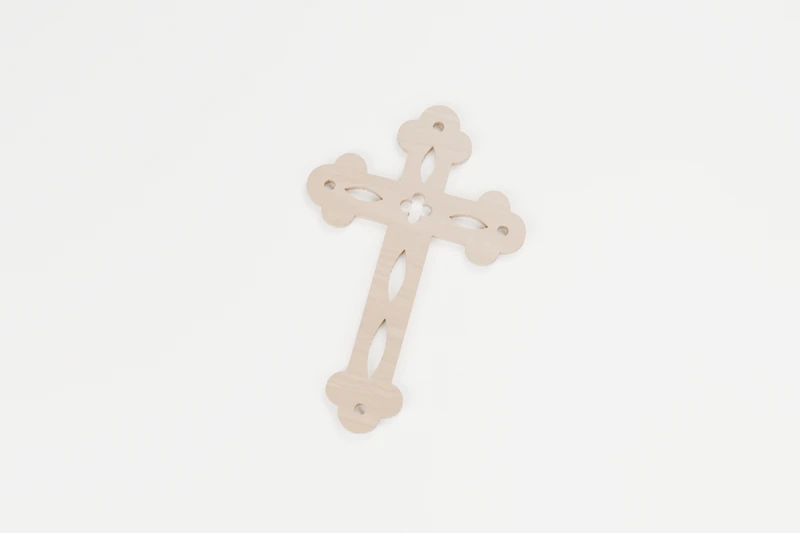
FAITH · INTERIOR CUTS
Filigree cross
A cross with light worked through it.
↔︎ 125 × 190 mm◉ 10 inside cuts
View pattern & downloads
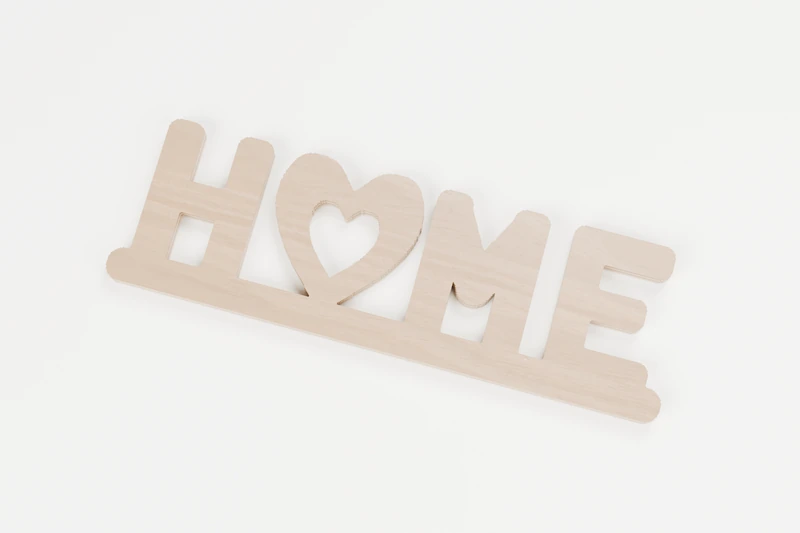
SIGNS · INTERIOR CUTS
HOME heart sign
Four letters, one heart, one piece.
↔︎ 170 × 53.3 mm◉ 3 inside cuts
View pattern & downloads
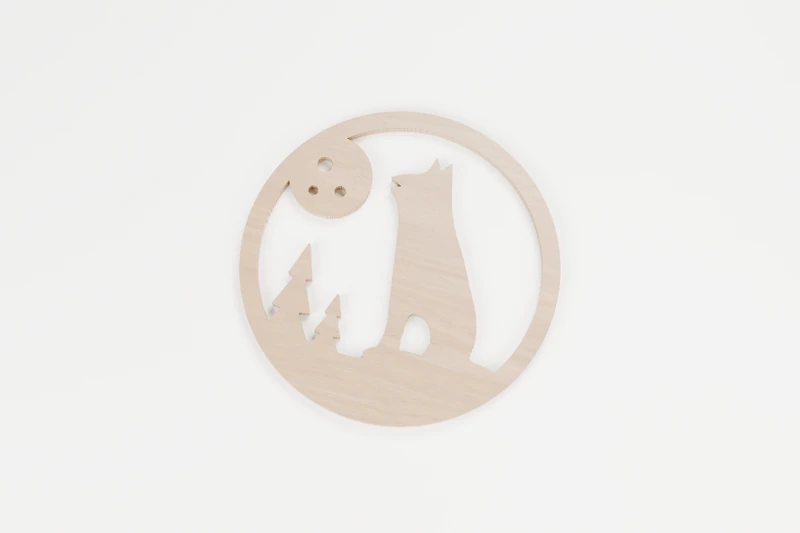
ANIMALS · INTERIOR CUTS
Howling wolf and moon
A lone wolf calling to a full moon.
↔︎ 150 × 150 mm◉ 5 inside cuts
View pattern & downloads
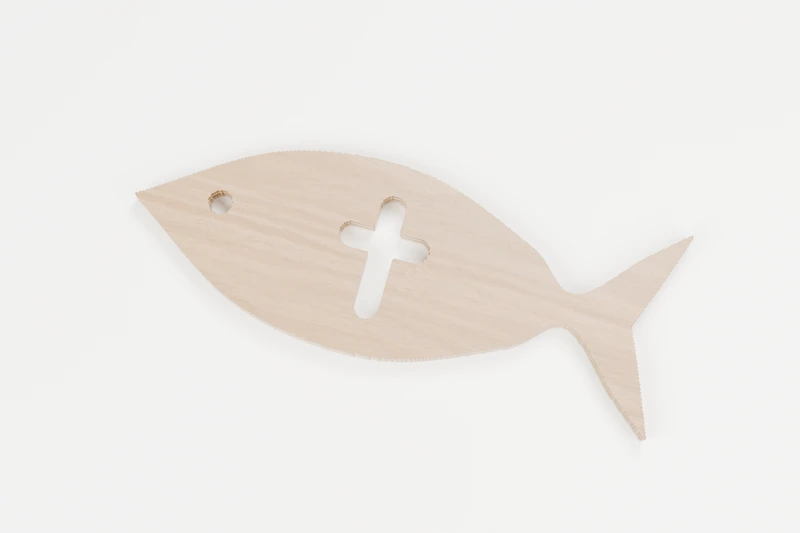
FAITH · INTERIOR CUTS
Ichthys fish
The ancient fish sign, with a cross at its heart.
↔︎ 150 × 57.3 mm◉ 2 inside cuts
View pattern & downloads
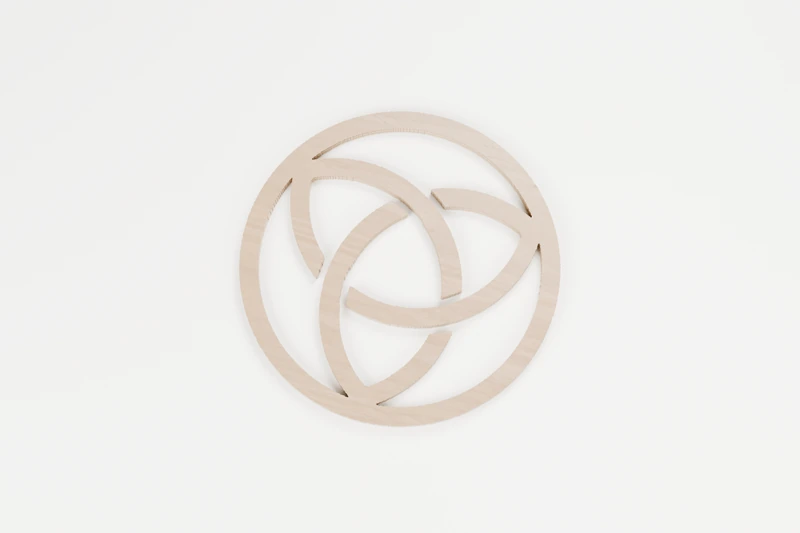
FRETWORK · INTERIOR CUTS
Knot medallion
An endless knot held in a ring.
↔︎ 150 × 150 mm◉ 1 inside cut
View pattern & downloads
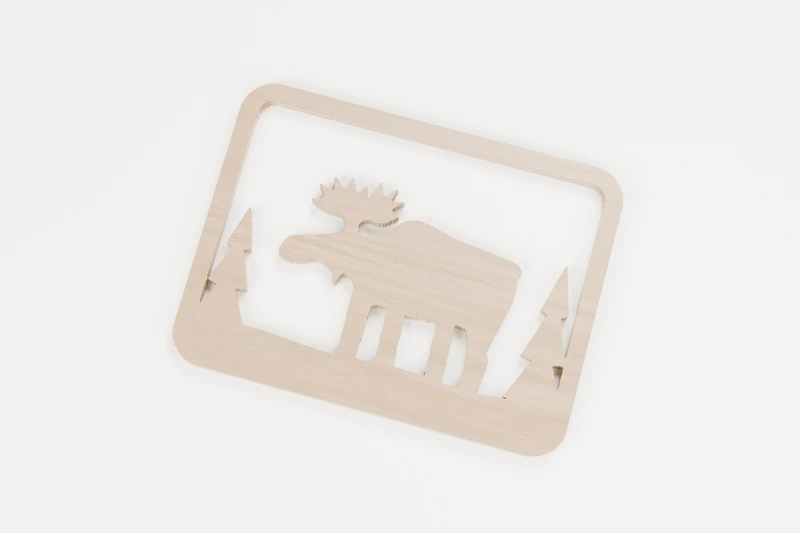
ANIMALS · INTERIOR CUTS
Moose by the lake
A quiet moose at the water’s edge.
↔︎ 150 × 112.3 mm◉ 5 inside cuts
View pattern & downloads
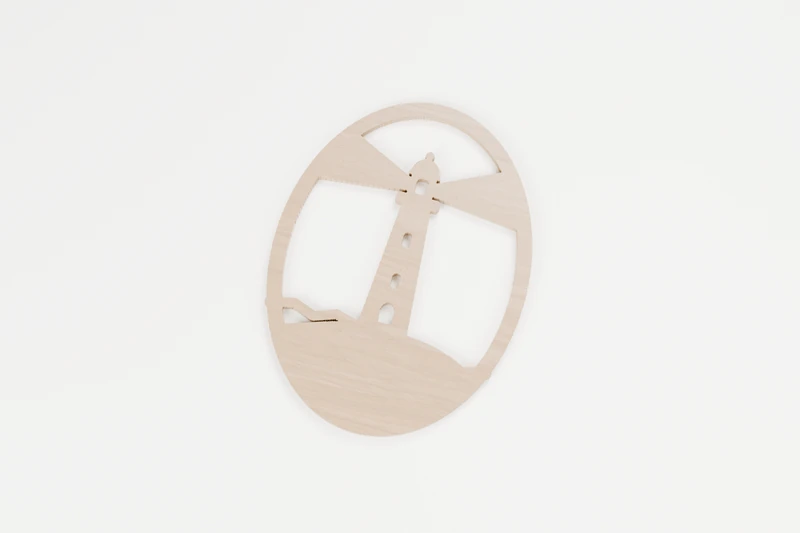
OCEAN · INTERIOR CUTS
Lighthouse on the point
A steady light above the rocks.
↔︎ 142.3 × 190 mm◉ 8 inside cuts
View pattern & downloads
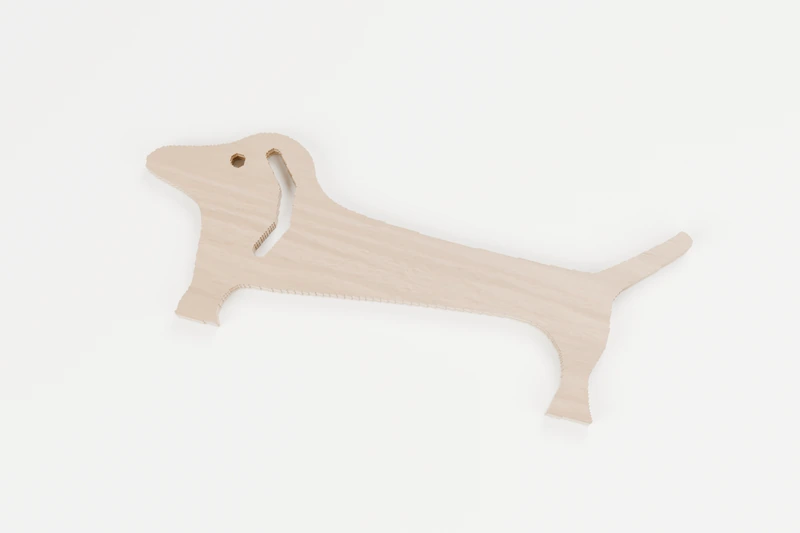
ANIMALS · INTERIOR CUTS
Long-dog dachshund
All body, short legs and a happy tail.
↔︎ 150 × 58 mm◉ 2 inside cuts
View pattern & downloads
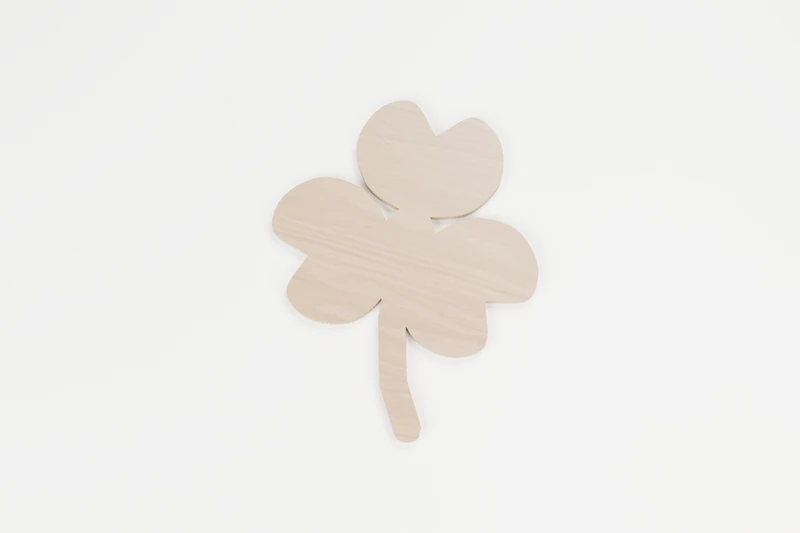
SEASONAL · OUTLINE CUTS
Lucky shamrock
Three heart-shaped leaves for a little luck.
↔︎ 150 × 185 mm✓ No inside cuts
View pattern & downloads
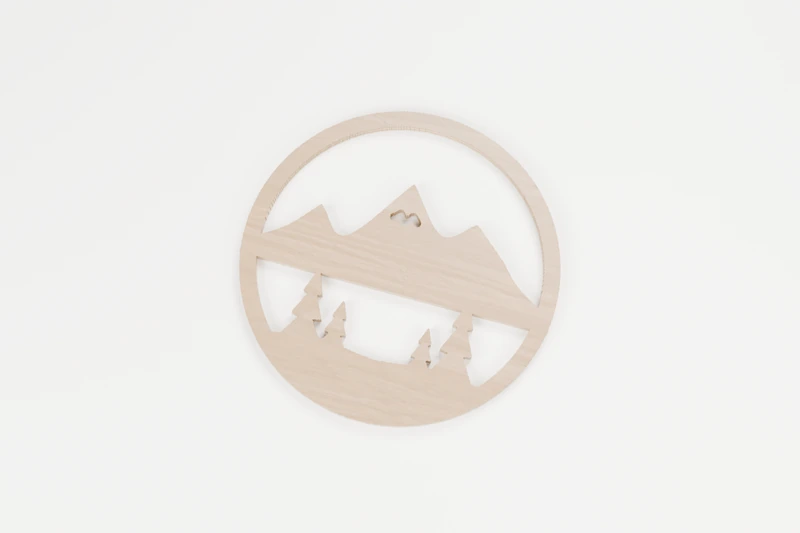
NATURE · INTERIOR CUTS
Mountain lake and pines
Snowy peaks above a still lake.
↔︎ 150 × 150 mm◉ 5 inside cuts
View pattern & downloads
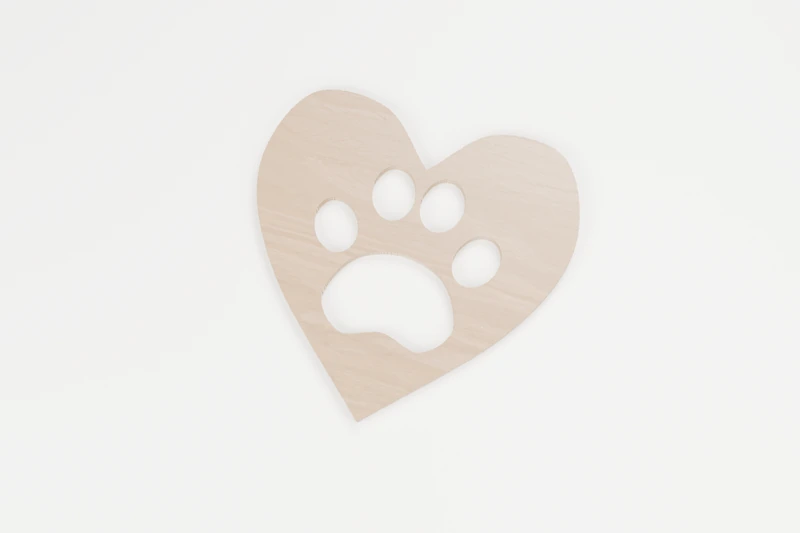
HOME · INTERIOR CUTS
Paw-print heart
A keepsake for a much-loved pet.
↔︎ 150 × 147.3 mm◉ 5 inside cuts
View pattern & downloads
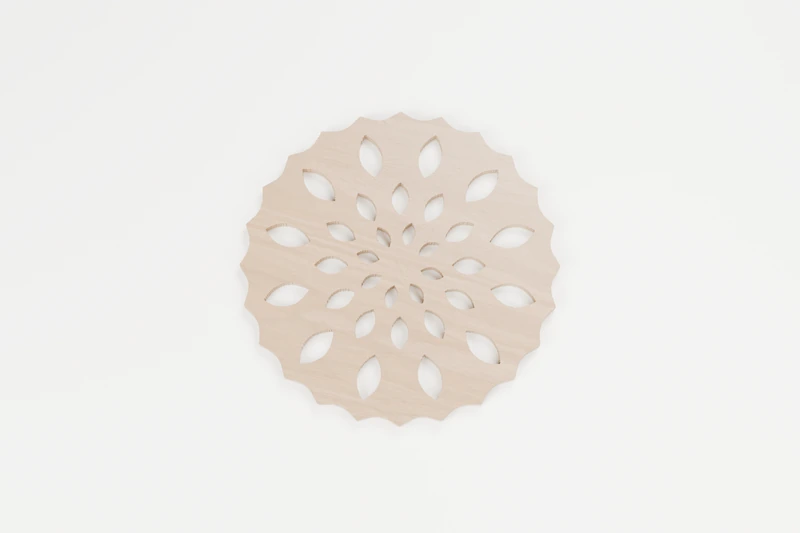
FRETWORK · INTERIOR CUTS
Petal mandala
Three rings of petals around a solid heart.
↔︎ 150 × 150 mm◉ 32 inside cuts
View pattern & downloads
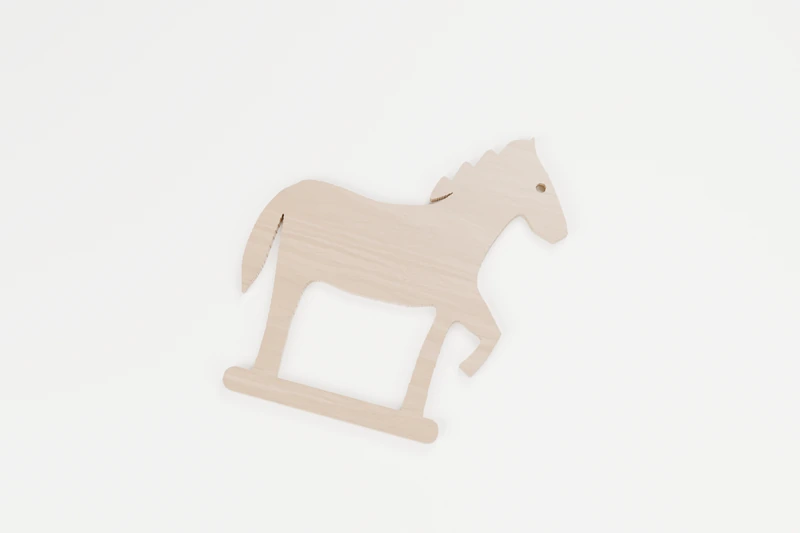
ANIMALS · INTERIOR CUTS
Prancing horse
A proud step and a flowing tail.
↔︎ 150 × 160 mm◉ 2 inside cuts
View pattern & downloads
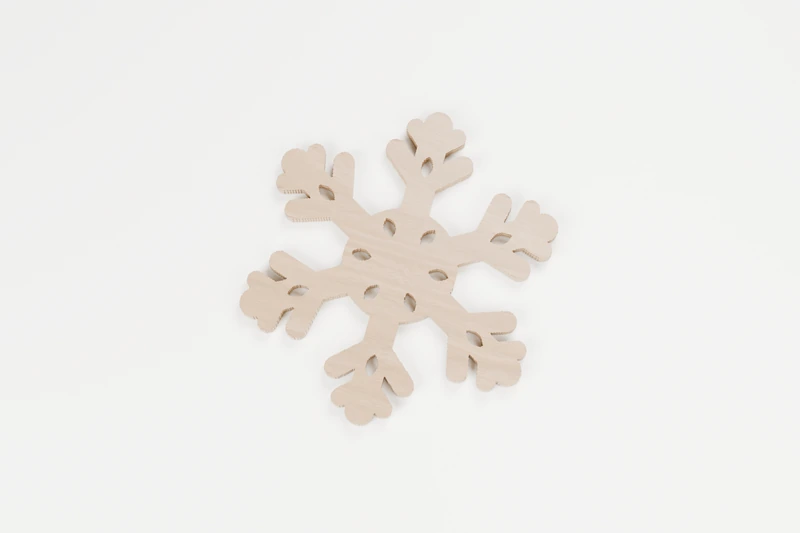
CHRISTMAS · INTERIOR CUTS
Six-point snowflake
A crisp winter flake for the window or tree.
↔︎ 114 × 130 mm◉ 12 inside cuts
View pattern & downloads
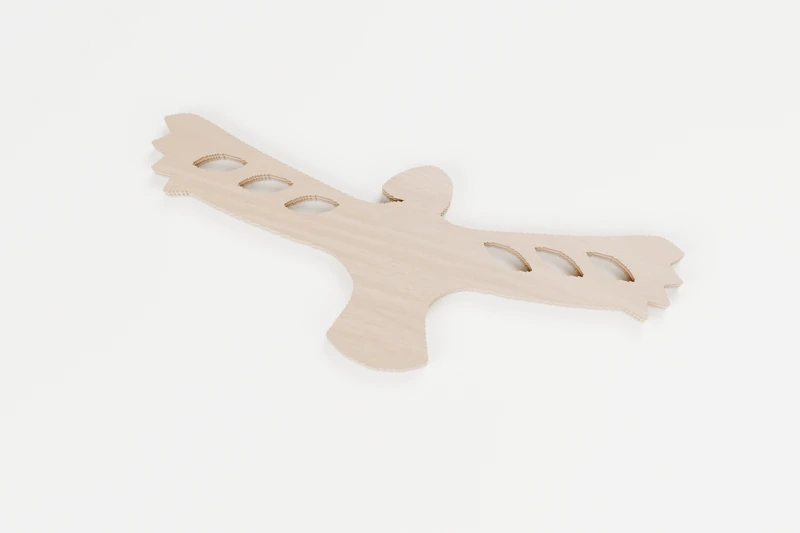
BIRDS · INTERIOR CUTS
Soaring eagle
Wide wings riding a rising wind.
↔︎ 150 × 57.9 mm◉ 6 inside cuts
View pattern & downloads
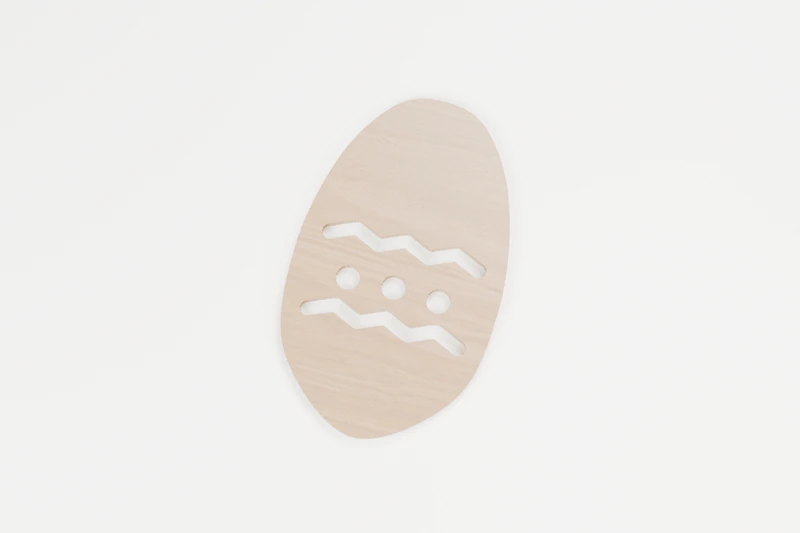
SEASONAL · INTERIOR CUTS
Spring Easter egg
A decorated egg for spring.
↔︎ 114.3 × 189.9 mm◉ 5 inside cuts
View pattern & downloads

SIGNS · INTERIOR CUTS
Welcome sign
A warm hello for the front hall.
↔︎ 180 × 26.7 mm◉ 3 inside cuts
View pattern & downloads
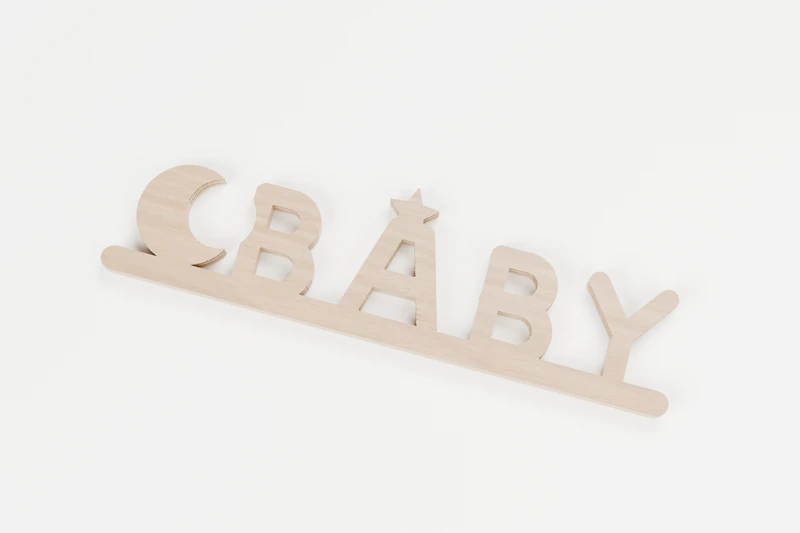
SIGNS · INTERIOR CUTS
BABY moon and star sign
A sleepy moon and a star for the nursery.
↔︎ 160 × 44.4 mm◉ 6 inside cuts
View pattern & downloads
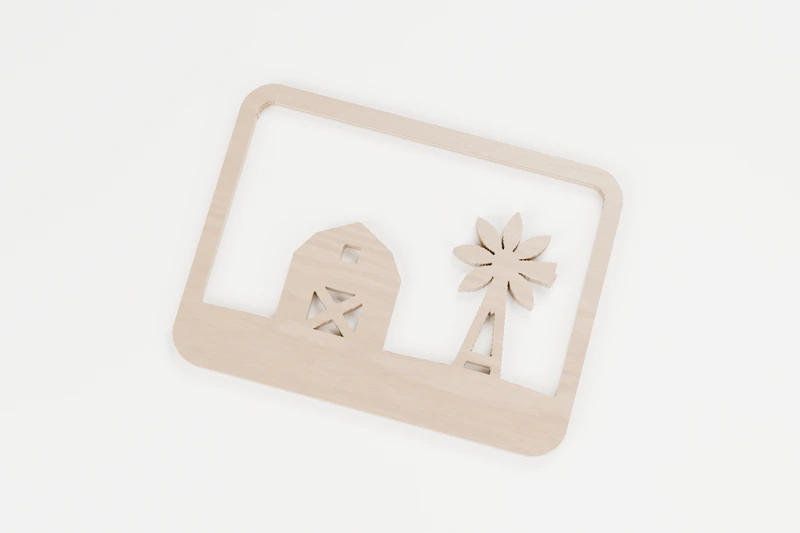
HOME · INTERIOR CUTS
Barn and windmill
A country barn and a turning windmill.
↔︎ 150 × 112.3 mm◉ 8 inside cuts
View pattern & downloads
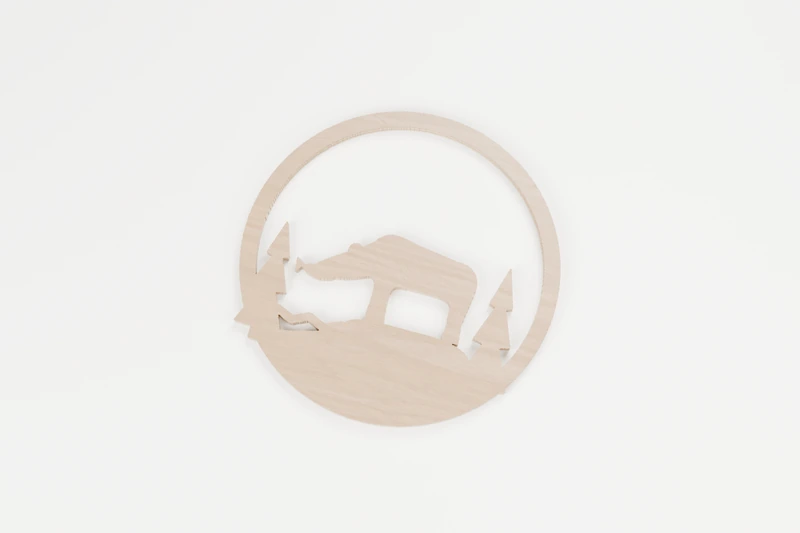
ANIMALS · INTERIOR CUTS
Bear fishing at the stream
A bear with the catch of the day.
↔︎ 150 × 150 mm◉ 3 inside cuts
View pattern & downloads
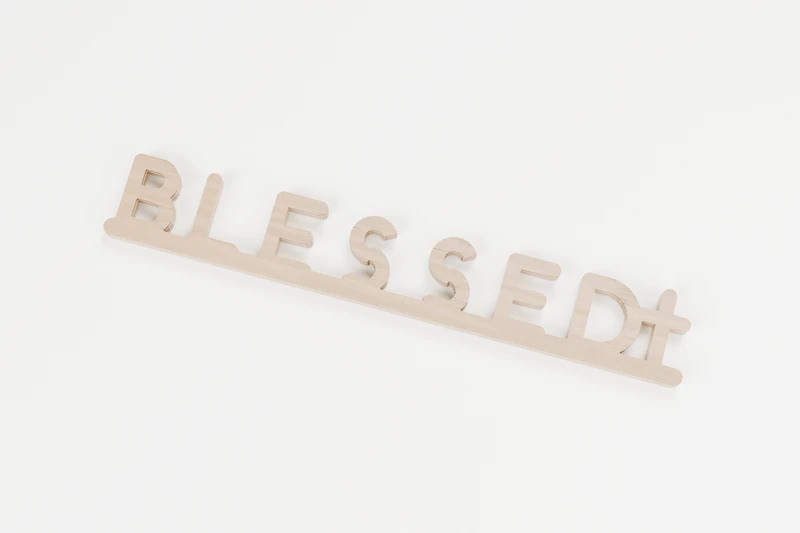
SIGNS · INTERIOR CUTS
BLESSED cross sign
A grateful word with a cross to finish.
↔︎ 180 × 28.2 mm◉ 4 inside cuts
View pattern & downloads
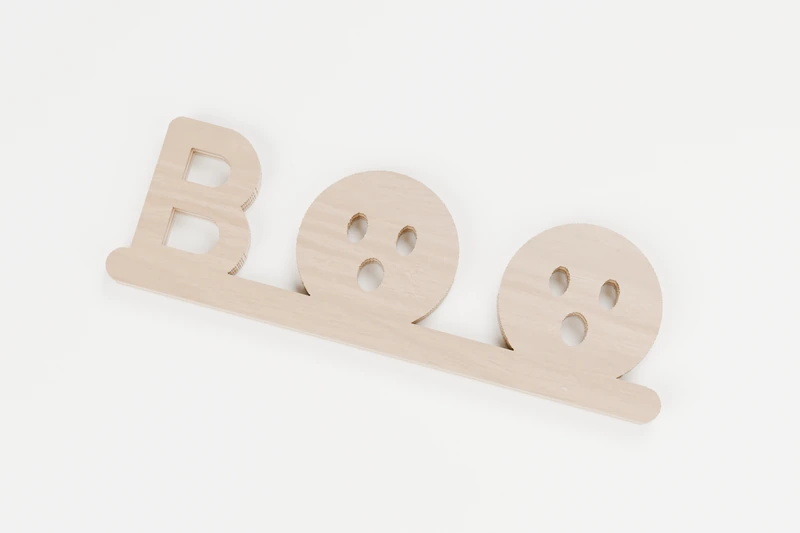
SIGNS · INTERIOR CUTS
BOO ghost sign
Two surprised faces say BOO.
↔︎ 130 × 41.2 mm◉ 8 inside cuts
View pattern & downloads
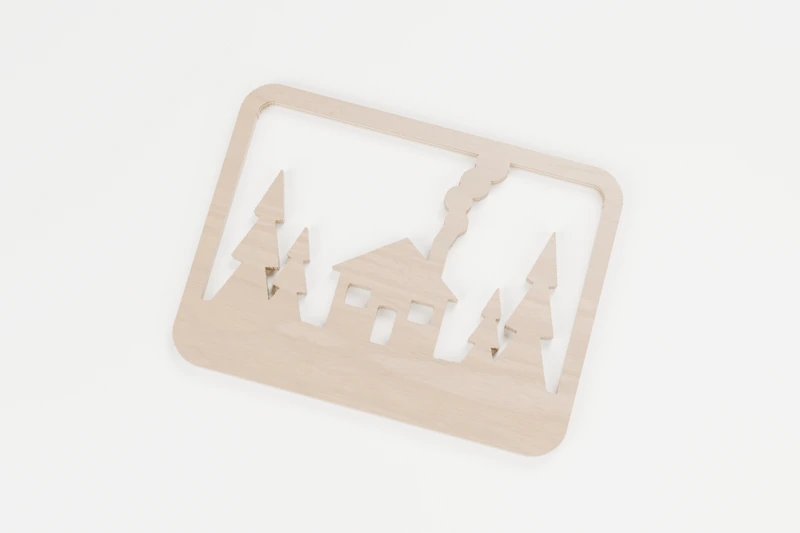
HOME · INTERIOR CUTS
Cabin in the pines
Smoke curling from a cabin in the woods.
↔︎ 150 × 112.3 mm◉ 5 inside cuts
View pattern & downloads
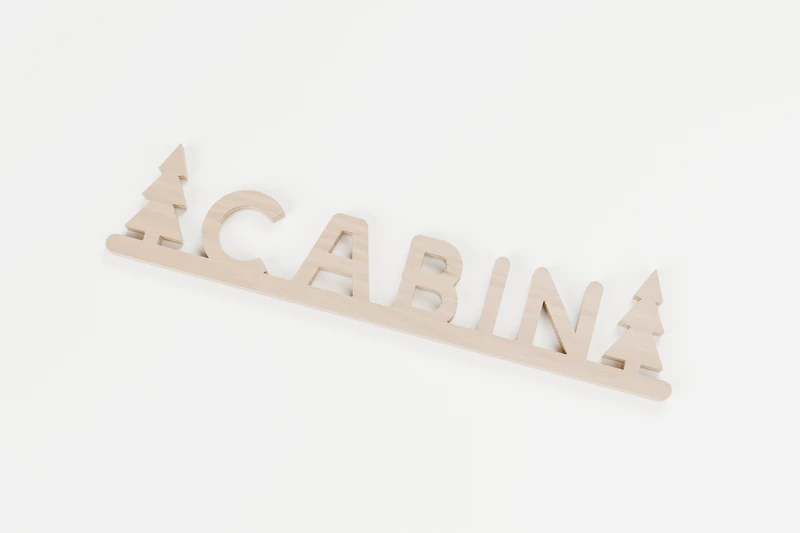
SIGNS · INTERIOR CUTS
CABIN pines sign
Cabin, framed by two pines.
↔︎ 180 × 39 mm◉ 5 inside cuts
View pattern & downloads
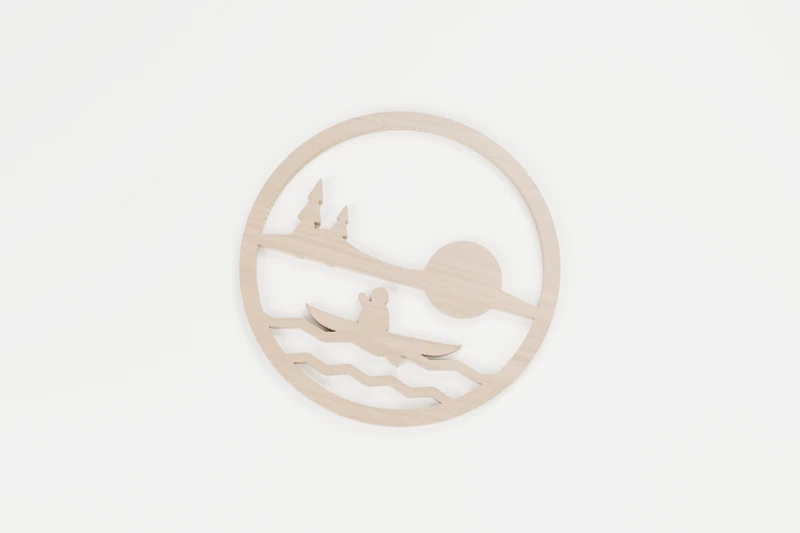
NATURE · INTERIOR CUTS
Canoe at sunset
One paddler crossing a quiet lake.
↔︎ 150 × 150 mm◉ 4 inside cuts
View pattern & downloads
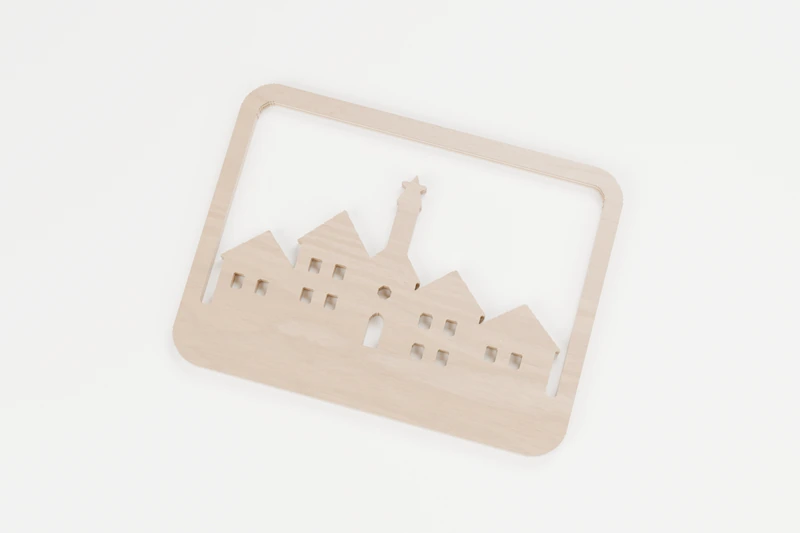
CHRISTMAS · INTERIOR CUTS
Christmas village
Lit windows on a snowy street.
↔︎ 150 × 112.3 mm◉ 15 inside cuts
View pattern & downloads
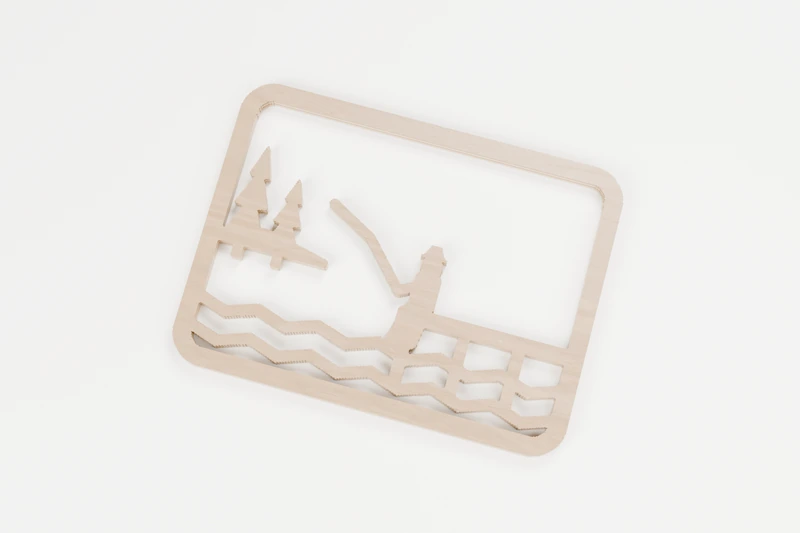
NATURE · INTERIOR CUTS
Angler on the dock
A quiet afternoon at the end of the dock.
↔︎ 150 × 112.3 mm◉ 9 inside cuts
View pattern & downloads
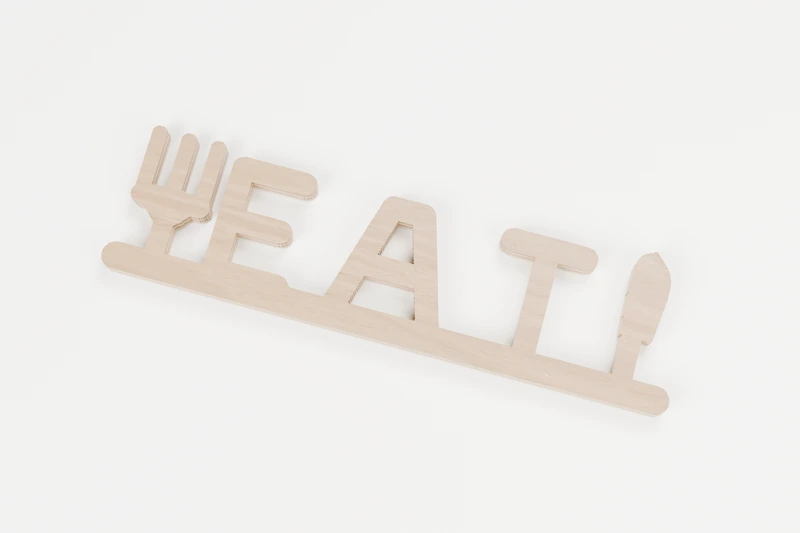
SIGNS · INTERIOR CUTS
EAT kitchen sign
A fork, a knife and one good word.
↔︎ 150 × 41 mm◉ 2 inside cuts
View pattern & downloads
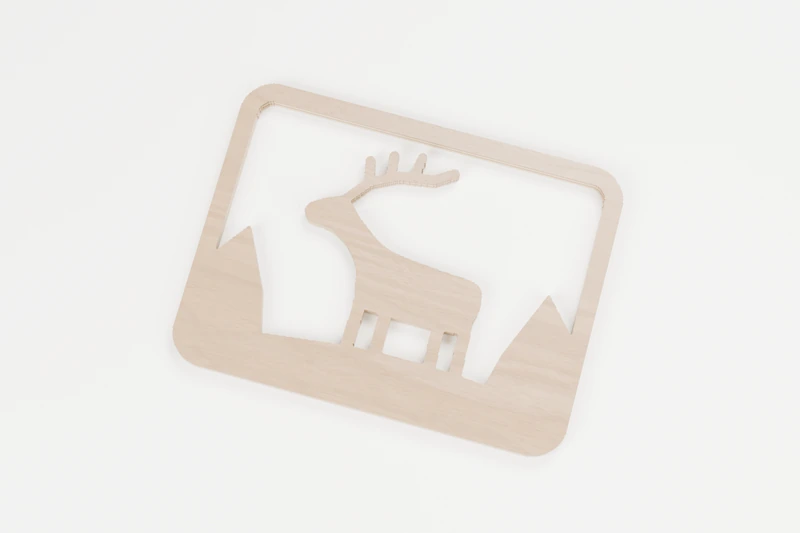
ANIMALS · INTERIOR CUTS
Elk on the ridge
A bull elk standing tall on the ridge.
↔︎ 150 × 112.3 mm◉ 4 inside cuts
View pattern & downloads
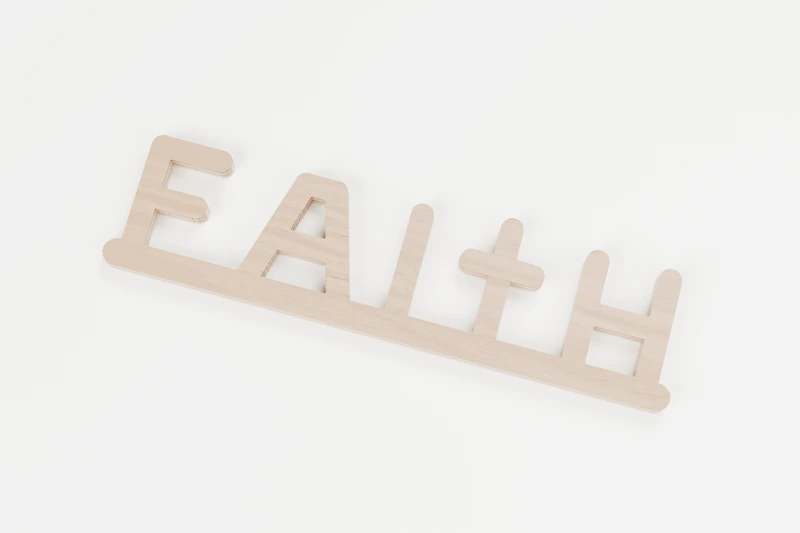
SIGNS · INTERIOR CUTS
FAITH cross sign
Faith, with a cross for the T.
↔︎ 150 × 39 mm◉ 3 inside cuts
View pattern & downloads
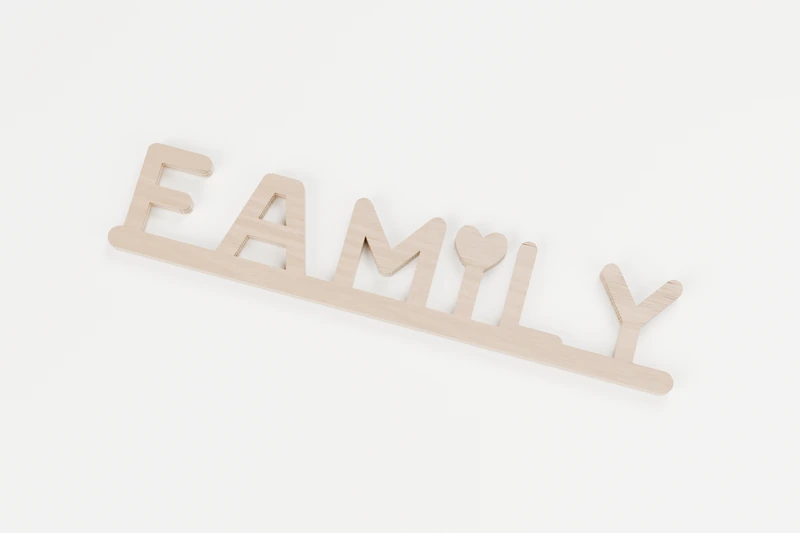
SIGNS · INTERIOR CUTS
FAMILY heart sign
One word for the people who matter most.
↔︎ 180 × 35.4 mm◉ 3 inside cuts
View pattern & downloads
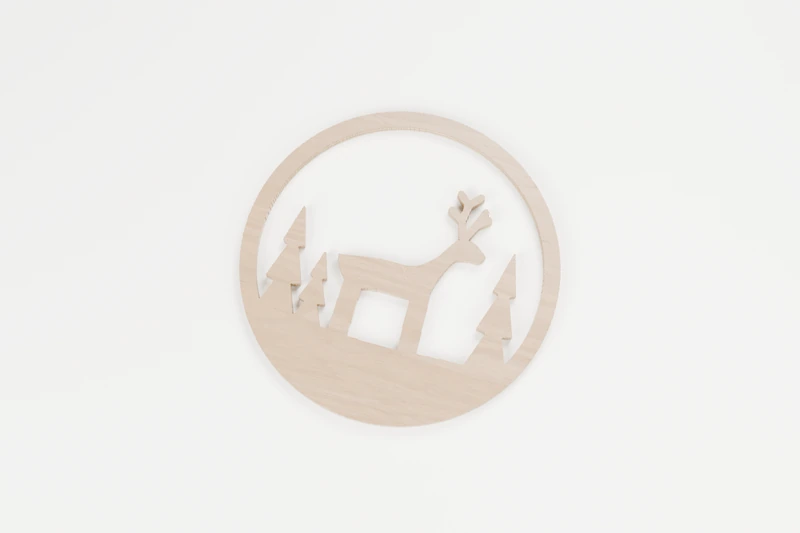
ANIMALS · INTERIOR CUTS
Stag in the forest
A watchful stag between the pines.
↔︎ 150 × 150 mm◉ 2 inside cuts
View pattern & downloads
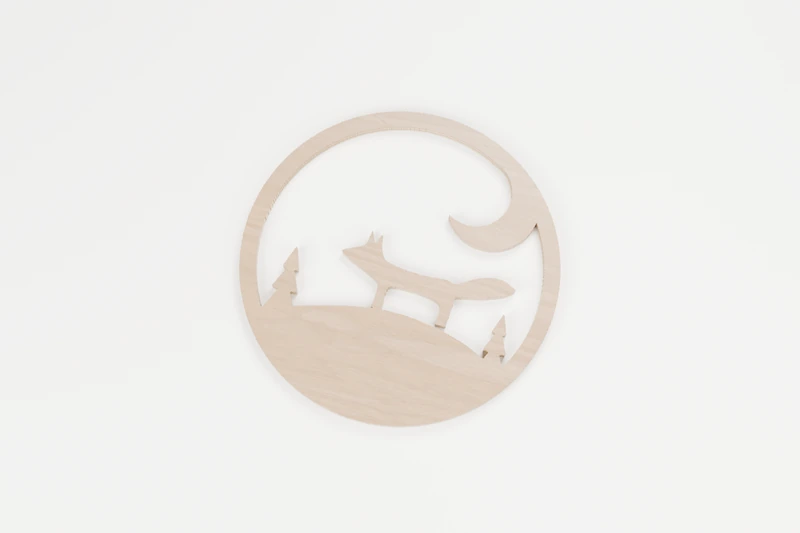
ANIMALS · INTERIOR CUTS
Fox under a crescent moon
A fox on the hill beneath a crescent moon.
↔︎ 150 × 150 mm◉ 1 inside cut
View pattern & downloads
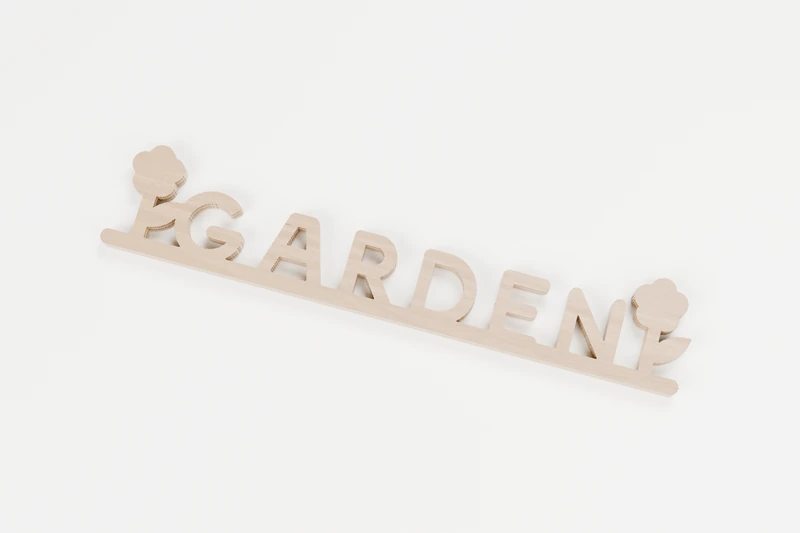
SIGNS · INTERIOR CUTS
GARDEN flower sign
Garden, with a flower at either end.
↔︎ 180 × 34 mm◉ 7 inside cuts
View pattern & downloads
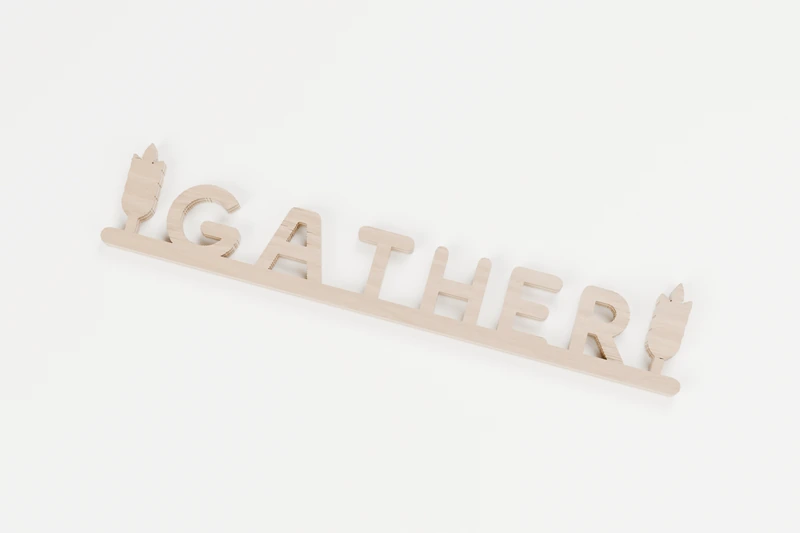
SIGNS · INTERIOR CUTS
GATHER wheat sign
An invitation to the table.
↔︎ 180 × 33.6 mm◉ 5 inside cuts
View pattern & downloads
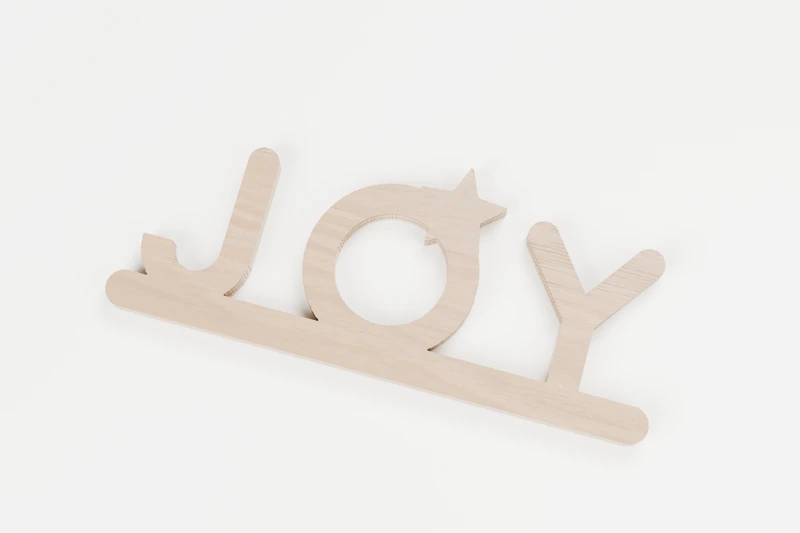
SIGNS · INTERIOR CUTS
JOY star sign
Three letters of holiday joy.
↔︎ 130 × 53.8 mm◉ 1 inside cut
View pattern & downloads
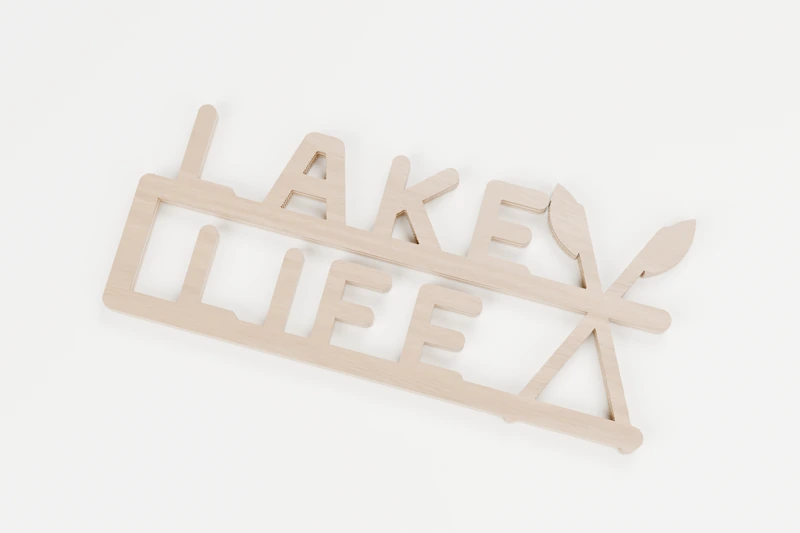
SIGNS · INTERIOR CUTS
LAKE LIFE paddle sign
Two words, two rails and a pair of paddles.
↔︎ 150 × 66.8 mm◉ 5 inside cuts
View pattern & downloads
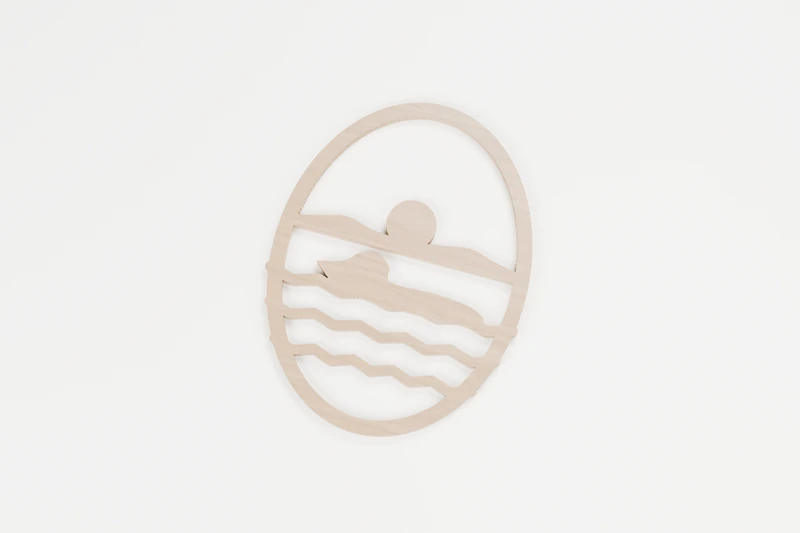
BIRDS · INTERIOR CUTS
Loon on the lake
A loon drifting on a still night.
↔︎ 143 × 190 mm◉ 5 inside cuts
View pattern & downloads

SIGNS · INTERIOR CUTS
LOVE heart sign
Love, with an open heart for the O.
↔︎ 150 × 39.8 mm◉ 1 inside cut
View pattern & downloads
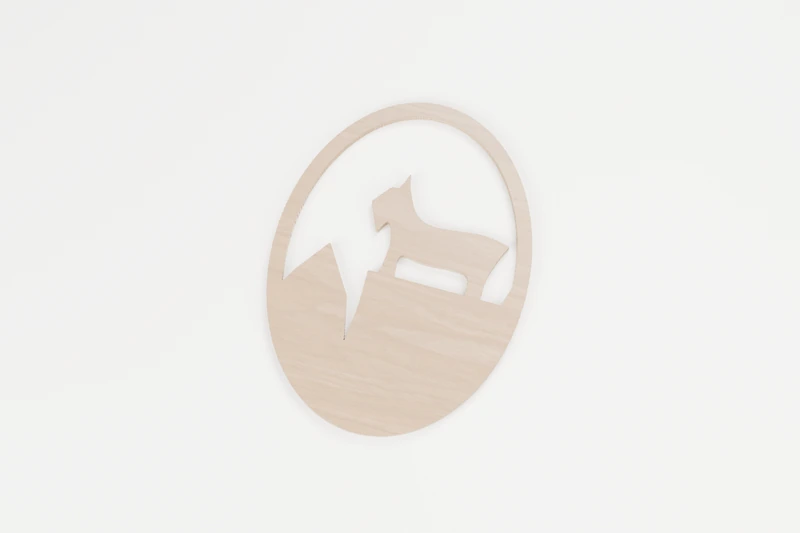
ANIMALS · INTERIOR CUTS
Mountain goat on the cliff
Sure-footed on a high ledge.
↔︎ 142.3 × 190 mm◉ 2 inside cuts
View pattern & downloads
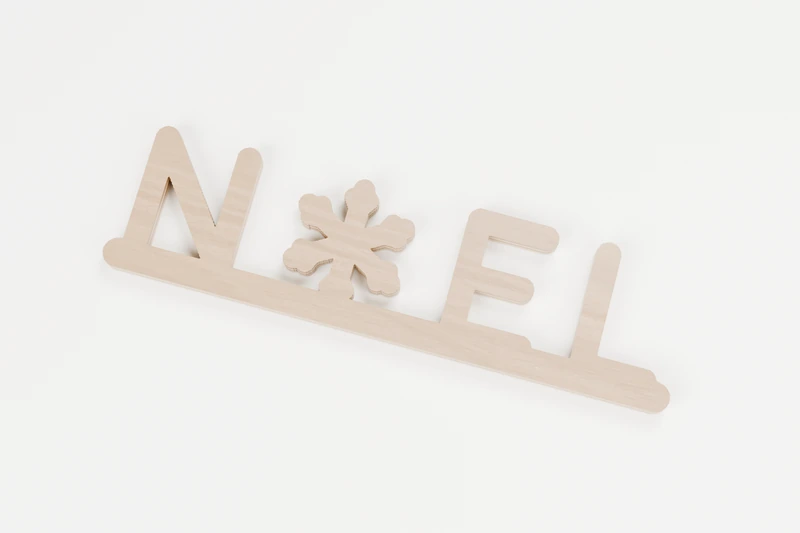
SIGNS · INTERIOR CUTS
NOEL snowflake sign
A snowflake in place of the O.
↔︎ 160 × 42.4 mm◉ 1 inside cut
View pattern & downloads
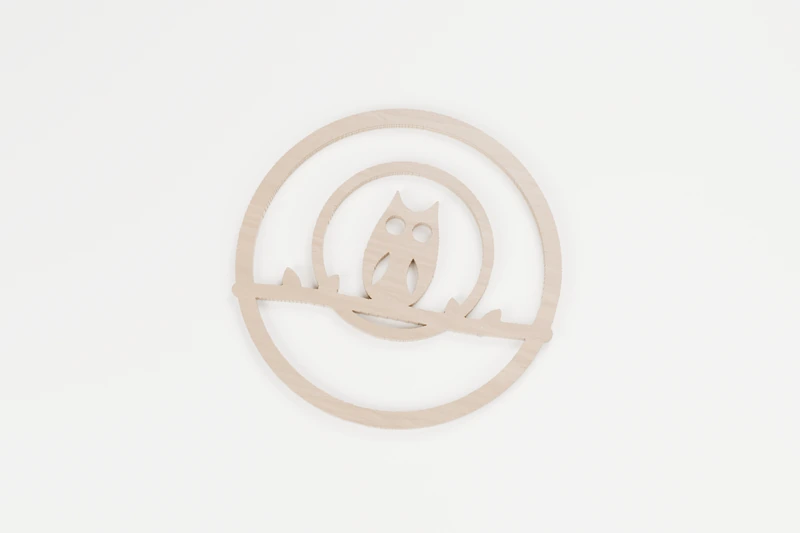
BIRDS · INTERIOR CUTS
Owl and the full moon
A wise owl in front of the full moon.
↔︎ 150 × 148.7 mm◉ 8 inside cuts
View pattern & downloads

SIGNS · INTERIOR CUTS
PEACE dove sign
A resting dove beside a gentle word.
↔︎ 180 × 31.8 mm◉ 3 inside cuts
View pattern & downloads
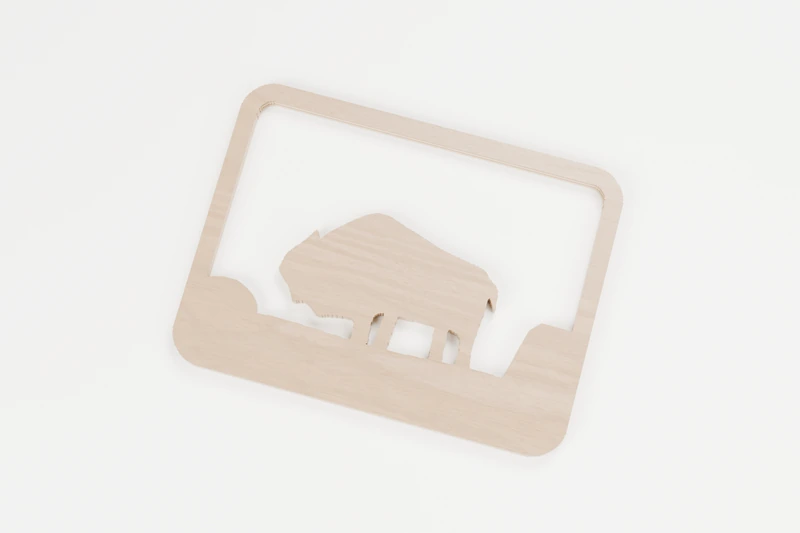
ANIMALS · INTERIOR CUTS
Bison on the prairie
A bison standing its ground on the open prairie.
↔︎ 150 × 112.3 mm◉ 4 inside cuts
View pattern & downloads

SIGNS · INTERIOR CUTS
THANKFUL maple sign
Thankful, with a maple leaf for the A.
↔︎ 180 × 24.4 mm◉ 3 inside cuts
View pattern & downloads
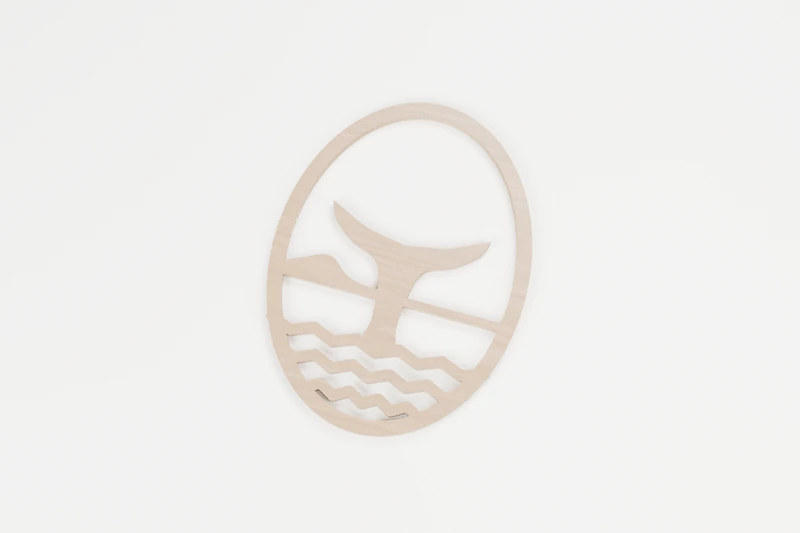
OCEAN · INTERIOR CUTS
Whale tail at sea
A whale waves goodbye.
↔︎ 142.3 × 190 mm◉ 6 inside cuts
View pattern & downloads
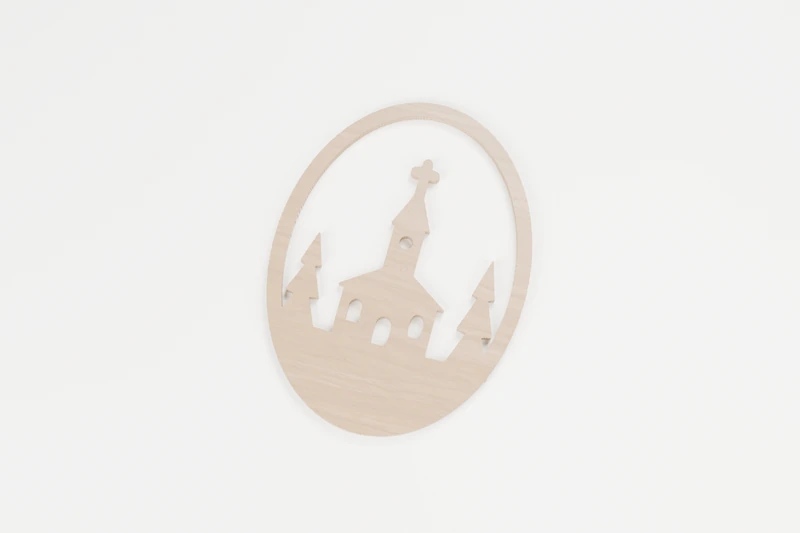
CHRISTMAS · INTERIOR CUTS
Winter chapel
A little chapel in the snow.
↔︎ 142.3 × 190 mm◉ 5 inside cuts
View pattern & downloads

SIGNS · INTERIOR CUTS
BEACH sunrise sign
Sun coming up over the beach.
↔︎ 170 × 34.4 mm◉ 5 inside cuts
View pattern & downloads
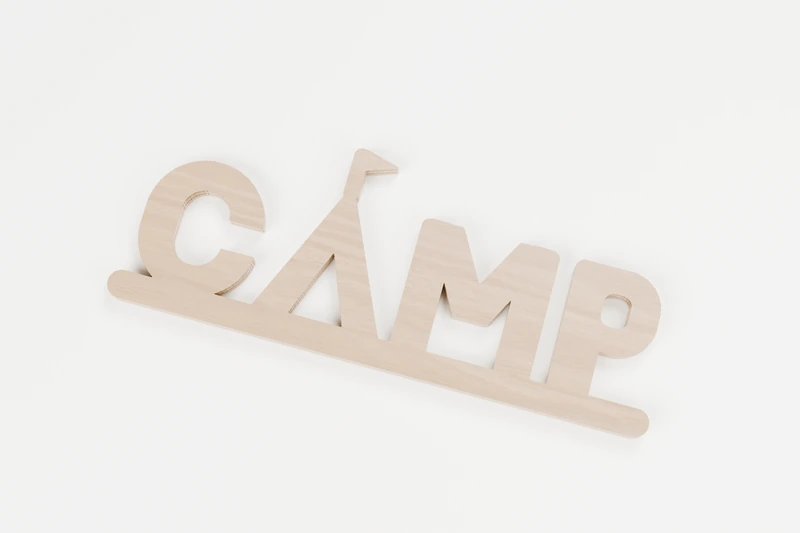
SIGNS · INTERIOR CUTS
CAMP tent sign
The A is a tent, flag and all.
↔︎ 160 × 61.4 mm◉ 3 inside cuts
View pattern & downloads
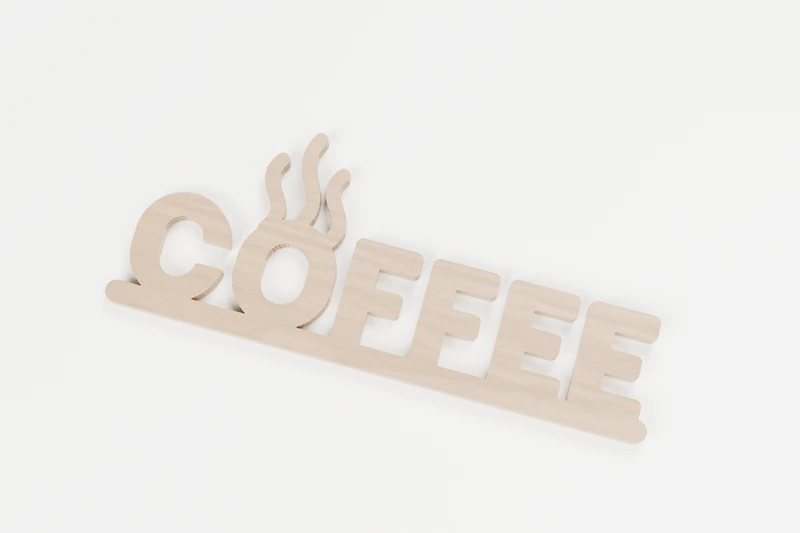
SIGNS · INTERIOR CUTS
COFFEE steam sign
Fresh coffee, still steaming.
↔︎ 180 × 72.4 mm◉ 1 inside cut
View pattern & downloads
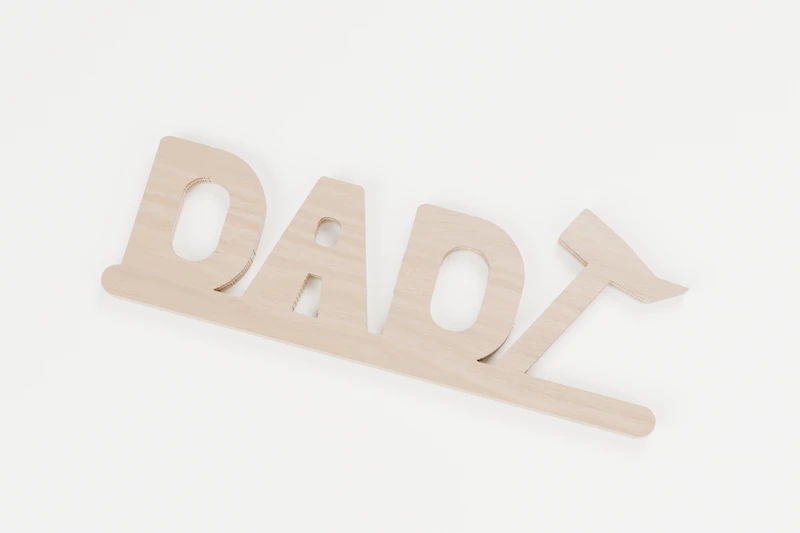
SIGNS · INTERIOR CUTS
DAD hammer sign
For the one who fixes everything.
↔︎ 150 × 55.3 mm◉ 4 inside cuts
View pattern & downloads

SIGNS · INTERIOR CUTS
DREAM moon sign
A crescent moon to dream under.
↔︎ 180 × 70.8 mm◉ 6 inside cuts
View pattern & downloads
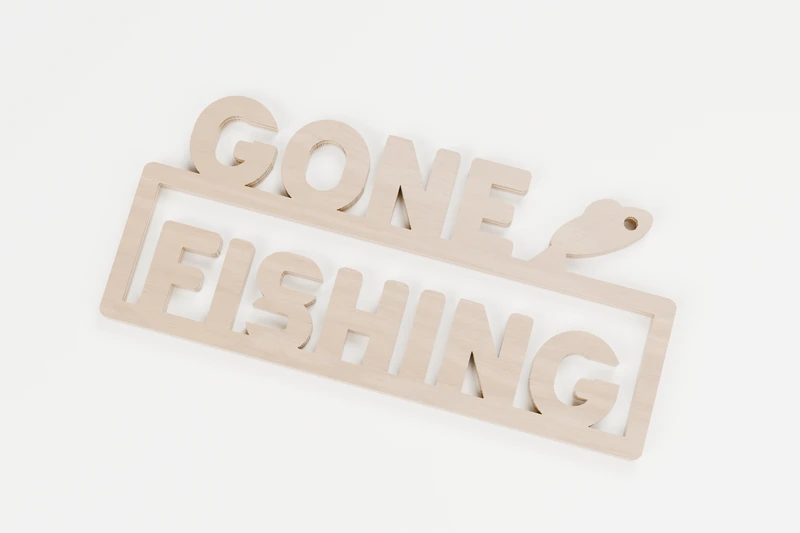
SIGNS · INTERIOR CUTS
GONE FISHING sign
Gone fishing, back whenever.
↔︎ 170 × 78.4 mm◉ 6 inside cuts
View pattern & downloads

SIGNS · INTERIOR CUTS
HAPPY balloons sign
Two balloons for a happy day.
↔︎ 170 × 69.2 mm◉ 5 inside cuts
View pattern & downloads
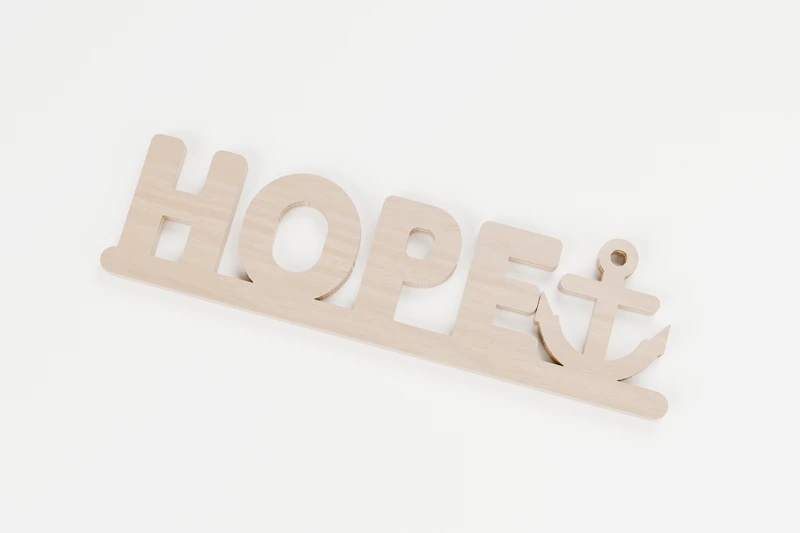
SIGNS · INTERIOR CUTS
HOPE anchor sign
Hope, held fast by an anchor.
↔︎ 160 × 46 mm◉ 4 inside cuts
View pattern & downloads
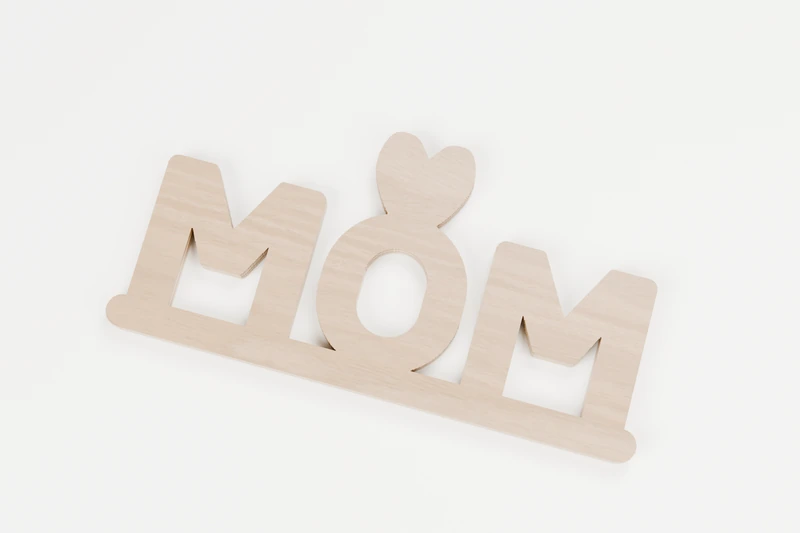
SIGNS · INTERIOR CUTS
MOM heart sign
Three letters and a heart on top.
↔︎ 150 × 74.4 mm◉ 3 inside cuts
View pattern & downloads

SIGNS · INTERIOR CUTS
WORKSHOP saw blade sign
The O is a saw blade.
↔︎ 180 × 27.8 mm◉ 8 inside cuts
View pattern & downloads
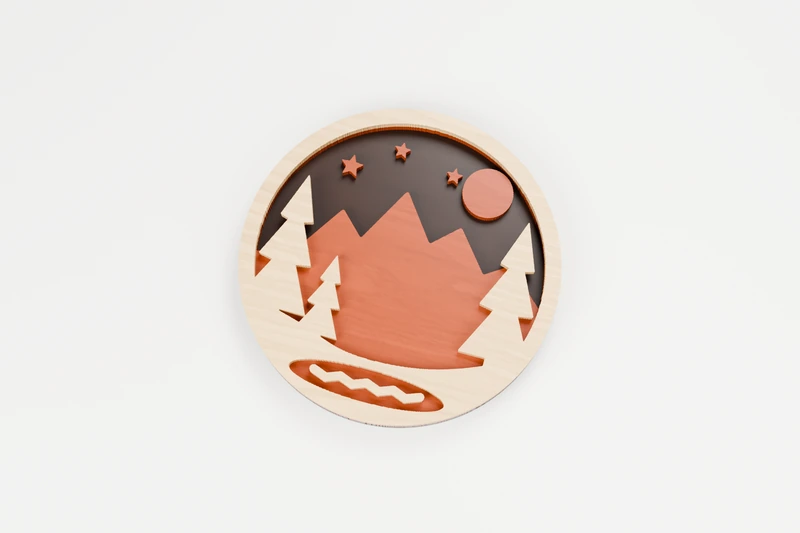
NATURE · 3 LAYERS
Moonrise lake layered plaque
Three woods, one moonlit lake.
↔︎ 180 × 180 mm◫ 3 layers to glue up
View pattern & downloads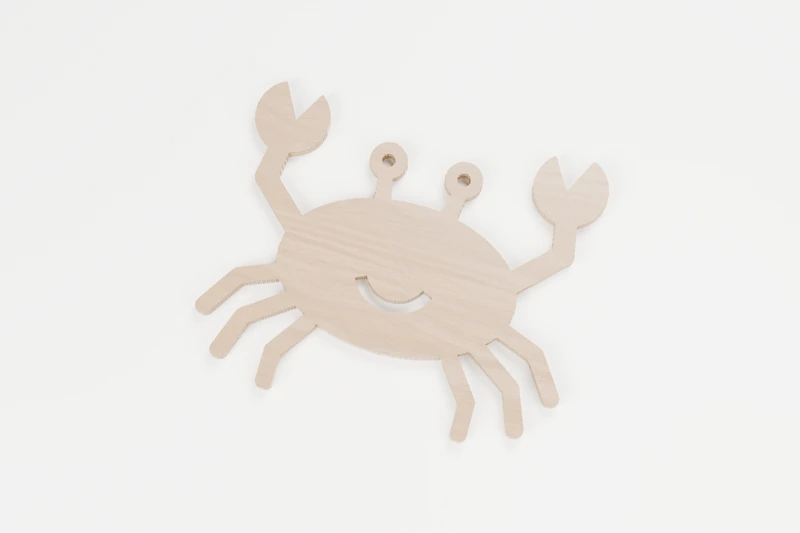
OCEAN · INTERIOR CUTS
Beach crab
A crab waving both claws hello.
↔︎ 150 × 124.7 mm◉ 3 inside cuts
View pattern & downloads
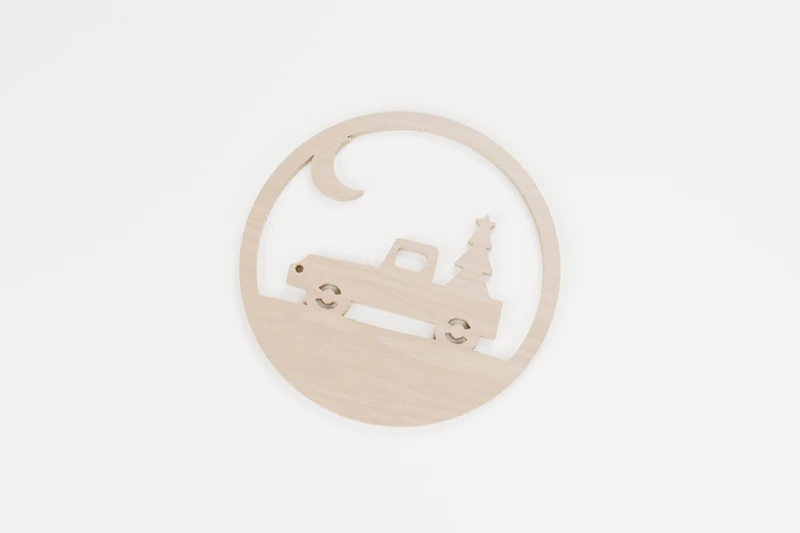
CHRISTMAS · INTERIOR CUTS
Truck bringing home the tree
An old pickup bringing the Christmas tree home.
↔︎ 150 × 150 mm◉ 8 inside cuts
View pattern & downloads
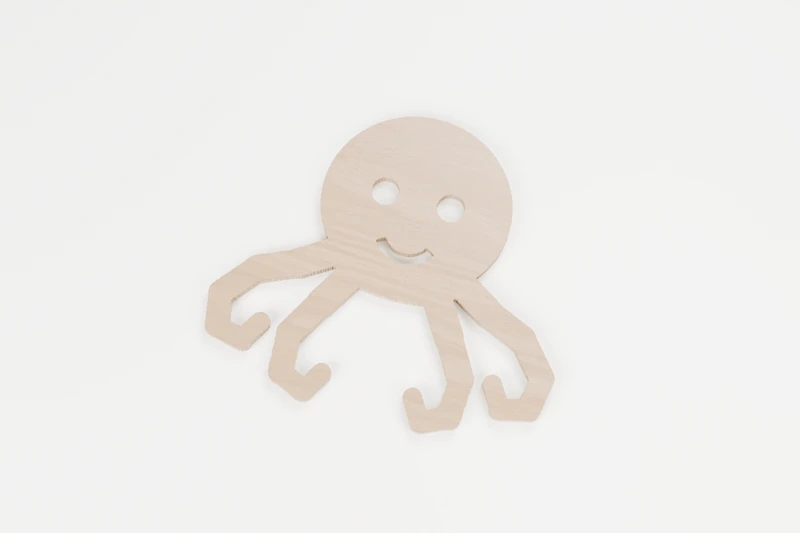
OCEAN · INTERIOR CUTS
Curly octopus
A cheerful octopus with curling arms.
↔︎ 150 × 132.7 mm◉ 3 inside cuts
View pattern & downloads
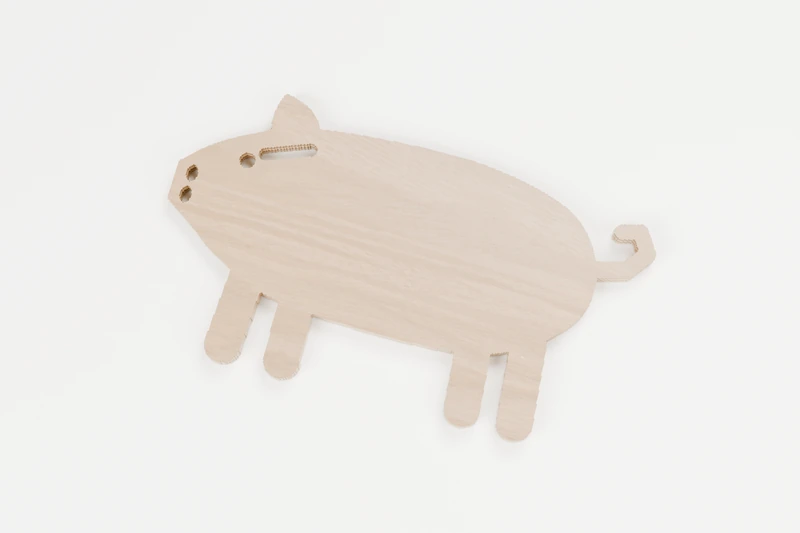
ANIMALS · INTERIOR CUTS
Farm pig
A happy pig with a curly tail.
↔︎ 150 × 87 mm◉ 4 inside cuts
View pattern & downloads
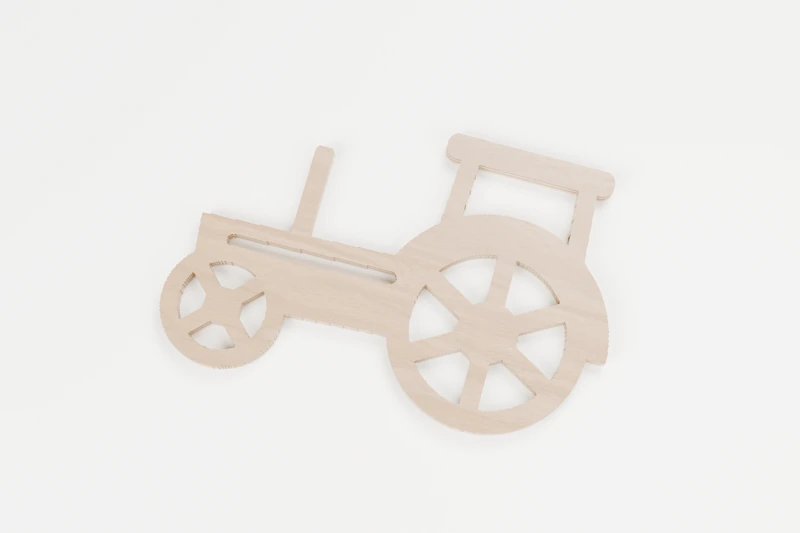
TRANSPORT · INTERIOR CUTS
Farm tractor
A big-wheeled tractor ready for the field.
↔︎ 150 × 100 mm◉ 12 inside cuts
View pattern & downloads
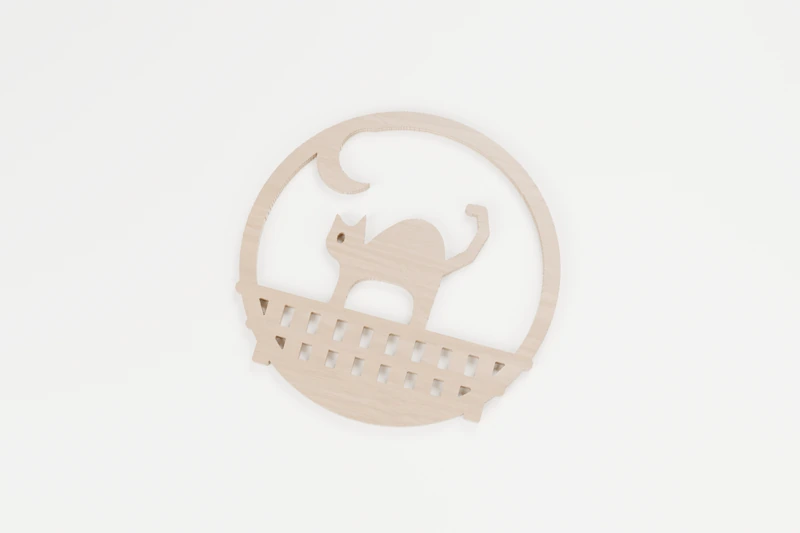
HALLOWEEN · INTERIOR CUTS
Black cat on the fence
An arched black cat on the garden fence.
↔︎ 150 × 150 mm◉ 21 inside cuts
View pattern & downloads
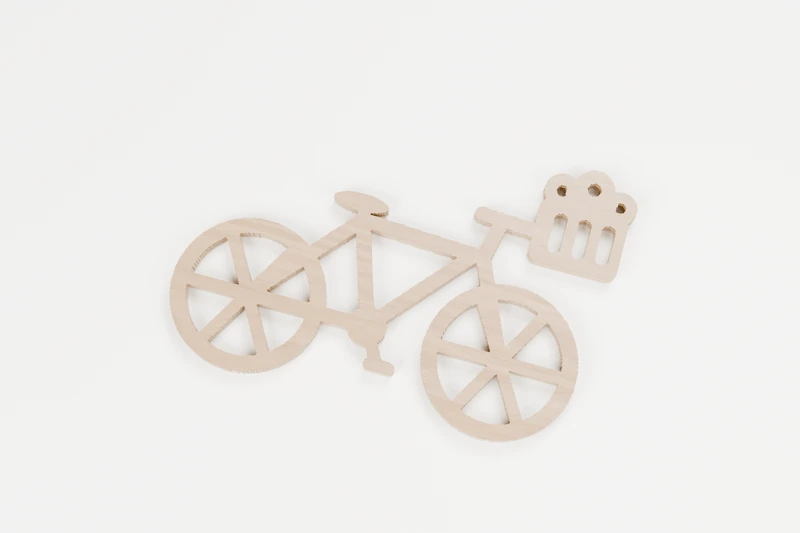
TRANSPORT · INTERIOR CUTS
Bicycle with a flower basket
A weekend bike with flowers in the basket.
↔︎ 150 × 101.7 mm◉ 20 inside cuts
View pattern & downloads
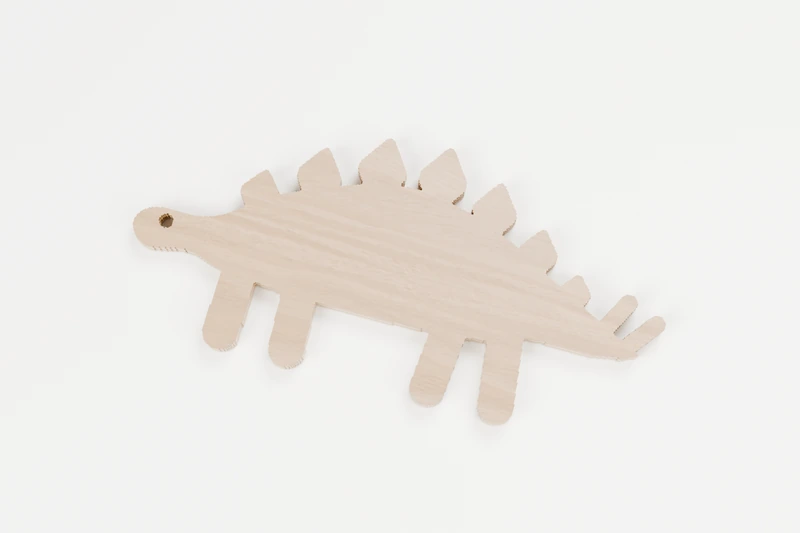
ANIMALS · INTERIOR CUTS
Friendly stegosaurus
A gentle plant-eater with plates down its back.
↔︎ 150 × 72 mm◉ 1 inside cut
View pattern & downloads
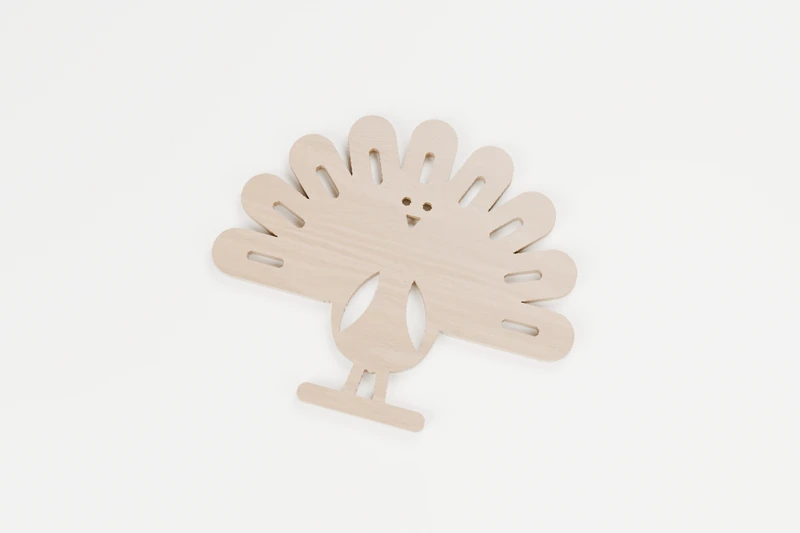
SEASONAL · INTERIOR CUTS
Harvest turkey
A plump turkey fanning its tail.
↔︎ 150 × 126 mm◉ 15 inside cuts
View pattern & downloads
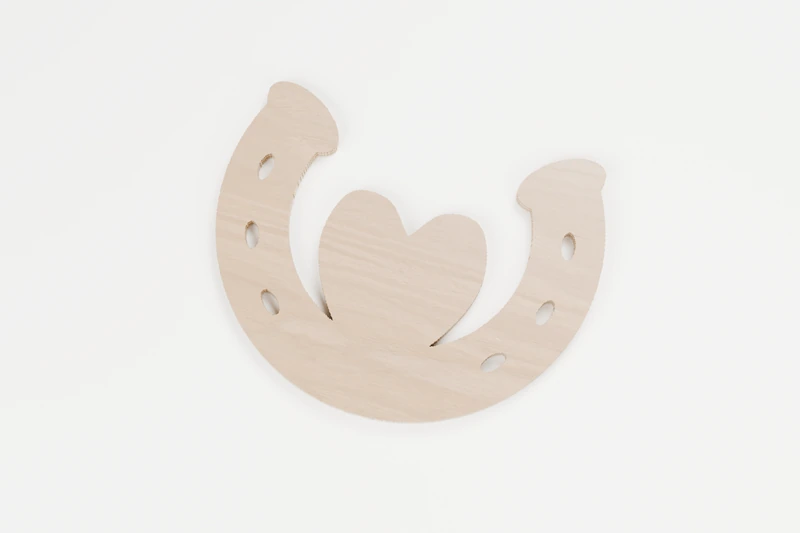
HOME · INTERIOR CUTS
Horseshoe heart
A lucky horseshoe with a heart inside.
↔︎ 150 × 119 mm◉ 6 inside cuts
View pattern & downloads
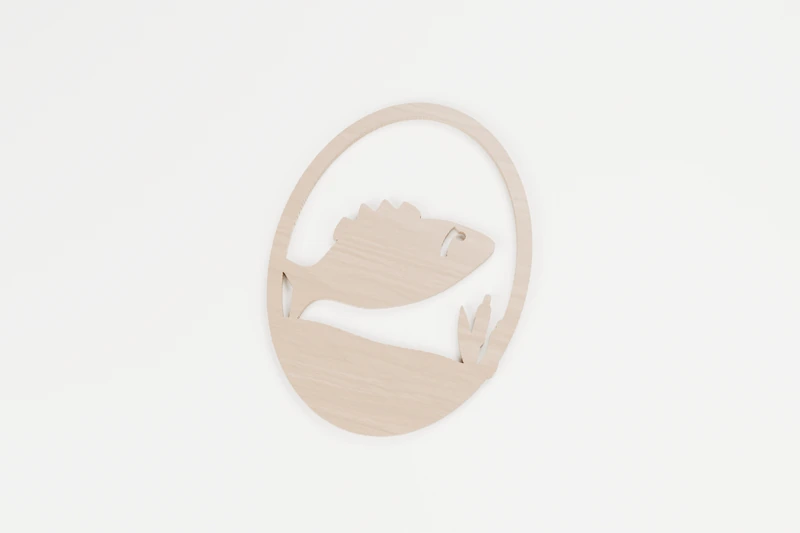
ANIMALS · INTERIOR CUTS
Leaping bass
A bass leaping clear of the water.
↔︎ 142.3 × 190 mm◉ 3 inside cuts
View pattern & downloads
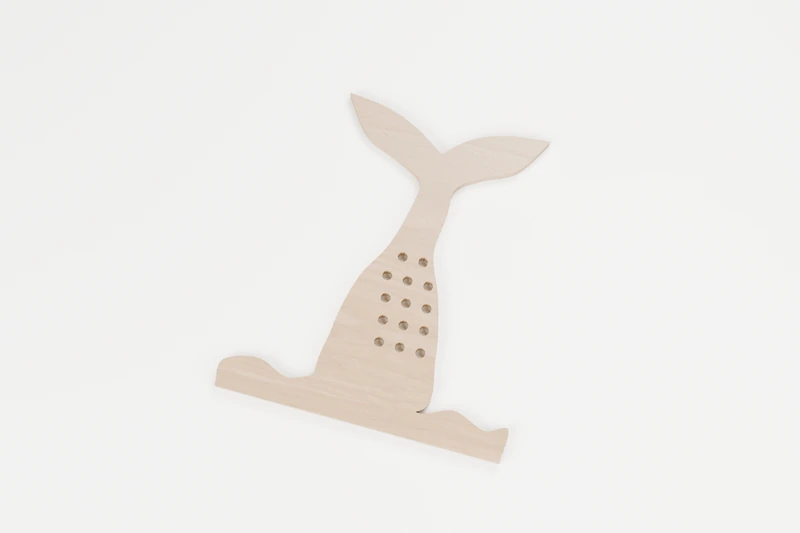
OCEAN · INTERIOR CUTS
Mermaid tail in the waves
A mermaid’s tail flicking up from the sea.
↔︎ 150 × 168.3 mm◉ 14 inside cuts
View pattern & downloads
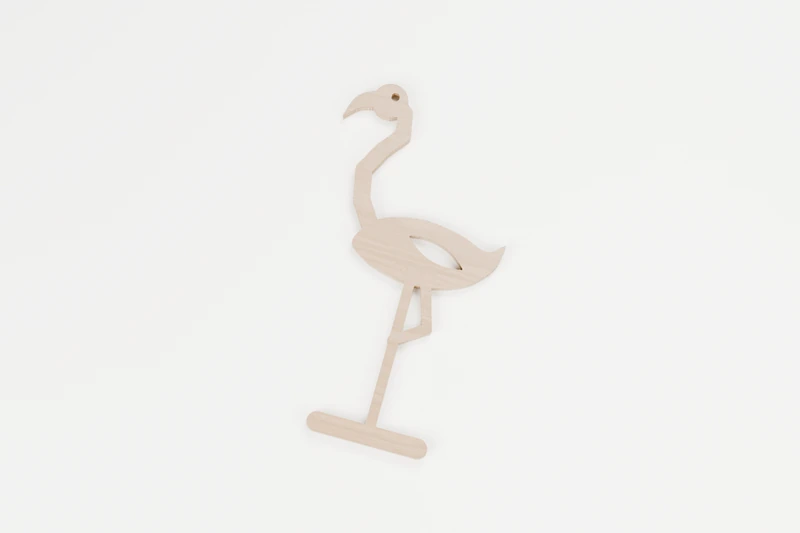
BIRDS · INTERIOR CUTS
Flamingo on one leg
Balanced on one leg, as flamingos do.
↔︎ 102 × 190 mm◉ 3 inside cuts
View pattern & downloads
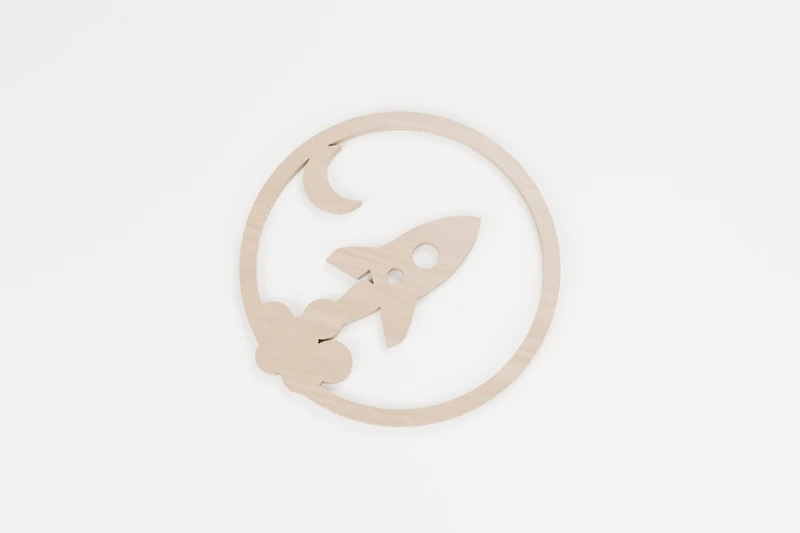
CELESTIAL · INTERIOR CUTS
Rocket to the moon
A rocket on its way to the moon.
↔︎ 150 × 150 mm◉ 3 inside cuts
View pattern & downloads
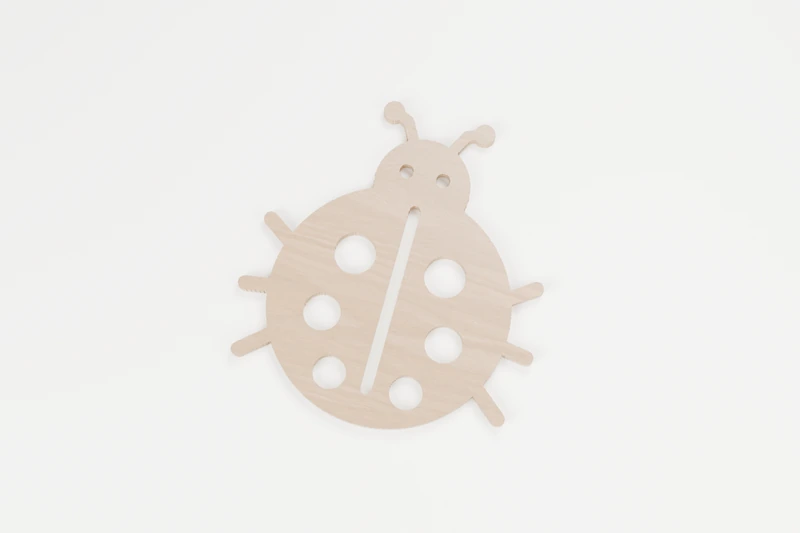
ANIMALS · INTERIOR CUTS
Spotted ladybug
A lucky ladybug with six spots.
↔︎ 150 × 162.7 mm◉ 9 inside cuts
View pattern & downloads
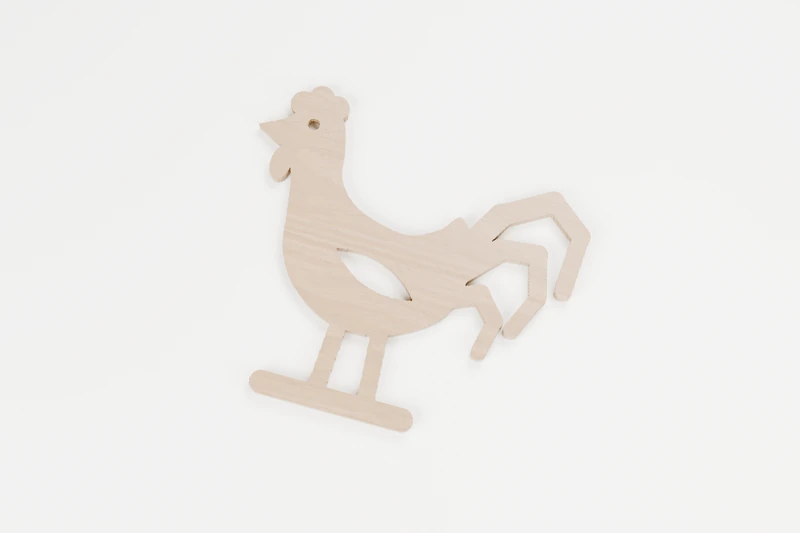
BIRDS · INTERIOR CUTS
Strutting rooster
The farmyard’s proudest early riser.
↔︎ 150 × 135.6 mm◉ 3 inside cuts
View pattern & downloads
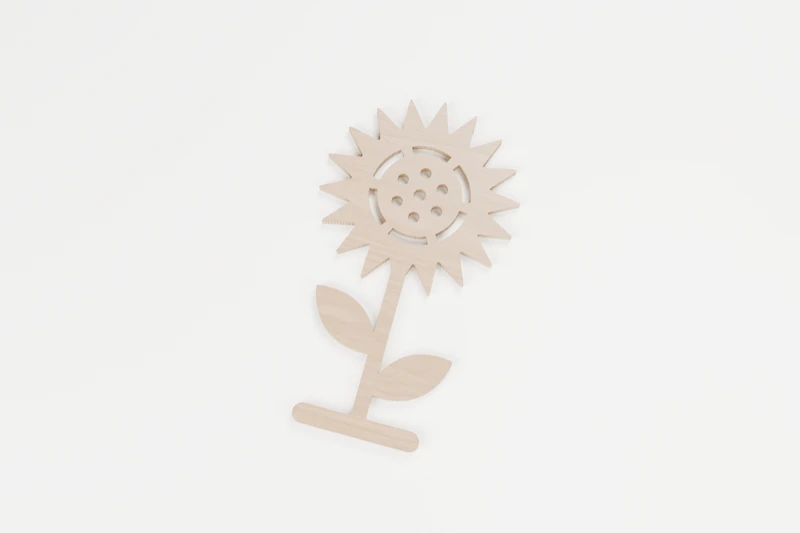
NATURE · INTERIOR CUTS
Tall sunflower
A sunflower standing tall in the garden.
↔︎ 107.6 × 189.9 mm◉ 13 inside cuts
View pattern & downloads
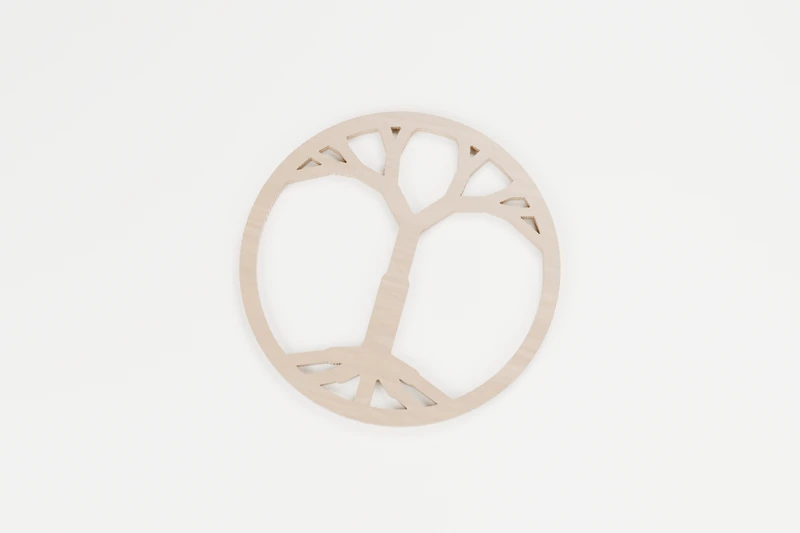
FRETWORK · INTERIOR CUTS
Tree of life
Branches above, roots below, all in one circle.
↔︎ 150 × 150 mm◉ 15 inside cuts
View pattern & downloads
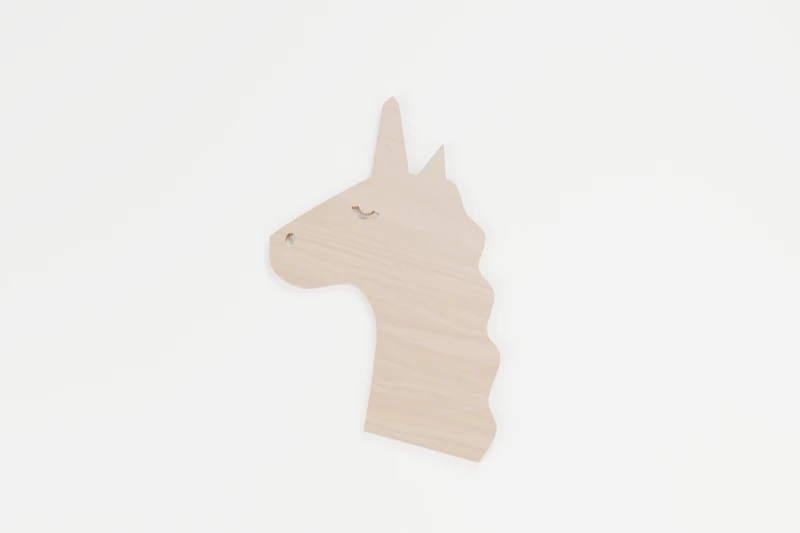
ANIMALS · INTERIOR CUTS
Unicorn head
A unicorn with a flowing mane.
↔︎ 150 × 188.3 mm◉ 2 inside cuts
View pattern & downloads
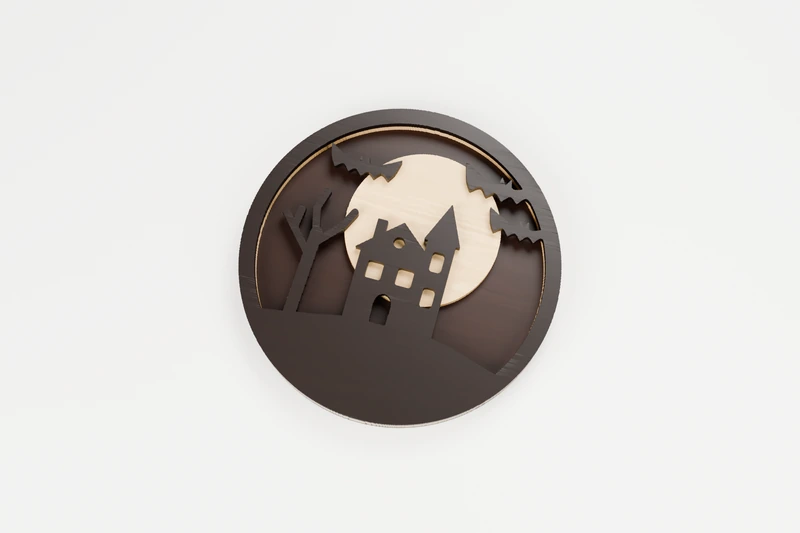
HALLOWEEN · 3 LAYERS
Haunted house layered plaque
A haunted house under a full moon, in three woods.
↔︎ 180 × 180 mm◫ 3 layers to glue up
View pattern & downloads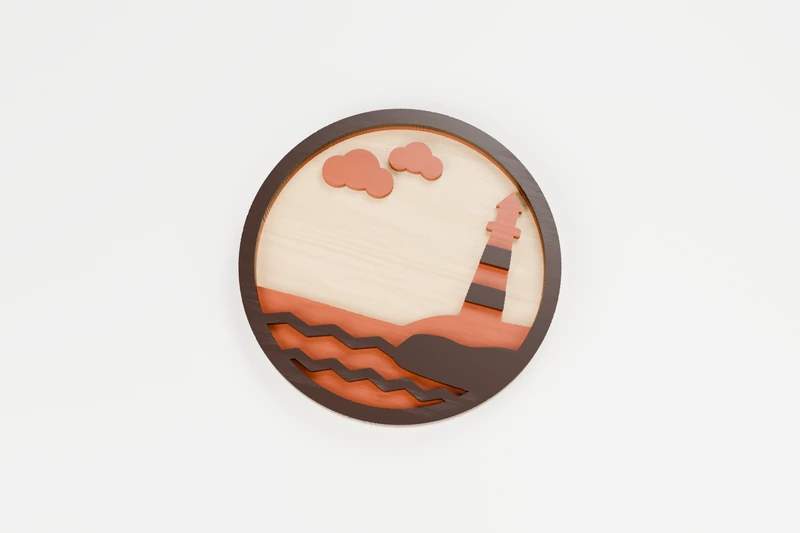
OCEAN · 3 LAYERS
Lighthouse layered plaque
A lighthouse on the point, in three woods.
↔︎ 180 × 180 mm◫ 3 layers to glue up
View pattern & downloads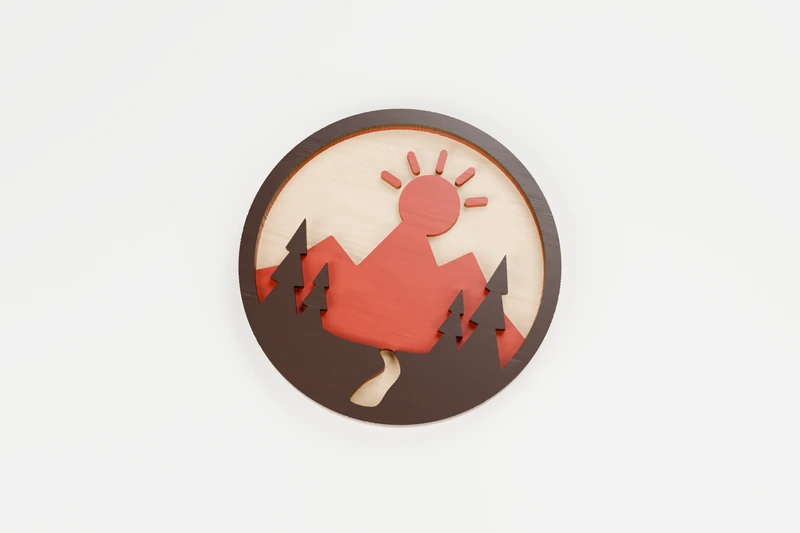
NATURE · 3 LAYERS
Mountain sunrise layered plaque
Sunrise over the peaks, in three woods.
↔︎ 180 × 180 mm◫ 3 layers to glue up
View pattern & downloads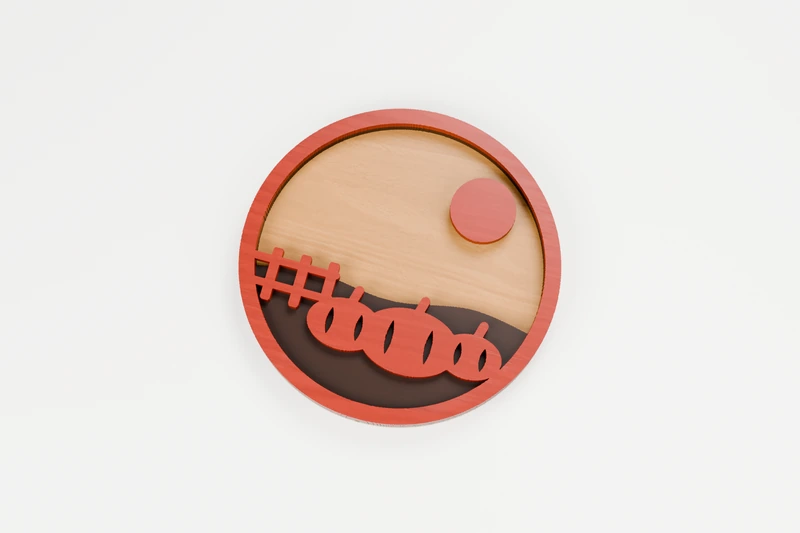
SEASONAL · 3 LAYERS
Pumpkin patch layered plaque
Pumpkins by the fence under a harvest moon, in three woods.
↔︎ 180 × 180.3 mm◫ 3 layers to glue up
View pattern & downloads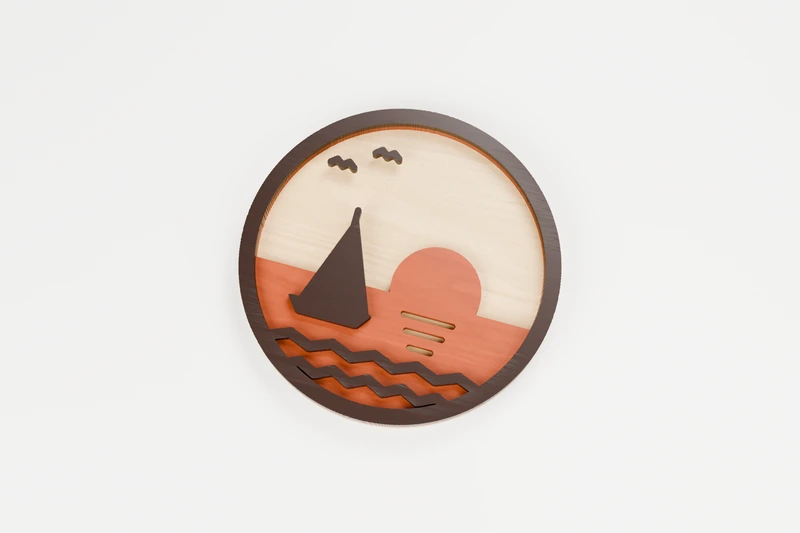
OCEAN · 3 LAYERS
Sailboat at sunset layered plaque
A sailboat heading home at sunset, in three woods.
↔︎ 180 × 180 mm◫ 3 layers to glue up
View pattern & downloads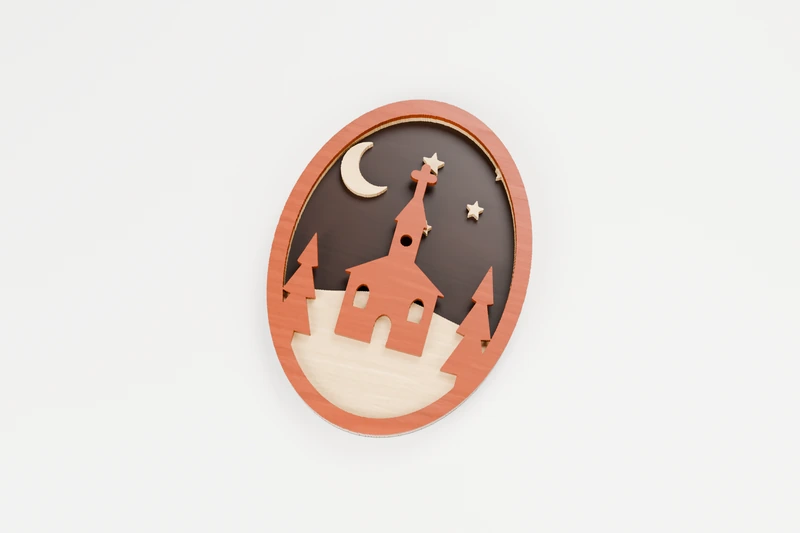
CHRISTMAS · 3 LAYERS
Snowy church layered plaque
A country church on a snowy night, in three woods.
↔︎ 140 × 188.3 mm◫ 3 layers to glue up
View pattern & downloads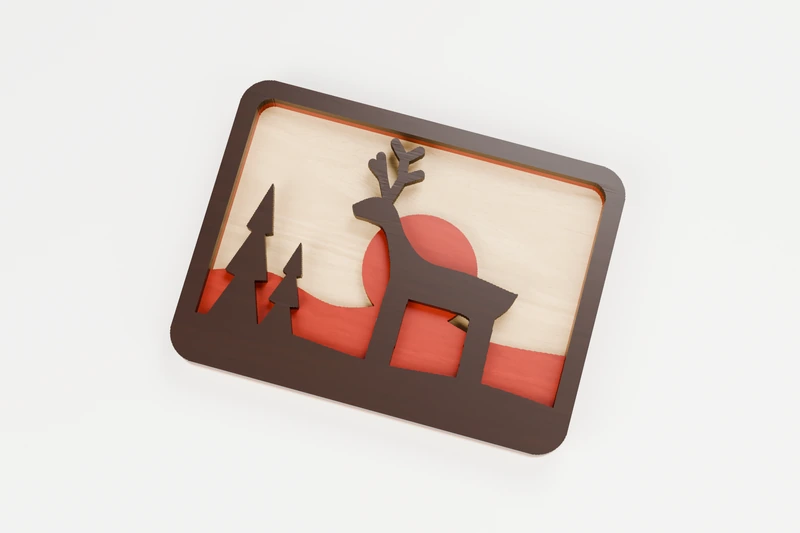
ANIMALS · 3 LAYERS
Stag at sunset layered plaque
A stag against the setting sun, in three woods.
↔︎ 180 × 133.8 mm◫ 3 layers to glue up
View pattern & downloads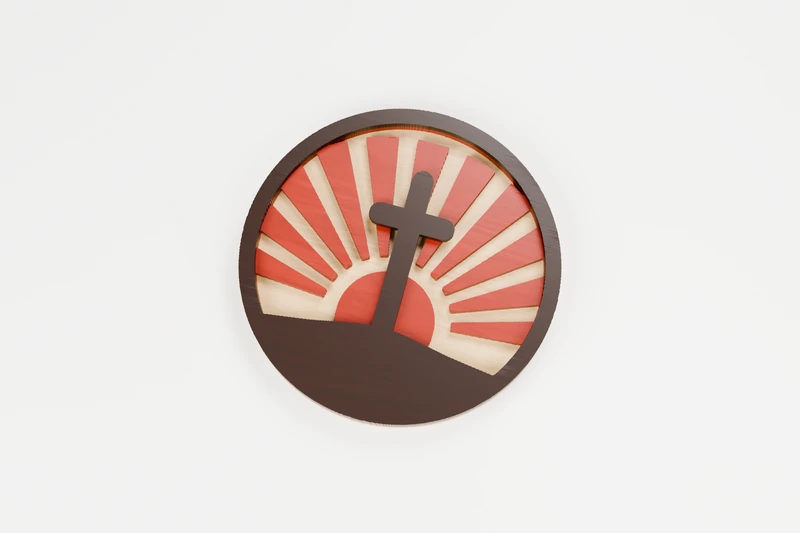
FAITH · 3 LAYERS
Cross at sunrise layered plaque
A cross on the hill at sunrise, in three woods.
↔︎ 180 × 180 mm◫ 3 layers to glue up
View pattern & downloads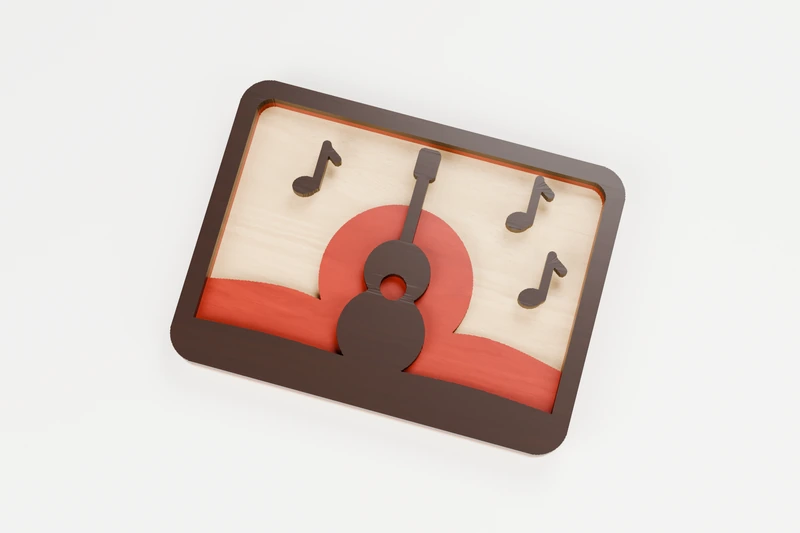
MUSIC · 3 LAYERS
Acoustic guitar layered plaque
An acoustic guitar against the sunset, in three woods.
↔︎ 180 × 133.8 mm◫ 3 layers to glue up
View pattern & downloads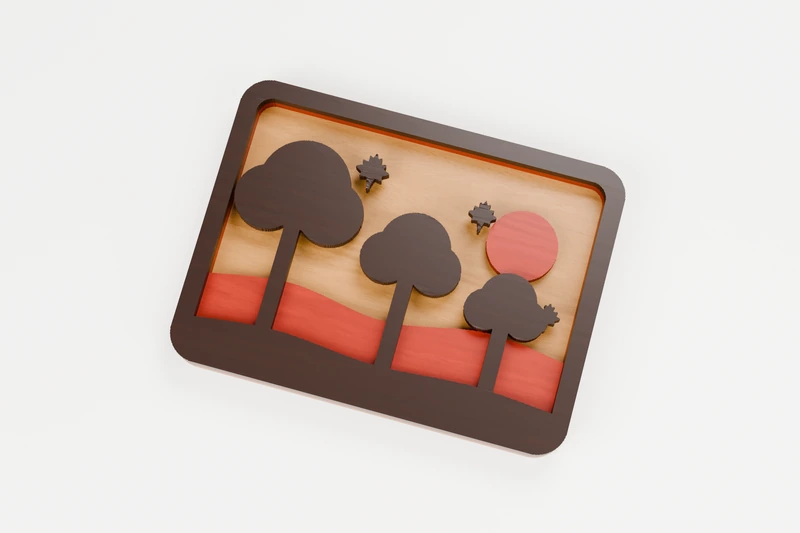
SEASONAL · 3 LAYERS
Autumn trees layered plaque
Autumn trees on the hill, in three woods.
↔︎ 180 × 133.8 mm◫ 3 layers to glue up
View pattern & downloads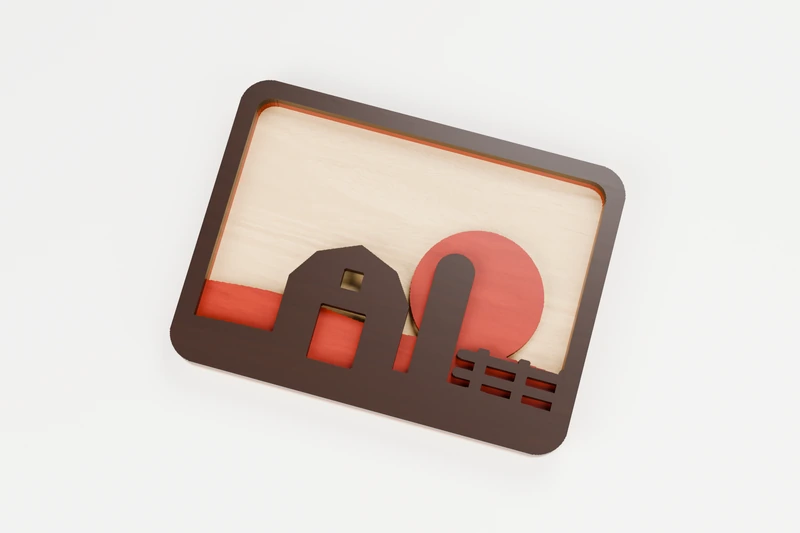
HOME · 3 LAYERS
Barn and silo layered plaque
A barn and silo at sundown, in three woods.
↔︎ 180 × 134 mm◫ 3 layers to glue up
View pattern & downloads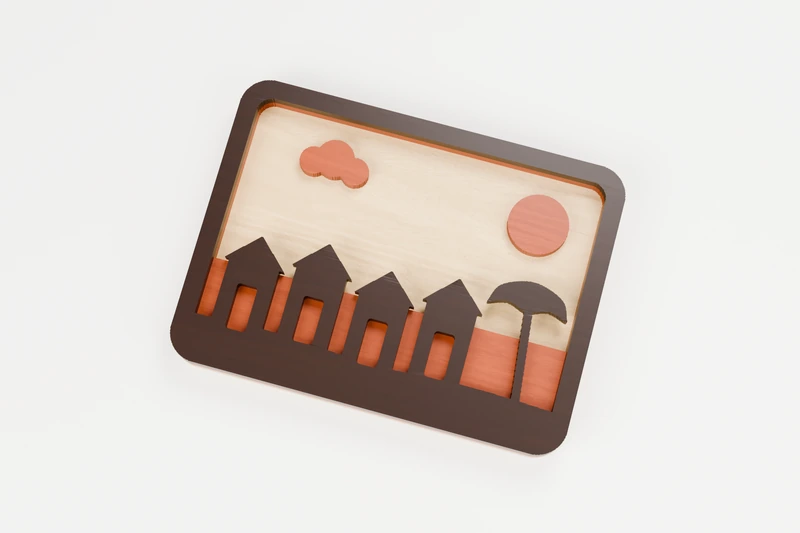
OCEAN · 3 LAYERS
Beach huts layered plaque
A row of beach huts by the sea, in three woods.
↔︎ 180 × 133.8 mm◫ 3 layers to glue up
View pattern & downloads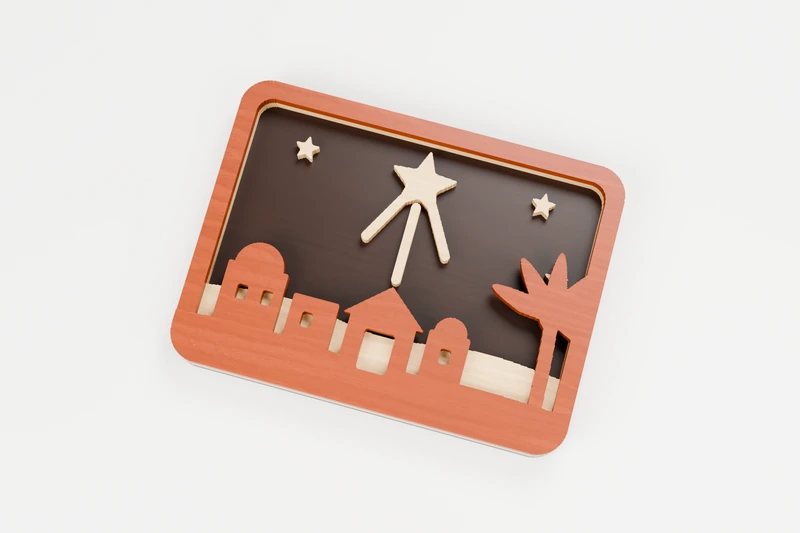
CHRISTMAS · 3 LAYERS
Star over Bethlehem layered plaque
The star over Bethlehem, in three woods.
↔︎ 180 × 133.7 mm◫ 3 layers to glue up
View pattern & downloads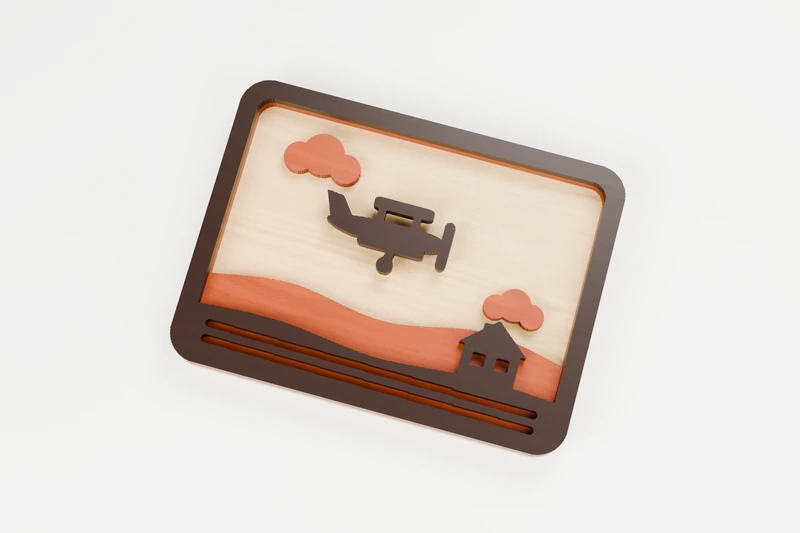
TRANSPORT · 3 LAYERS
Biplane over the farm layered plaque
A biplane over the farm fields, in three woods.
↔︎ 180 × 133.8 mm◫ 3 layers to glue up
View pattern & downloads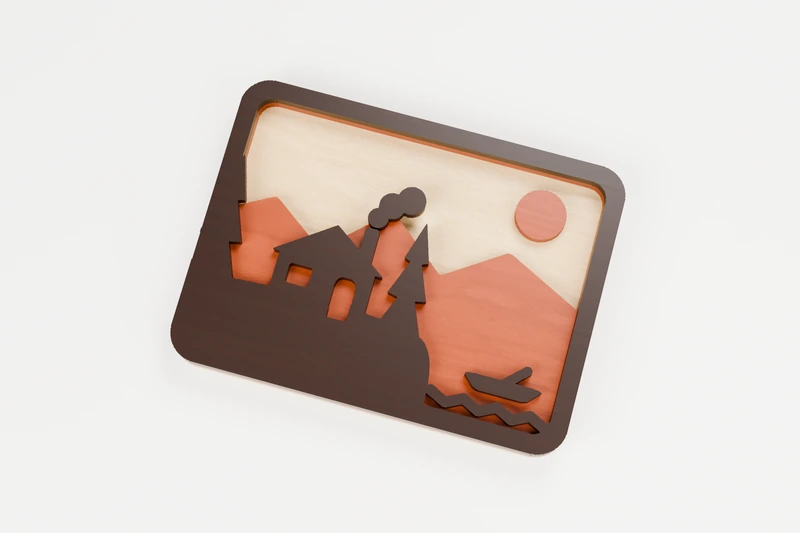
HOME · 3 LAYERS
Cabin at the lake layered plaque
A cabin on the lake shore, in three woods.
↔︎ 180 × 133.8 mm◫ 3 layers to glue up
View pattern & downloads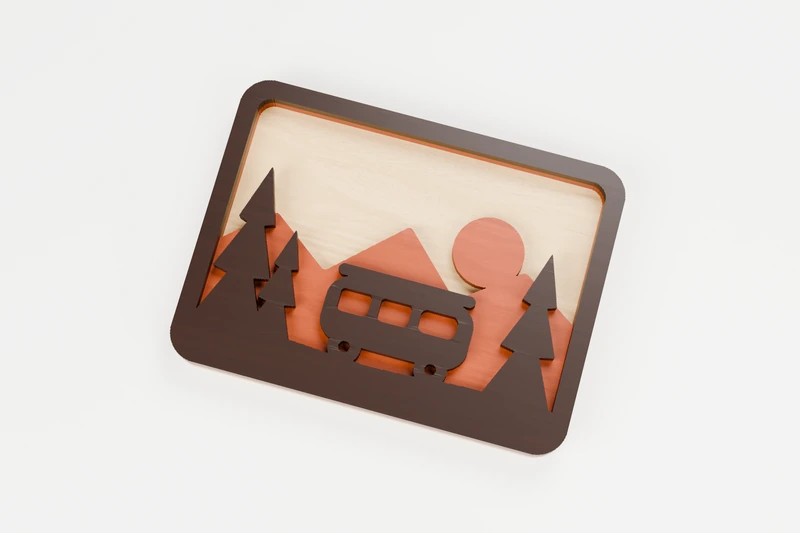
TRANSPORT · 3 LAYERS
Camper van road trip layered plaque
A camper van parked in the pines, in three woods.
↔︎ 180 × 133.8 mm◫ 3 layers to glue up
View pattern & downloads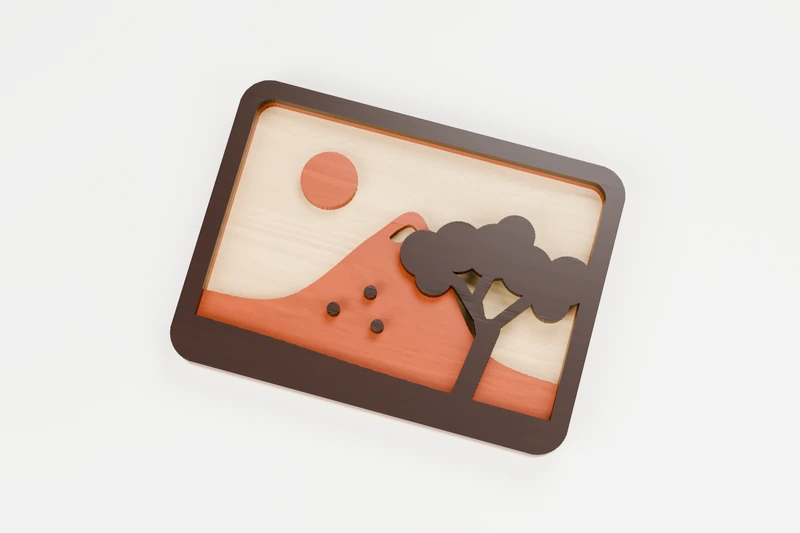
NATURE · 3 LAYERS
Cherry blossom layered plaque
Cherry blossom below the mountain, in three woods.
↔︎ 180 × 133.8 mm◫ 3 layers to glue up
View pattern & downloads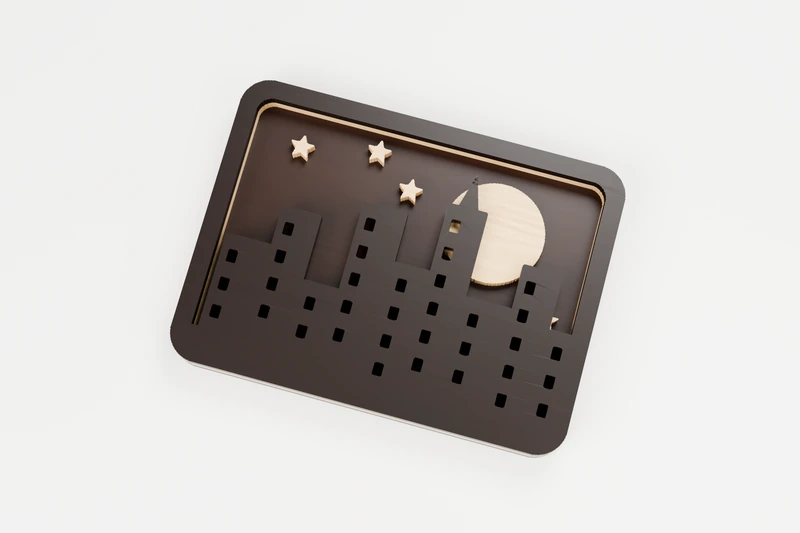
CELESTIAL · 3 LAYERS
City skyline at night layered plaque
City lights under a full moon, in three woods.
↔︎ 180 × 133.8 mm◫ 3 layers to glue up
View pattern & downloads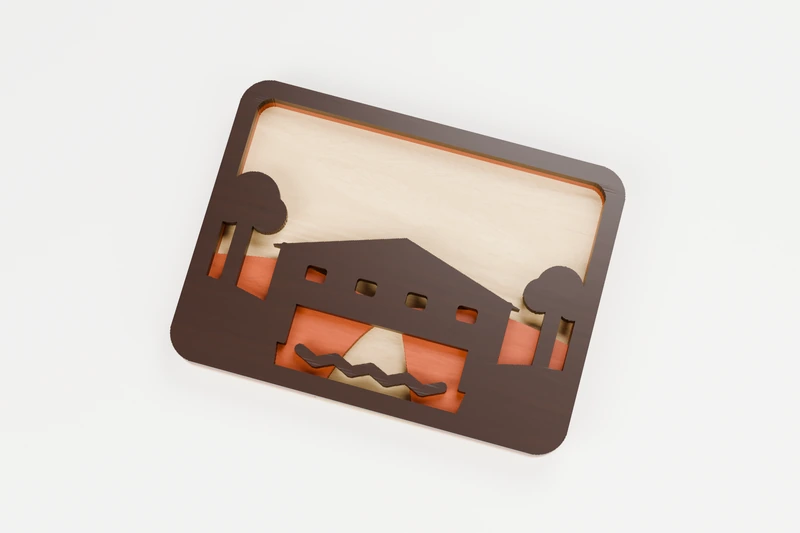
HOME · 3 LAYERS
Covered bridge layered plaque
A covered bridge over the river, in three woods.
↔︎ 180 × 133.8 mm◫ 3 layers to glue up
View pattern & downloads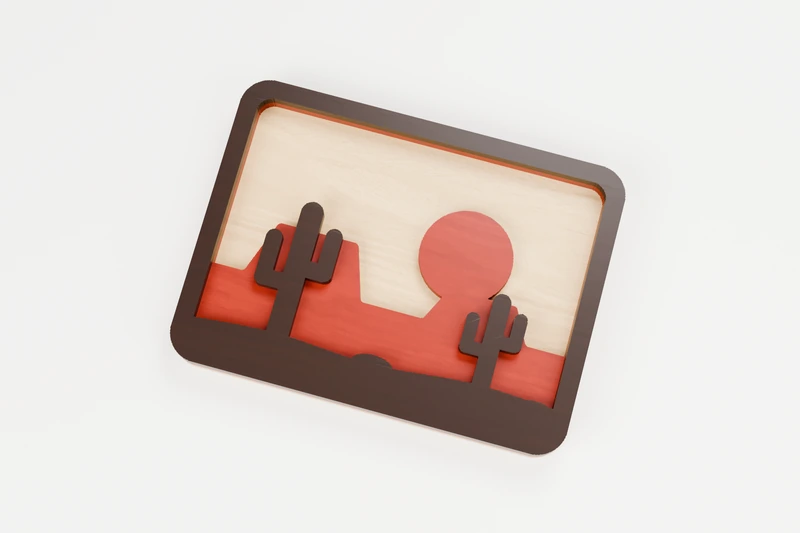
NATURE · 3 LAYERS
Desert mesas layered plaque
Saguaro and mesas at sundown, in three woods.
↔︎ 180 × 133.8 mm◫ 3 layers to glue up
View pattern & downloads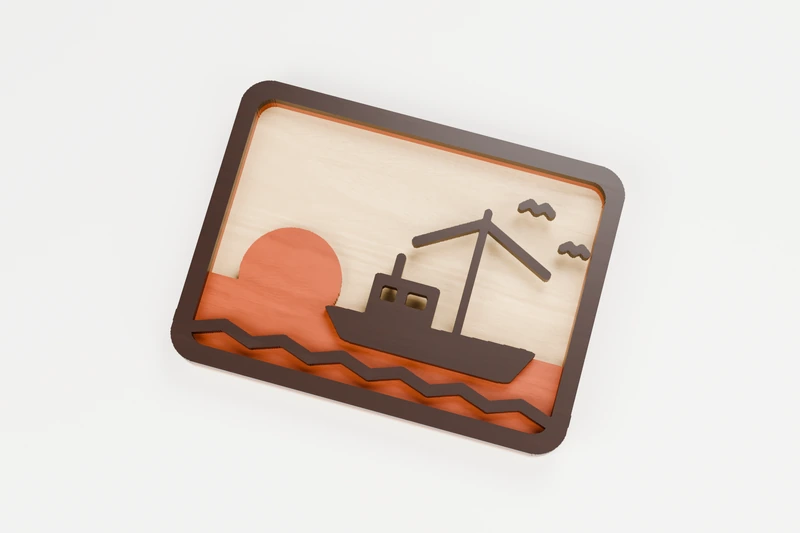
OCEAN · 3 LAYERS
Fishing boat at dawn layered plaque
A fishing boat heading out at dawn, in three woods.
↔︎ 180 × 133.7 mm◫ 3 layers to glue up
View pattern & downloads
TRANSPORT · 3 LAYERS
Floatplane on the lake layered plaque
A floatplane at the lake, in three woods.
↔︎ 180 × 134 mm◫ 3 layers to glue up
View pattern & downloads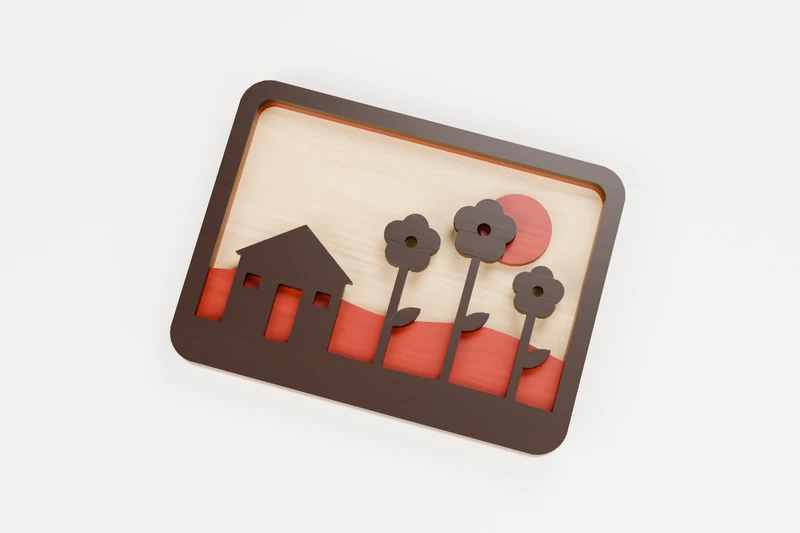
HOME · 3 LAYERS
Garden shed and sunflowers layered plaque
Sunflowers by the garden shed, in three woods.
↔︎ 180 × 133.8 mm◫ 3 layers to glue up
View pattern & downloads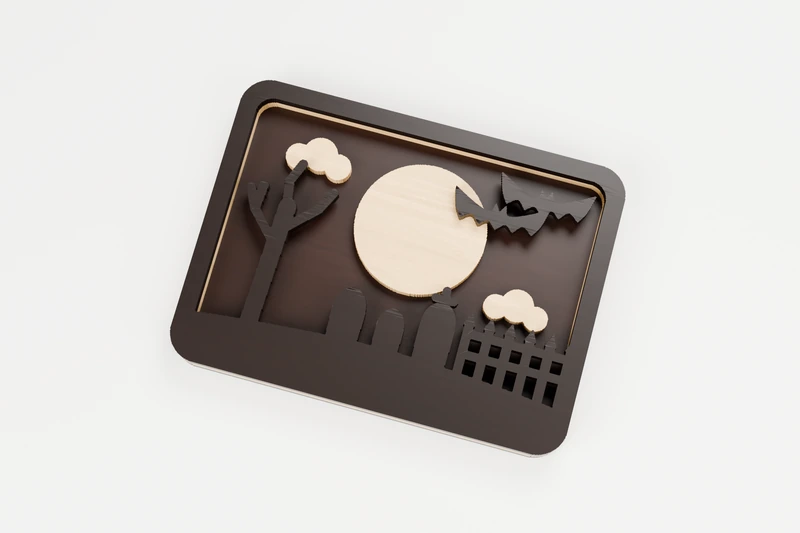
HALLOWEEN · 3 LAYERS
Graveyard at midnight layered plaque
A graveyard under the full moon, in three woods.
↔︎ 180 × 133.9 mm◫ 3 layers to glue up
View pattern & downloads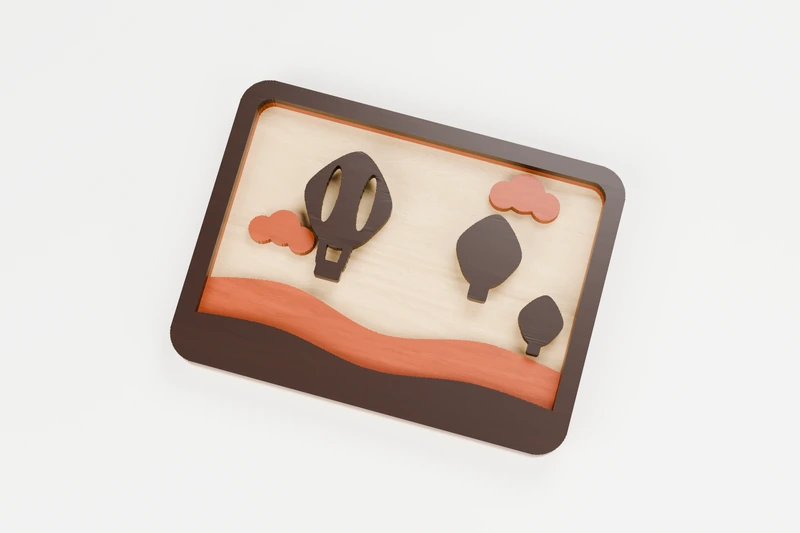
TRANSPORT · 3 LAYERS
Hot air balloons layered plaque
Hot air balloons over the hills, in three woods.
↔︎ 180 × 133.8 mm◫ 3 layers to glue up
View pattern & downloads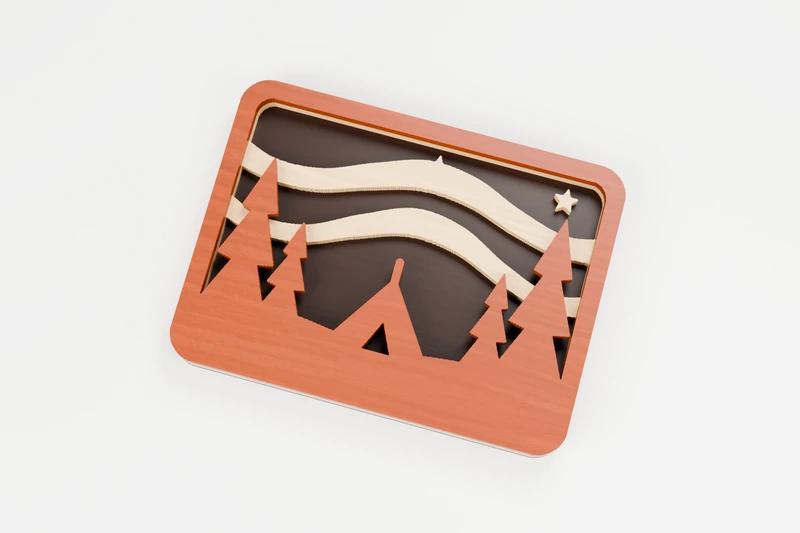
CELESTIAL · 3 LAYERS
Northern lights layered plaque
Camping under the northern lights, in three woods.
↔︎ 180 × 133.9 mm◫ 3 layers to glue up
View pattern & downloads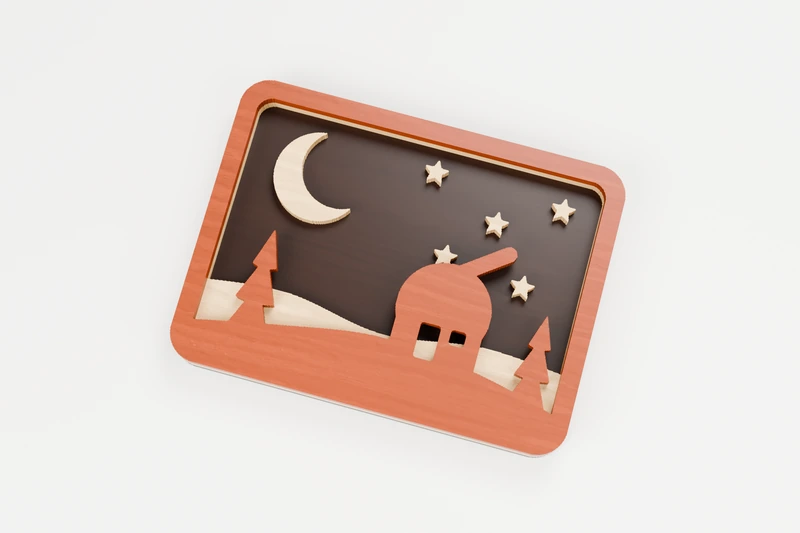
CELESTIAL · 3 LAYERS
Observatory on the hill layered plaque
An observatory under the stars, in three woods.
↔︎ 180 × 133.8 mm◫ 3 layers to glue up
View pattern & downloads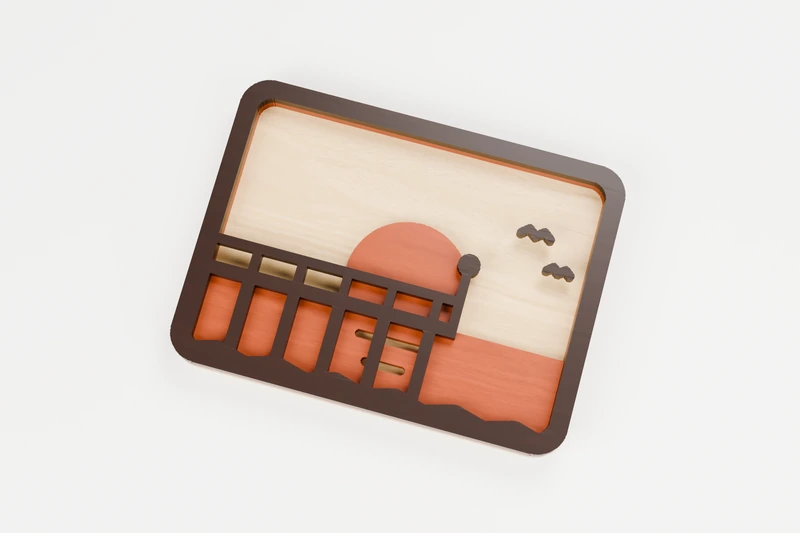
OCEAN · 3 LAYERS
Old pier layered plaque
An old pier at sunset, in three woods.
↔︎ 180 × 134 mm◫ 3 layers to glue up
View pattern & downloads
OCEAN · 3 LAYERS
Palm beach layered plaque
Palms on the beach at sunset, in three woods.
↔︎ 180 × 133.8 mm◫ 3 layers to glue up
View pattern & downloads
TRANSPORT · 3 LAYERS
Rocket launch layered plaque
A rocket lifting off into the night, in three woods.
↔︎ 180 × 133.8 mm◫ 3 layers to glue up
View pattern & downloads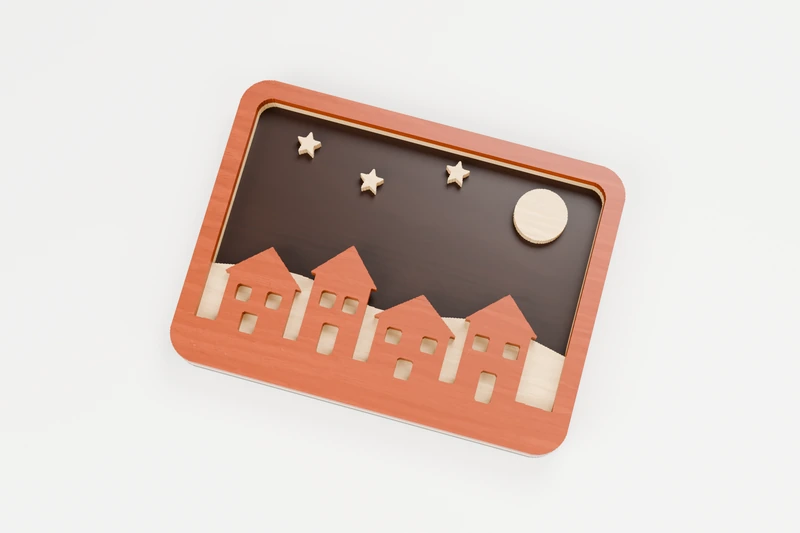
CHRISTMAS · 3 LAYERS
Snowy village layered plaque
A snowy village on Christmas Eve, in three woods.
↔︎ 180 × 133.8 mm◫ 3 layers to glue up
View pattern & downloads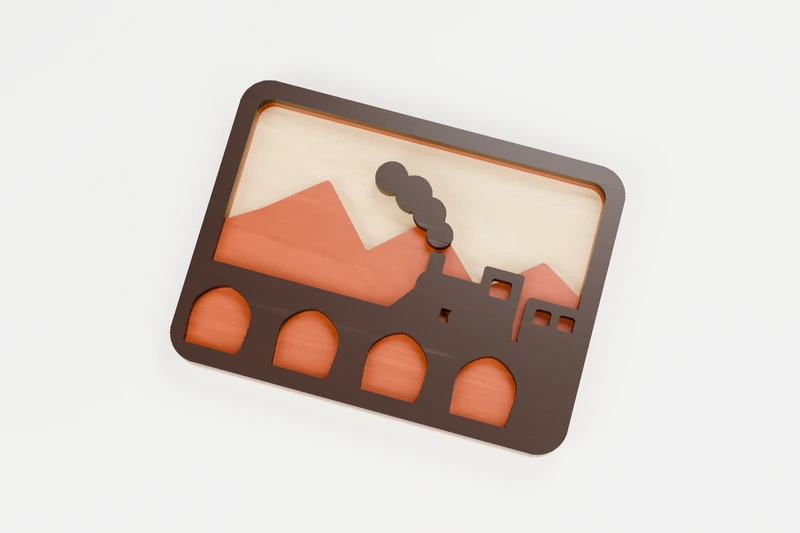
TRANSPORT · 3 LAYERS
Steam train on the viaduct layered plaque
A steam train crossing the viaduct, in three woods.
↔︎ 180 × 133.8 mm◫ 3 layers to glue up
View pattern & downloads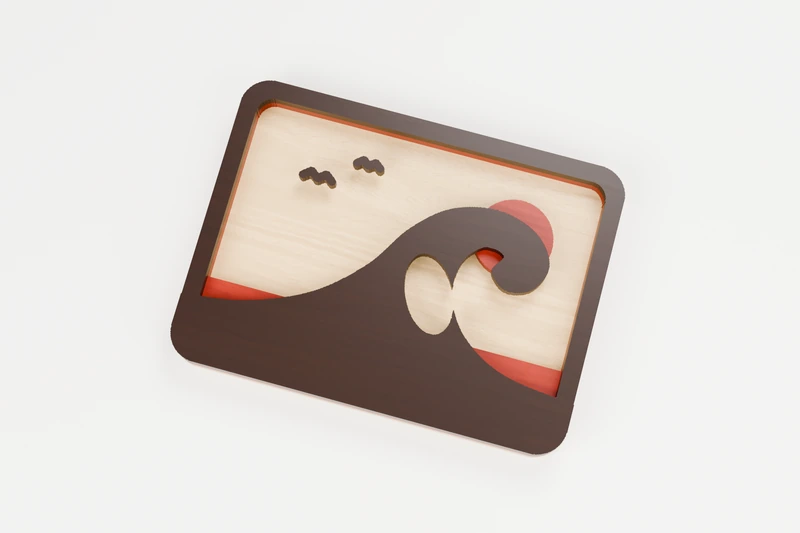
OCEAN · 3 LAYERS
Curling wave layered plaque
A big wave curling under the sun, in three woods.
↔︎ 180 × 133.7 mm◫ 3 layers to glue up
View pattern & downloads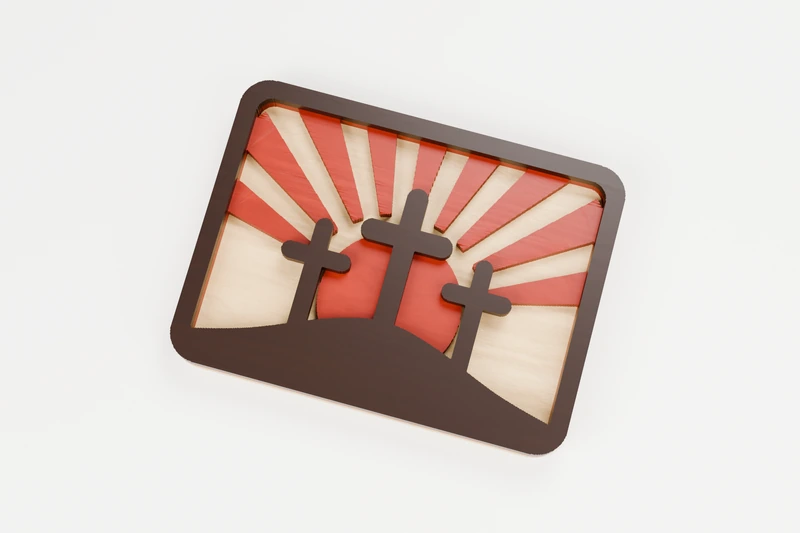
FAITH · 3 LAYERS
Three crosses layered plaque
Three crosses on the hill, in three woods.
↔︎ 180 × 134.1 mm◫ 3 layers to glue up
View pattern & downloads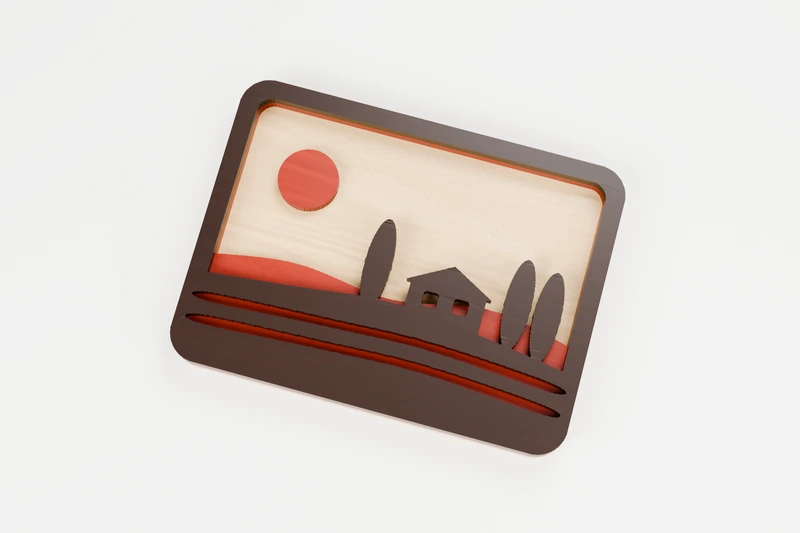
NATURE · 3 LAYERS
Vineyard hills layered plaque
Vineyard rows and cypress trees, in three woods.
↔︎ 180 × 133.8 mm◫ 3 layers to glue up
View pattern & downloads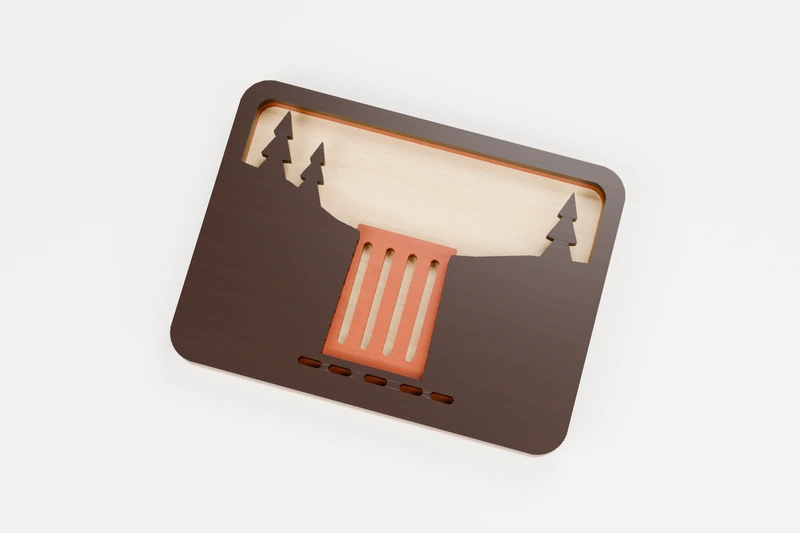
NATURE · 3 LAYERS
Waterfall layered plaque
A waterfall between the cliffs, in three woods.
↔︎ 180 × 133.8 mm◫ 3 layers to glue up
View pattern & downloads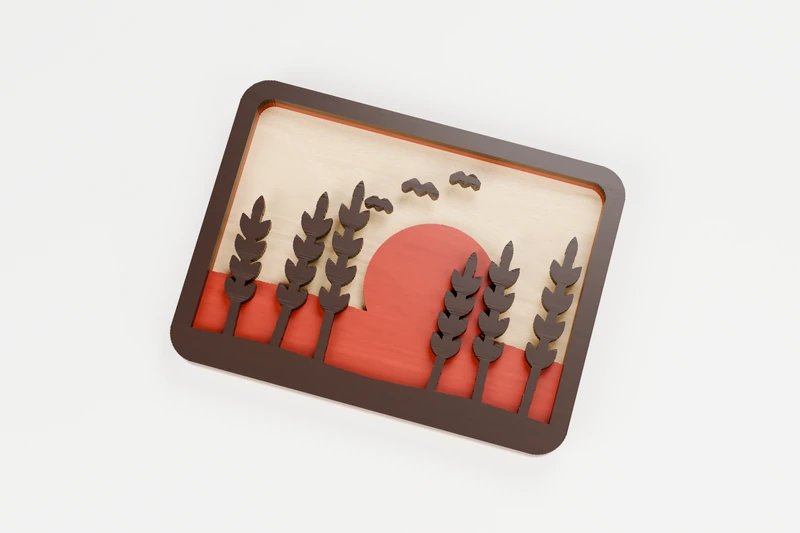
SEASONAL · 3 LAYERS
Wheat field layered plaque
Ripe wheat in the evening sun, in three woods.
↔︎ 180 × 133.8 mm◫ 3 layers to glue up
View pattern & downloads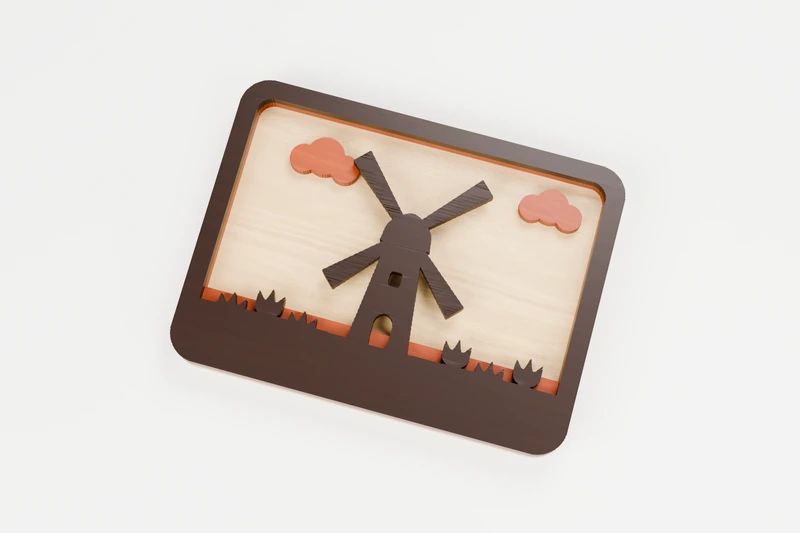
HOME · 3 LAYERS
Windmill and tulips layered plaque
A windmill above the tulip fields, in three woods.
↔︎ 180 × 133.8 mm◫ 3 layers to glue up
View pattern & downloadsNo matching designs. Try another search or clear your filters.
FROM FILE TO FINISHED PIECE
Import it. Test it. Cut it.
Each ZIP includes every design as SVG and DXF, plus a short read-me.
- Import at actual size. Files are in millimetres, and each card lists the finished size. If it looks the wrong size, check your software's import units or DPI setting, then scale proportionally.
- Red lines are cut lines. In LightBurn, the red layer imports ready to set as Line/Cut. In xTool Creative Space and Glowforge, set the red paths to Cut. There is no engrave layer and no border box to delete.
- Cut the inside openings first. Then cut the outside, so the piece stays put. Most software has an "inner shapes first" option.
- Run a test on scrap. Power, speed and kerf vary by machine and material. 3 mm birch plywood or basswood is a good place to start.
- Mind thin parts when shrinking. Narrow tips and bridges get fragile at small sizes. Check them on screen before you cut.
The laser files are traced from the same shapes as the scroll saw PDFs and checked digitally against them: one outside piece, every inside cut accounted for. They have not been test-cut on every laser, so a quick scrap test is always worth it.
Prefer a printable pattern? Every design also has scroll saw PDFs.
Sell your finished makes; never resell or share the files themselves. Read the usage terms ↗︎